The Japanese Haiku

My last animation was done in a day, and it was the one I spent the least amount of time on and yet I think its my favorite and came out the best??

Its one of those projects where it comes out exactly as you envisioned and planned it.
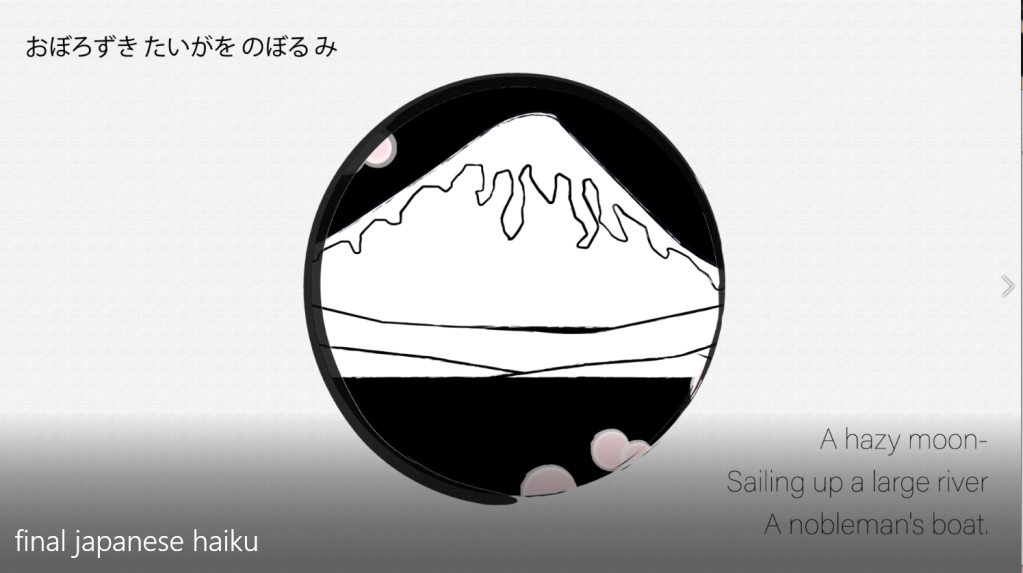
I used the texturizer on illustrator and it worked really well for a paper effect and look. First I thought just black outlines for my shapes and everything would look good, then I started experimenting with the brushes and all of a sudden it really started looking like a drawing.
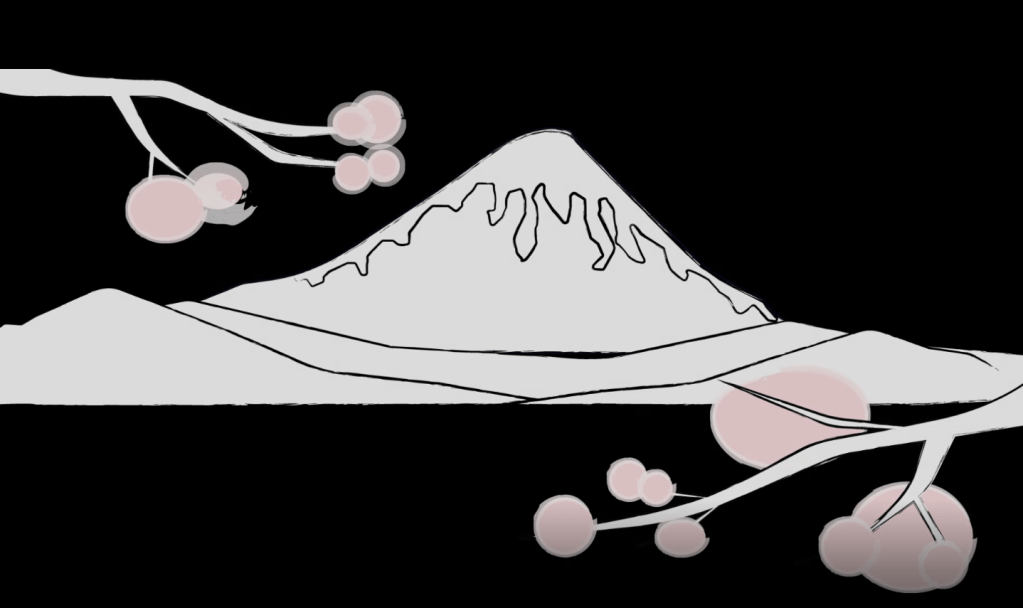
I used that for the transition where it goes from a drawing to “real life.”

Effects
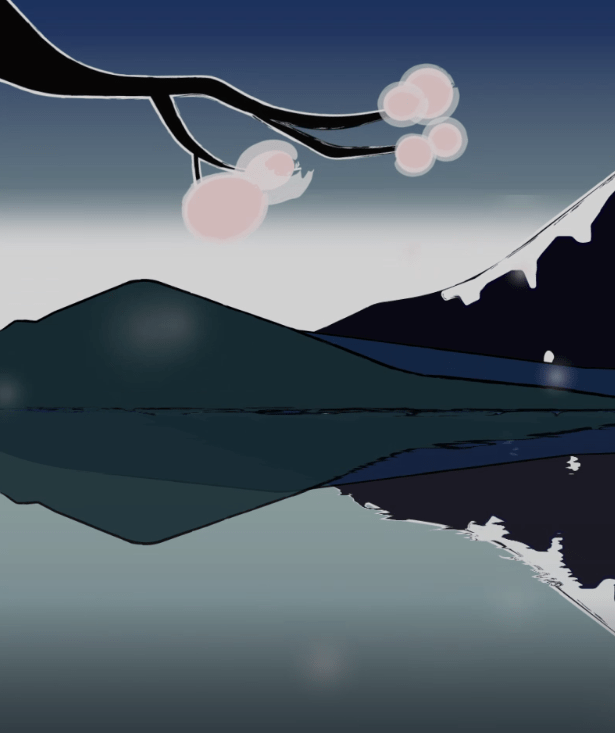
To make blossoms fall, I used particles, blurred them and made them pink. Then, arranged it underneath the branches and changed the direction so it seems to fall from the branches.

Fractal noise
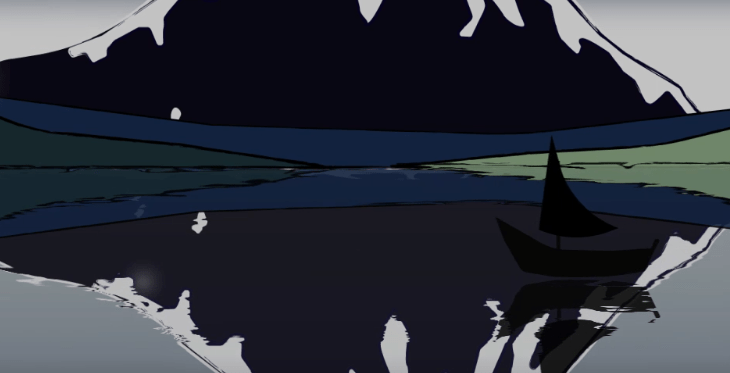
I followed a tut on how to make water refelction, and it worked out pretty well. I had to go back and forth to tweak it so it would actually show up. It distorted mostly at the top and you can only see it at the edges of objects. Once animated it looks amazing though. My background layers were horizontally flipped, and my boat reflection is also a duplicate layer parented to the original.

The rest wasn’t that complicated, I changed gradient colors, made the scene darker and added a rising moon.

The struggle was mostly these little effects and compositing a smooth intro with the different drawing layers coming together.
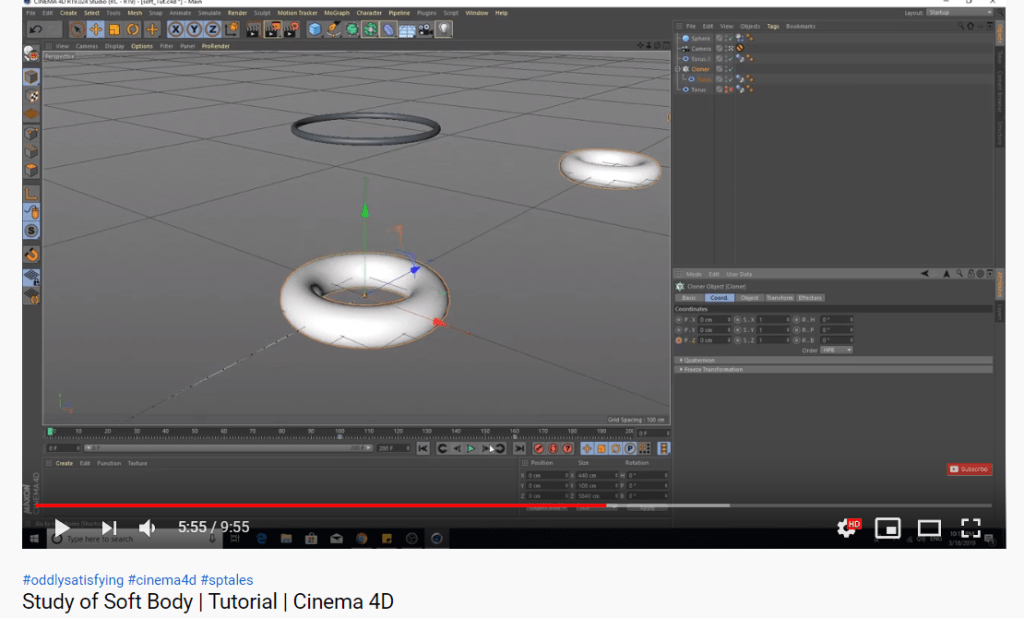
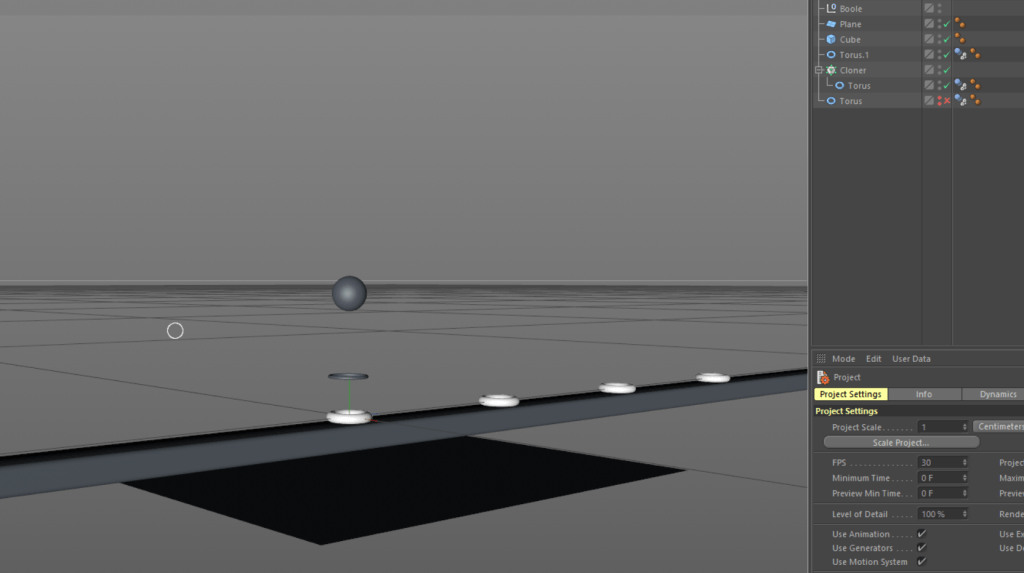
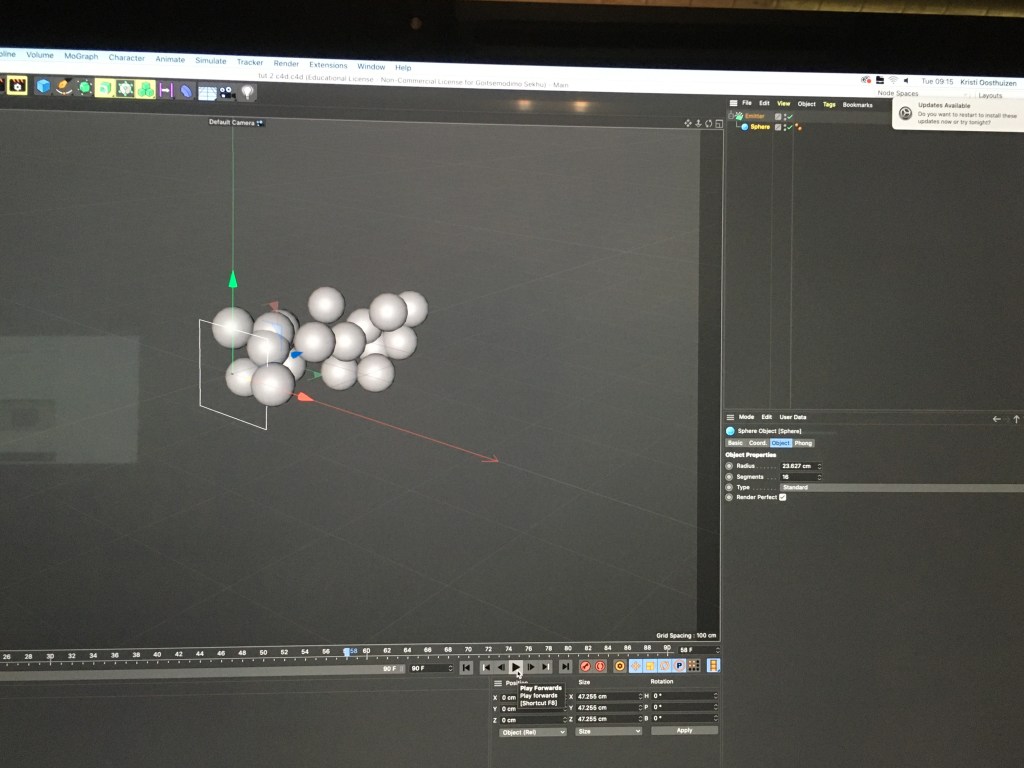
CDP: Soft body

I followed this tutorial for my soft body , and it turned out okay…

Looks a lot better than my skatepark, but I had more time for this and kinda gave up on the other one to be honest. I still feel like I really struggle with cinema. I work very slowly and I feel like I can only do things when I follow a tut and replay each step at least 3 times lol ..so I still feel really uncertain.

Squirrel Haiku process

Pretty much half of this animation is done, I might still tweak camera movements, but I still need to add the next 2 frames and need to make a plan for the jump cycle. I’ll see.

It was fun to play around with the camera and see what kind of transitions I can come up with. The panning in through the leaves really looks like how I pictures it in my storyboards.

bad quality soz looks nice irl

Here you can see how I used the puppet pins to animate my squirrel and the nut in the tree. HIs round little body makes for easy pin animation so I really hope I can kinda make a jump thing happen. Otherwise he’ll pop out behind trees. Either was at the end I’ll be able to animate him putting down the nut and jump away.

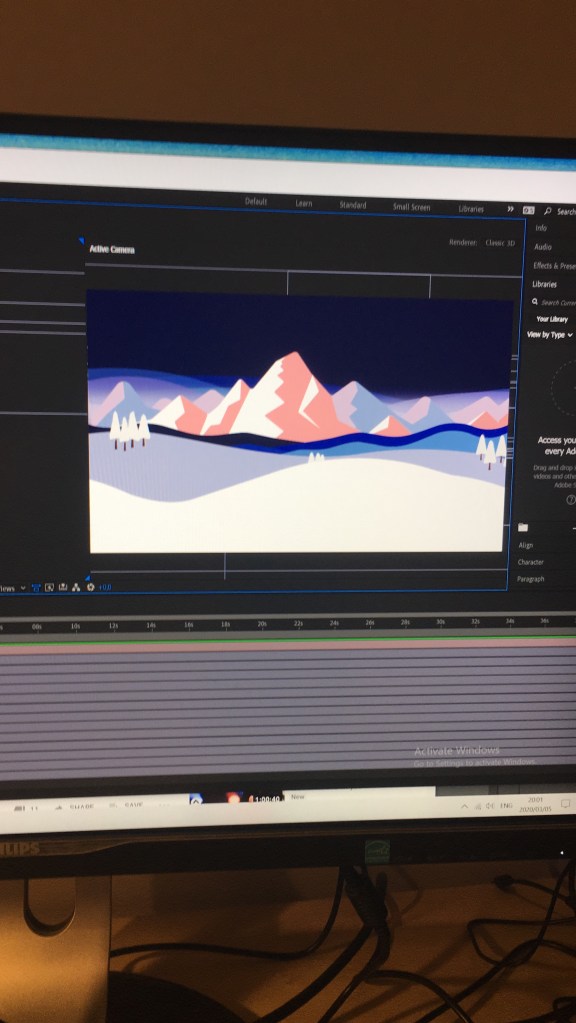
Parallaxing my backgrounds

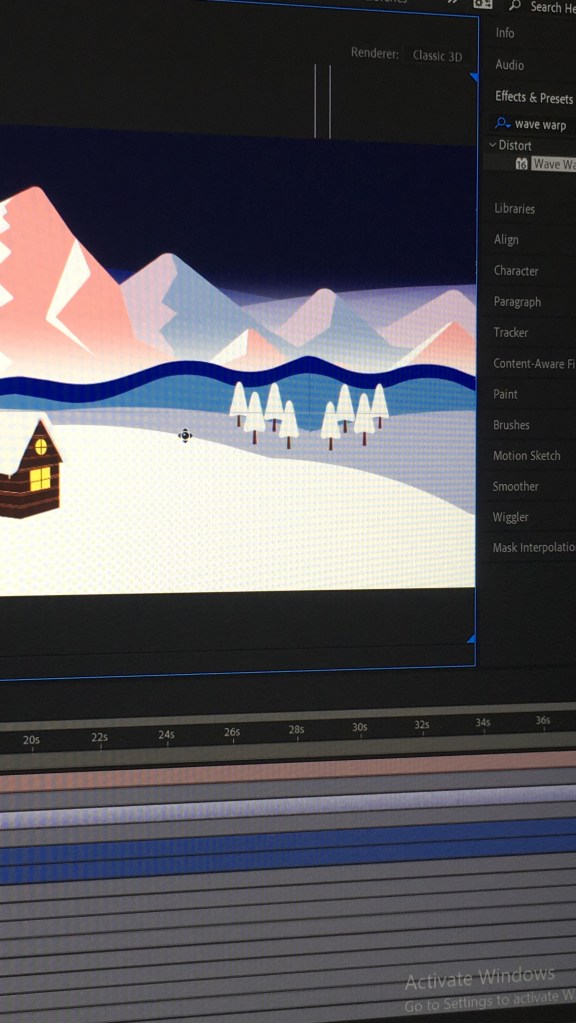
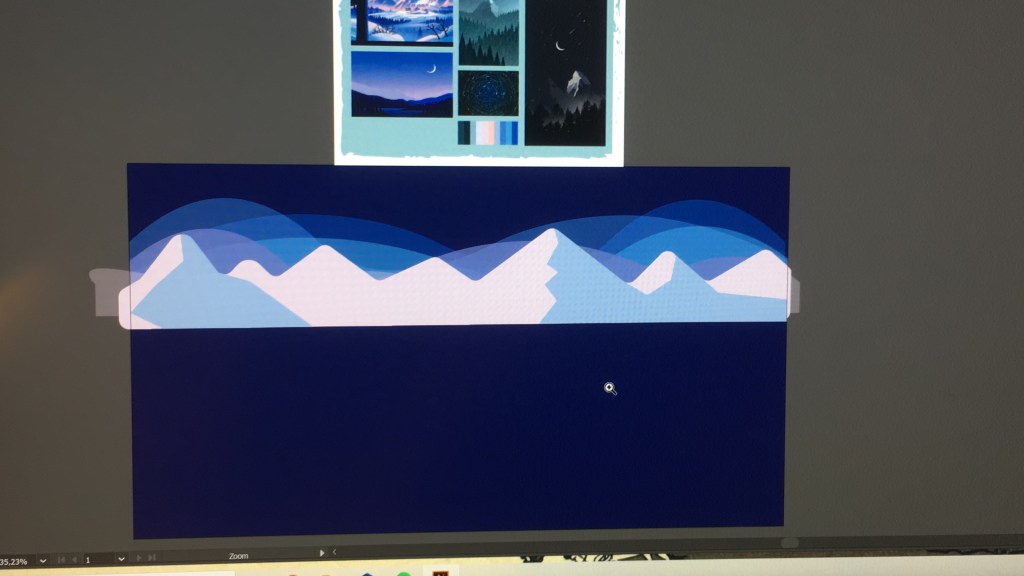
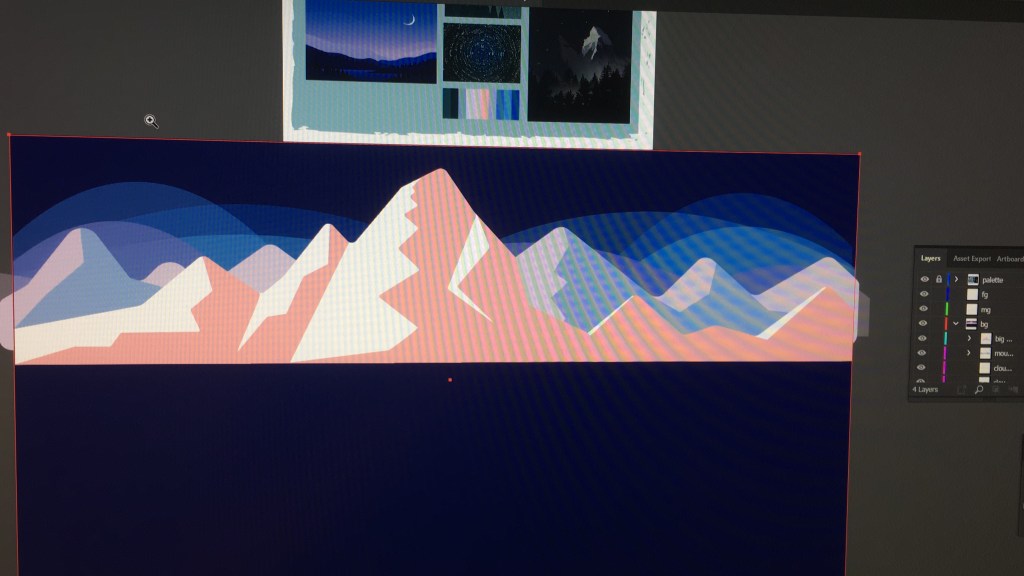
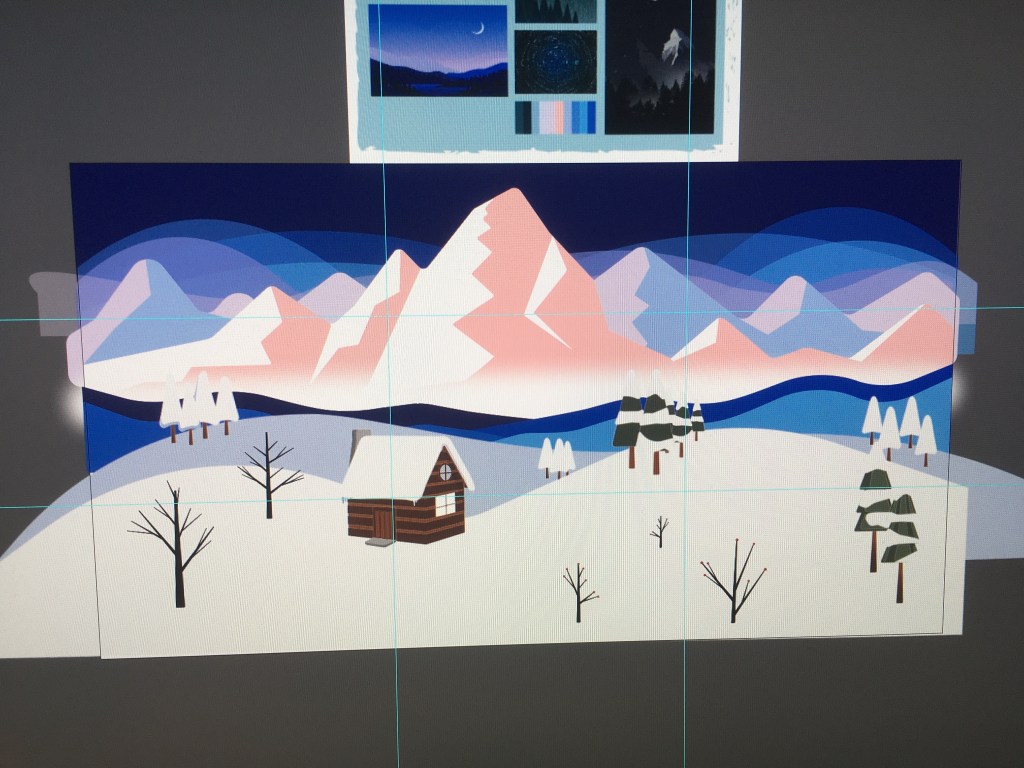
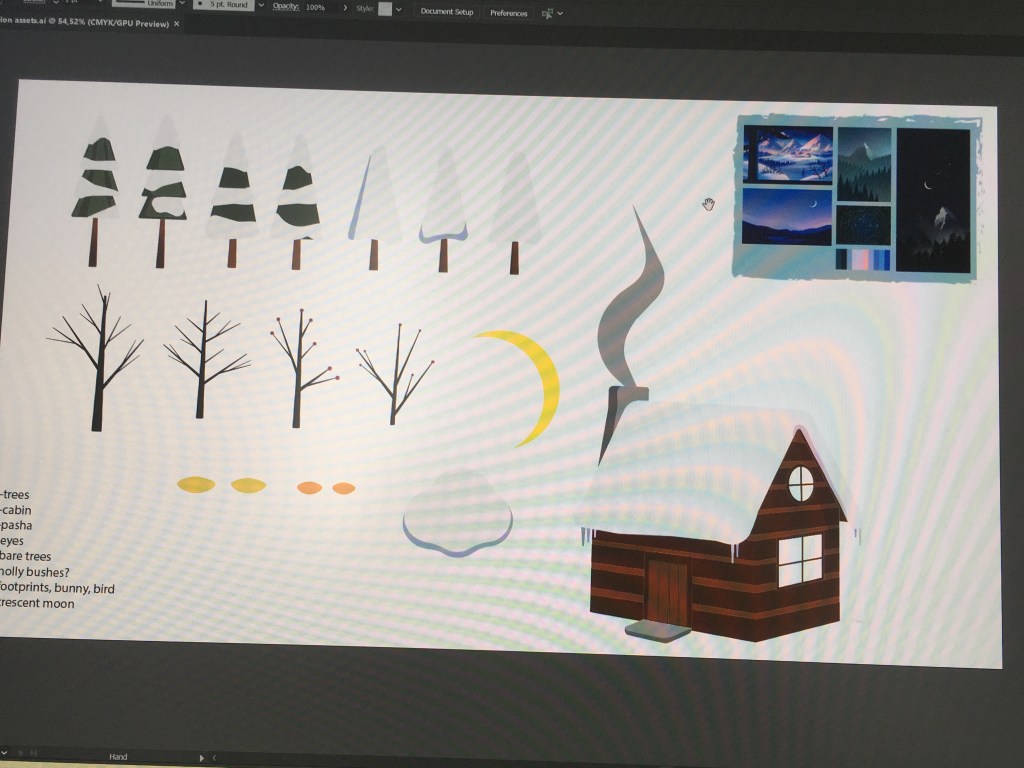
A good tutorial finally helped me understand paralleling backgrounds and how the camera tool works. For my winter animation I duplicated a lot of the backgounds to make it longer so I could pan to the side a lot.

That illustrator problem where only the visible layer on the dartboard is exported couldn’t-t be solved. I tried importing as document size and not layer size but still….

The downside of that is that you can kinda see where the duplicates start and end… that is the best I can do to make the edges look okay.. :/

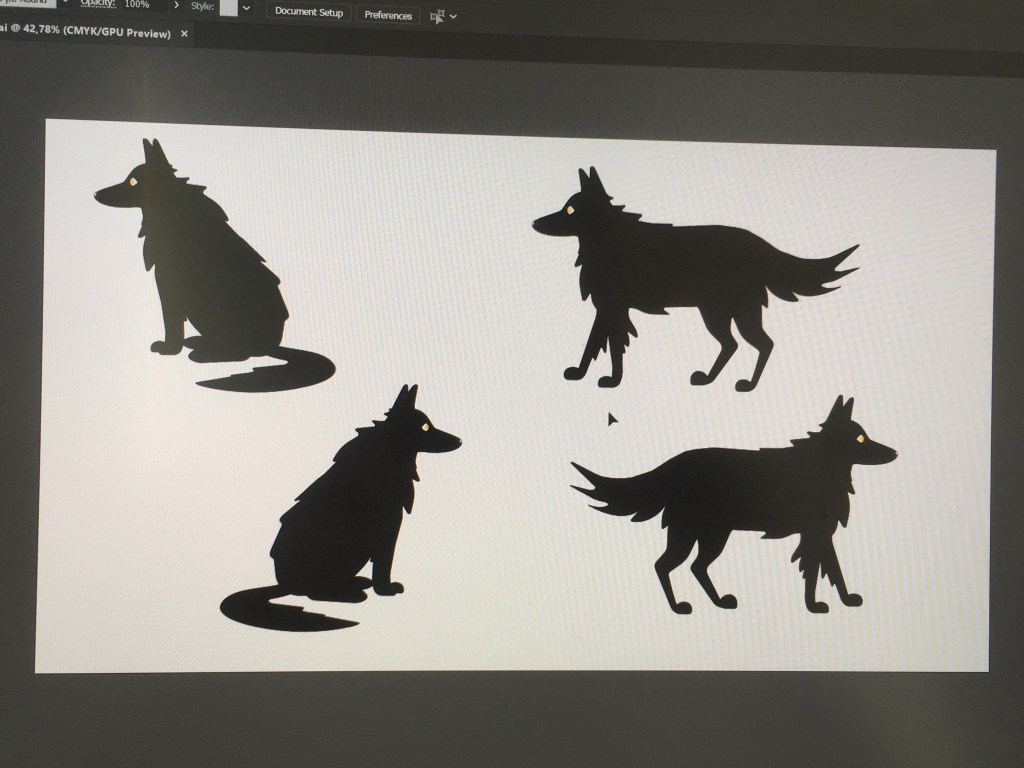
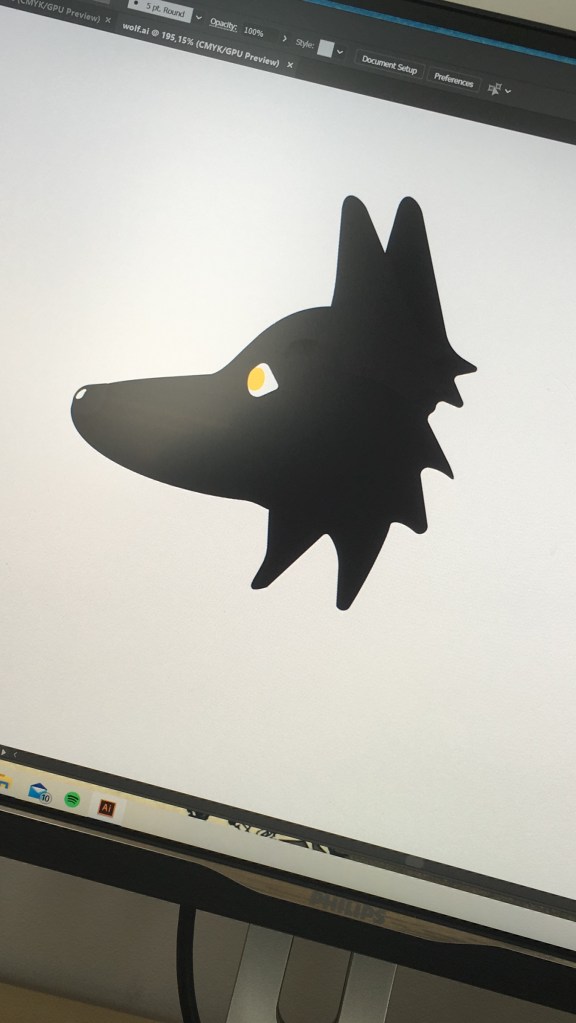
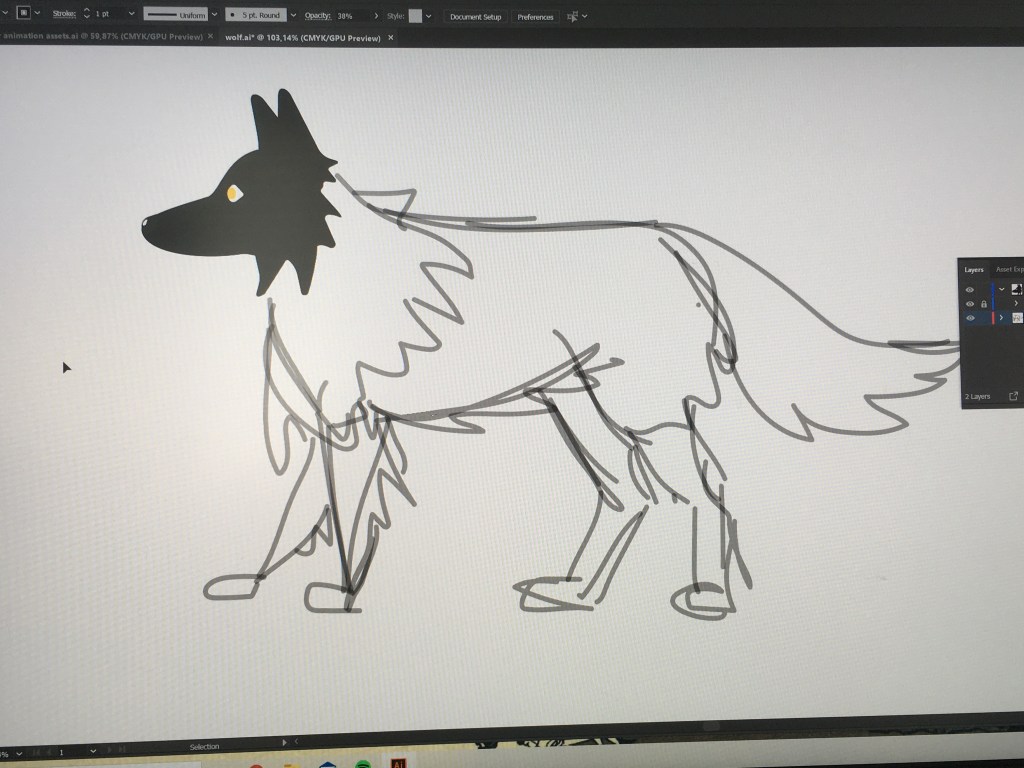
So far I’ve animated the background, the cabin light and smoke curling up. Now I need to add a light, to darken the scene and make eyes pop up. Next, incorporate the wolf into the scene without it moving..

Finally, I will need to attempt animating stars…

Walk cycle failures

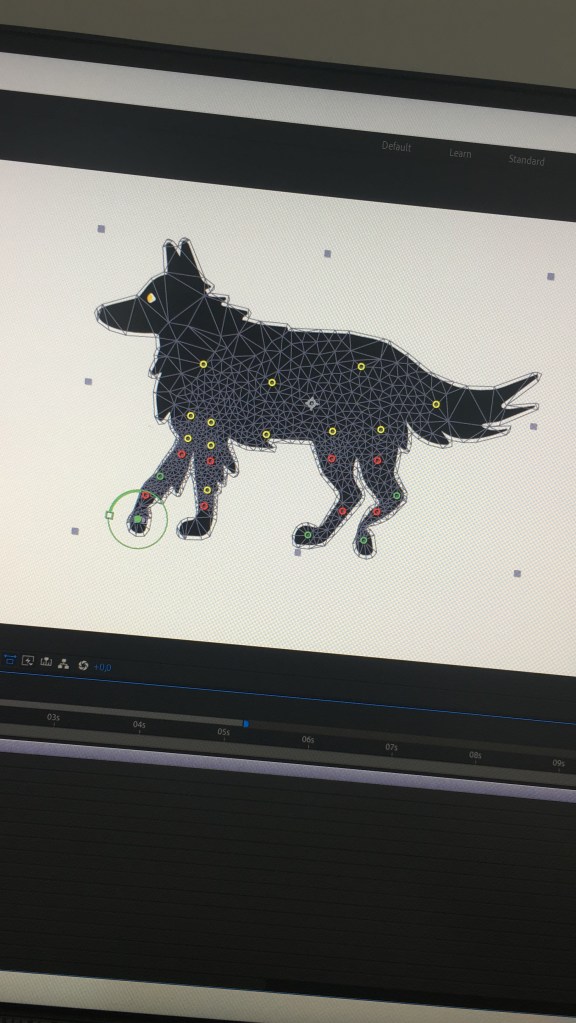
I tried the puppet pin tool. Did not end well, because each leg would distort the one next to it when I made movements.

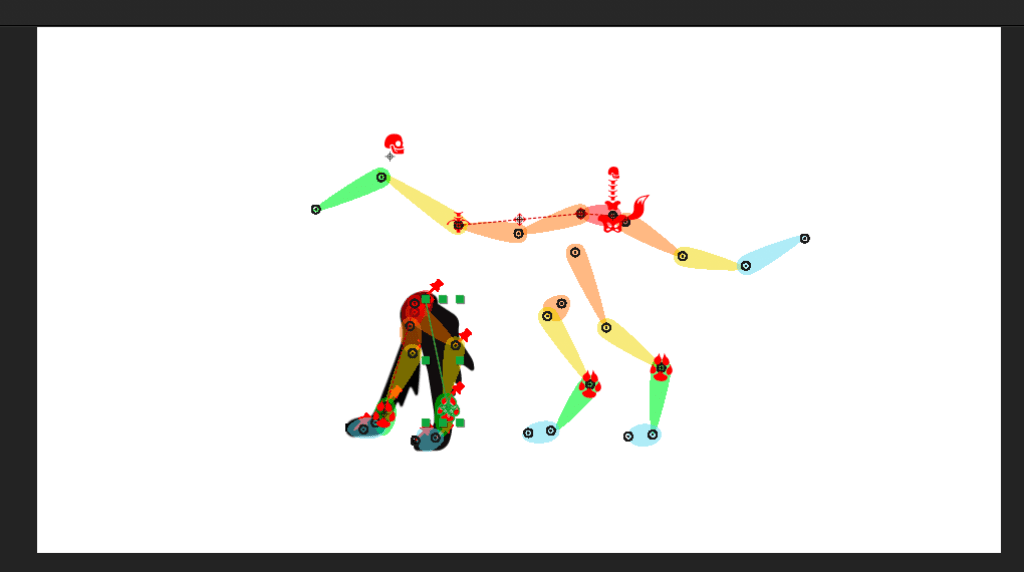
Then, Duik. The thing is Duik would work well if I had a lot of time to put into it WHICH I DONT so, I will make a plan for my animation, make slight movements or head turns with puppet pins, animate the rest, have it done. Then if there is a tiny chance I can fit more time into it (highly unlikely) I’ll reattempt it. Otherwise I’ll just keep it for another brief.

The problem here was the bottom pins on the one leg’s rigging was wrong. I couldn’t go back to undoing the auto rig, and making the friggin skeleton took me all morning (I’m a first timer all right) so . yeah… it WOULDVE LOOKED NICE

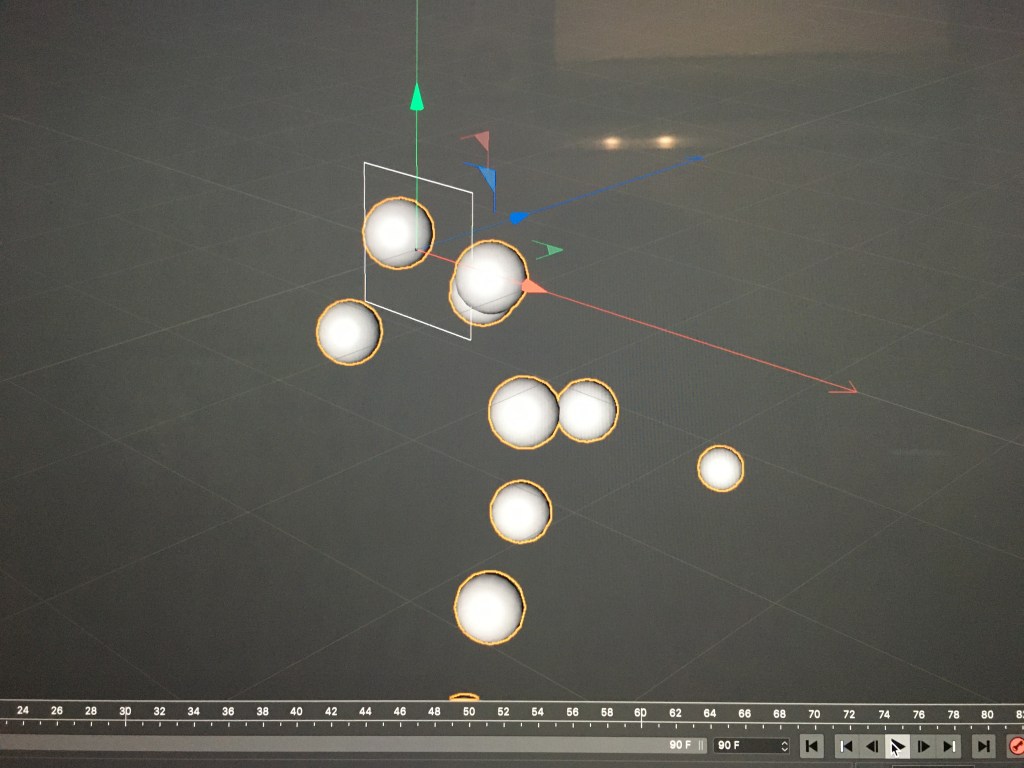
CDP: C4D Dynamics

Today we learned about soft bodies and rigid bodies. Essentially a collider body cannot have other shapes merge or fall through it as a soft body does, instead other shapes collide against it as the name suggests.

We also learned about lights, and the different types we can use such as spotlight, or a plane light. It is like a virtual studio and you can recreate traditional lighting effects by positioning it where you want. You can make split, rembrandt, rim light etc. It could be useful to import packshots into c4d and then make creative lighting instead physically doing it.

I found some more tutorials on this:

CDP: Splines suck

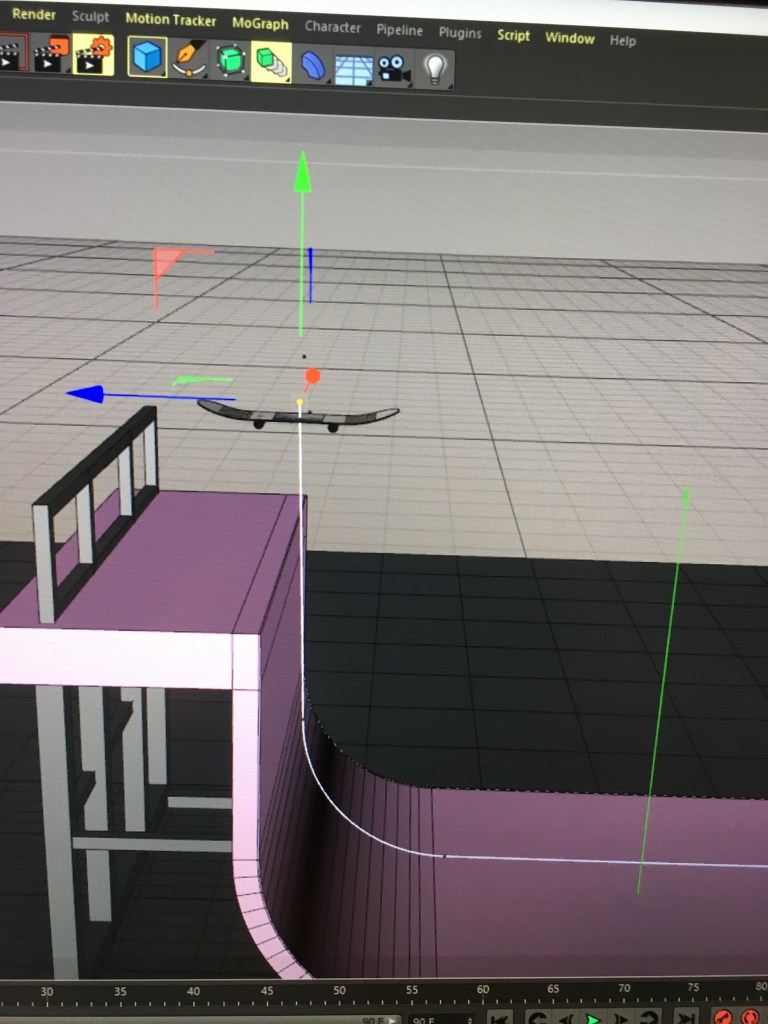
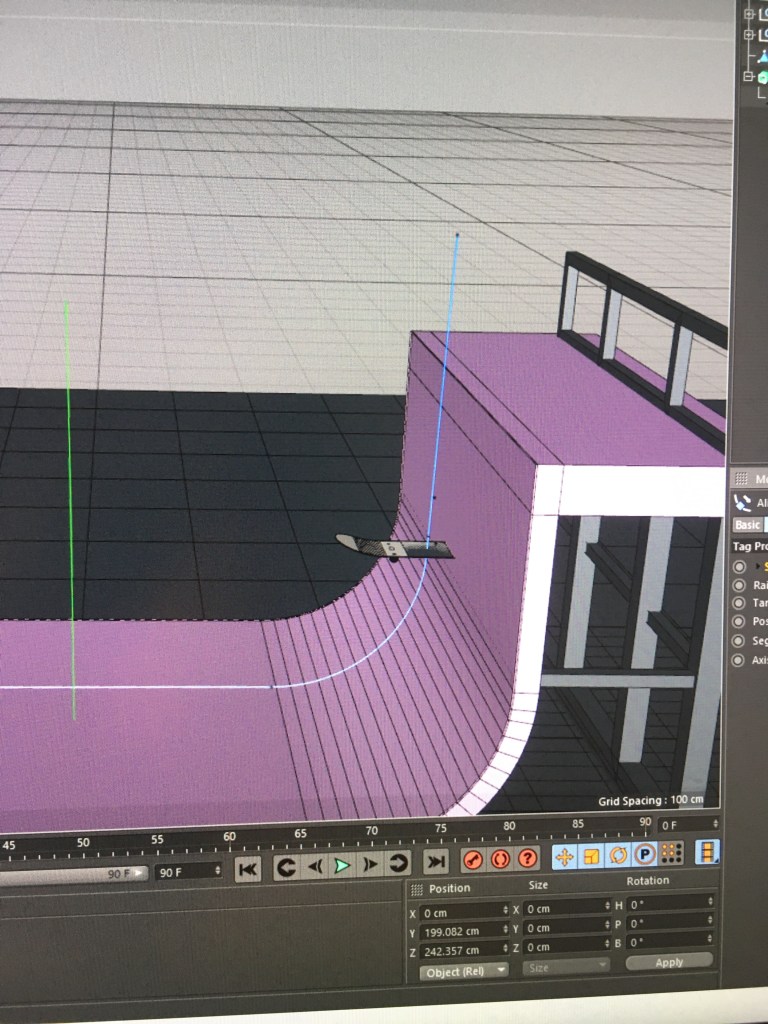
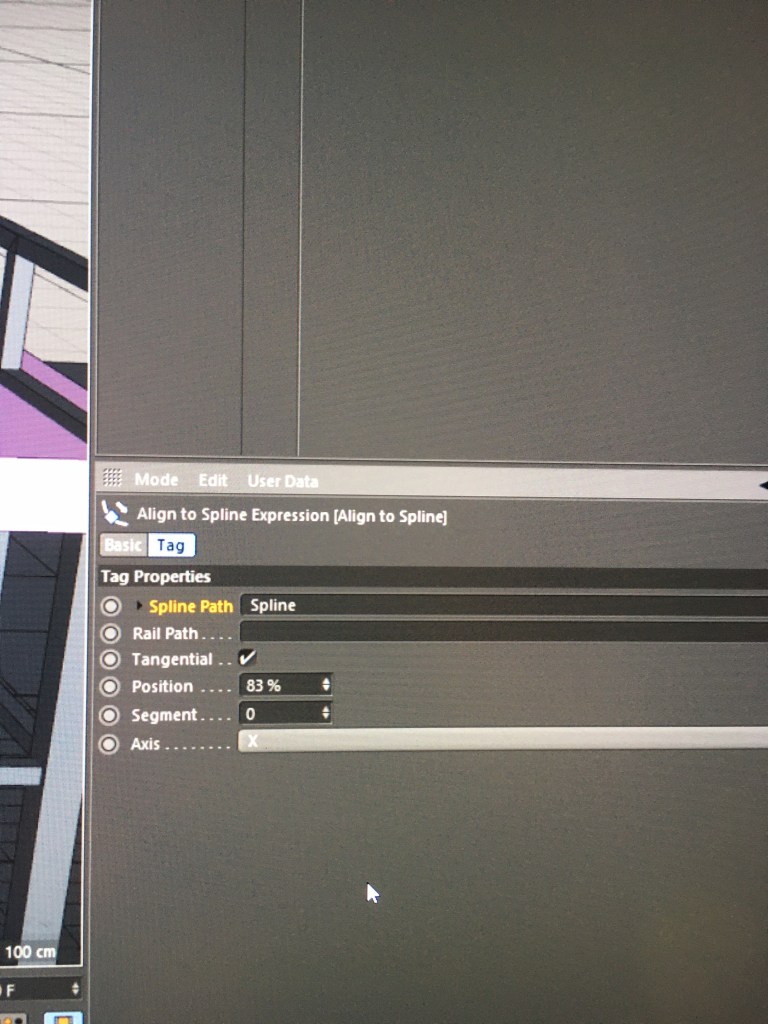
Just making the ramp almost made me cry, and now it just keeps getting better. I tried changing the axis, I ticked tangential, moved the spline back to get my board in the right position….but it still just stays horizontal and doesn’t move along the spline path as it should. Apparently theres a cobra snake lurking outside our house somewhere so hopefully it takes me out before I kms over this thing

Design a site like this with WordPress.com
Get started