Website Design

Some process images

LOADING SCREEN
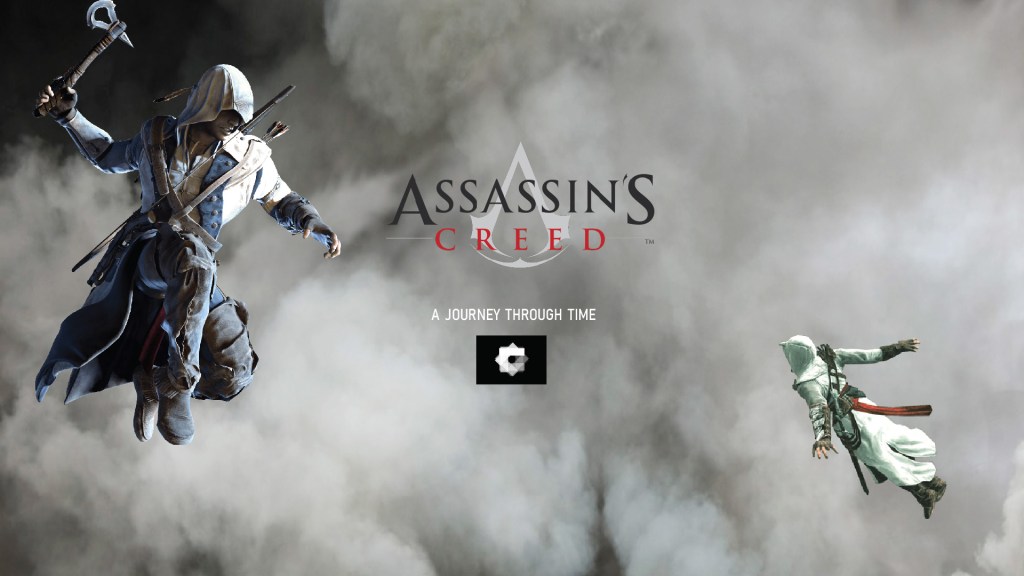
Images: Like scrollmagic bonus vid effect

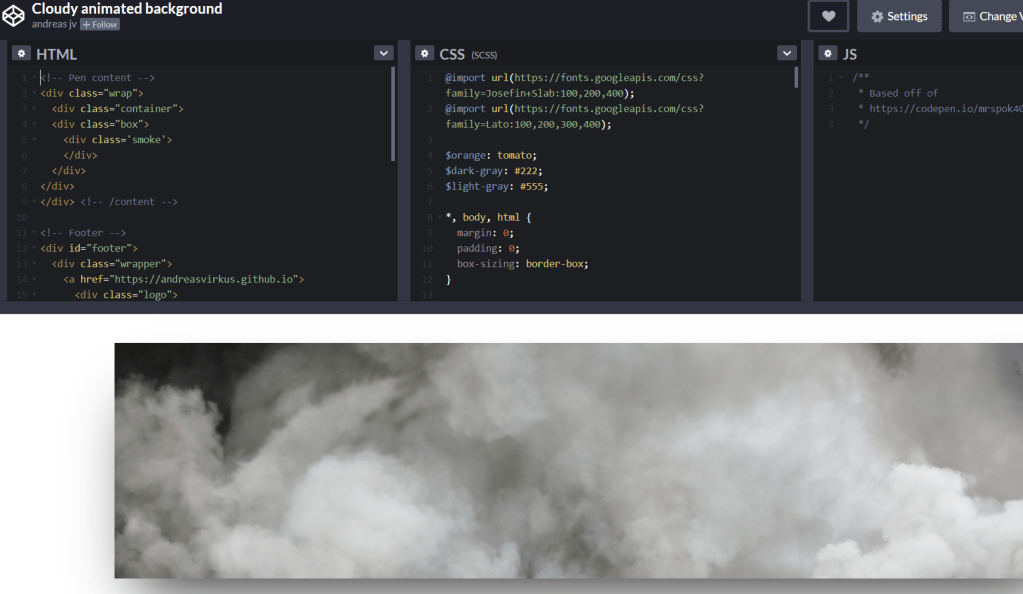
CODE PEN LOADER:

Moving clouds background


LANding PAGE

So BASICALLY het my ai design doc nie reg gesave nie so ek het van my goed verloor. Was seker te moeg gister aand idk. But i had some pics on my phone so u can kinda see whats going on

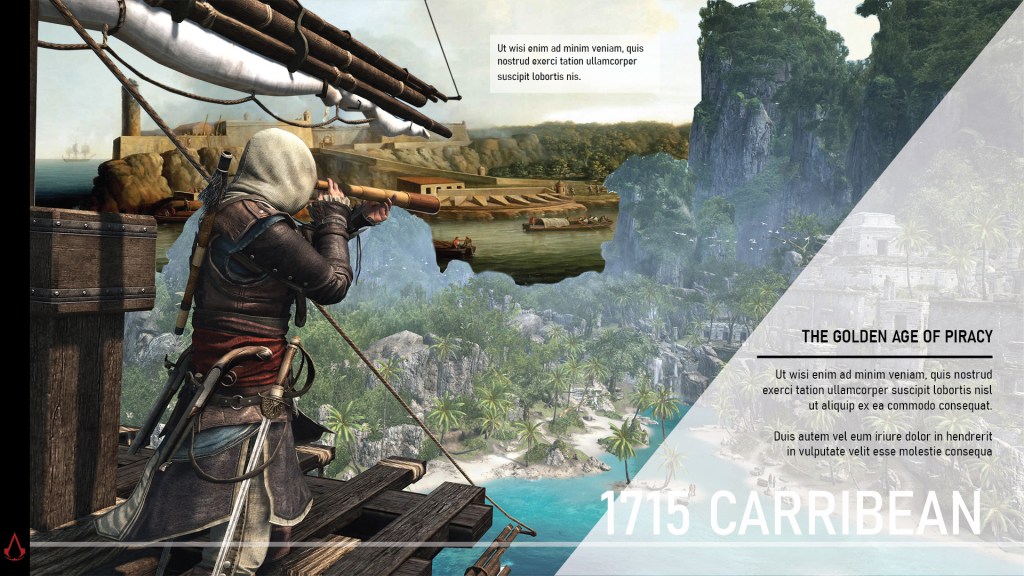
The landing page’s design is the one page I’m undecided about design wise. Assassins Creed’s loading page is that white background with weird moving white line things. So I thought I’d imitate that effect but with triangles.

My idea for my landing page is to put the assassin pic in a container and when you hover him, the other shapes move like in your 4th parallax tut.

Assassin = controller, when you hover him the triangles move around
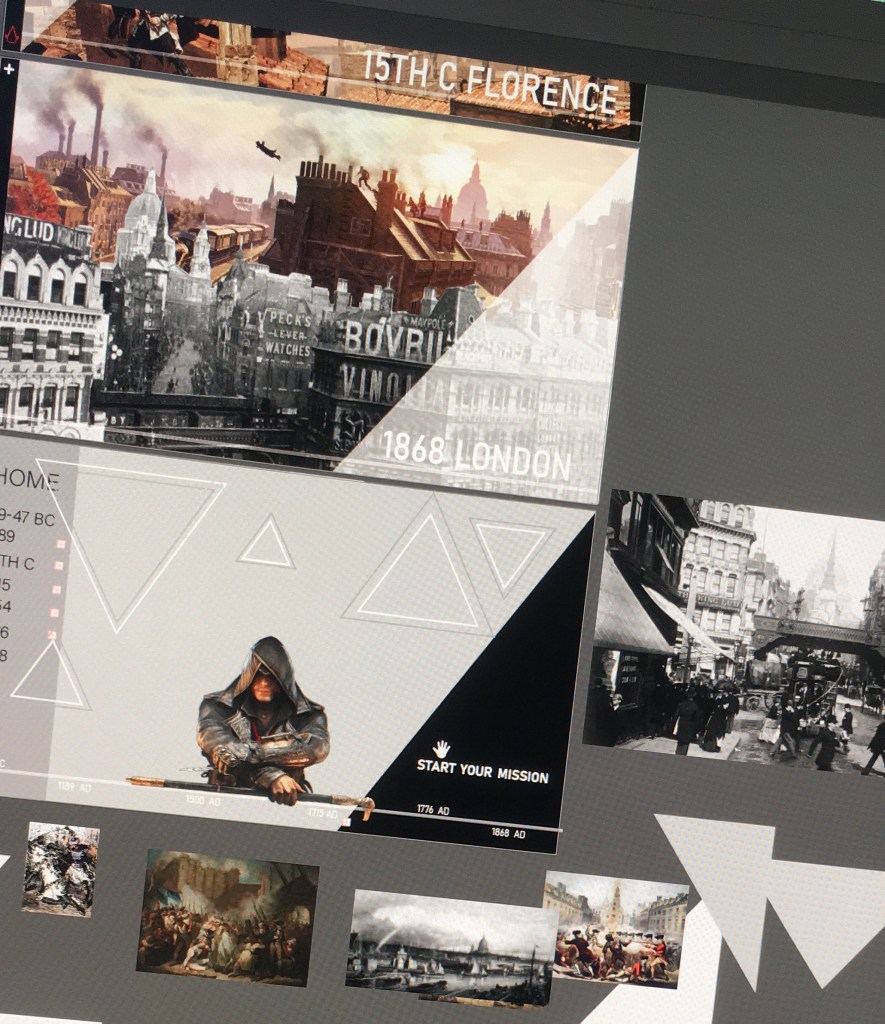
I dont know if I should make some of those pictures^ smaller triangles and put them inside the white line triangles, or if itll look cleaner with just the shapes. It might look nice if all the images are b&w.
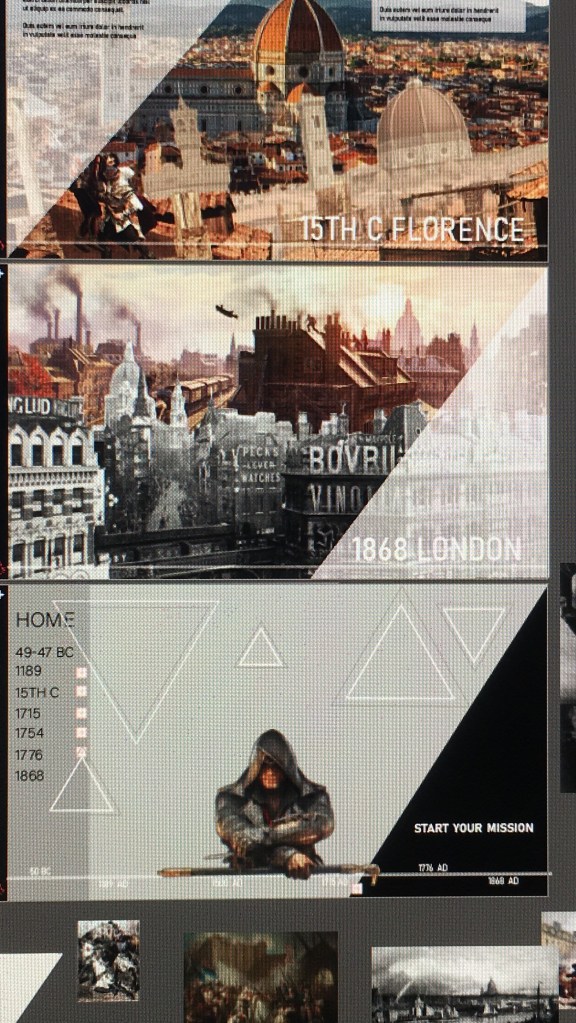

The START YOUR MISSION can be a button, but because you just scroll right it might be kind of pointless.

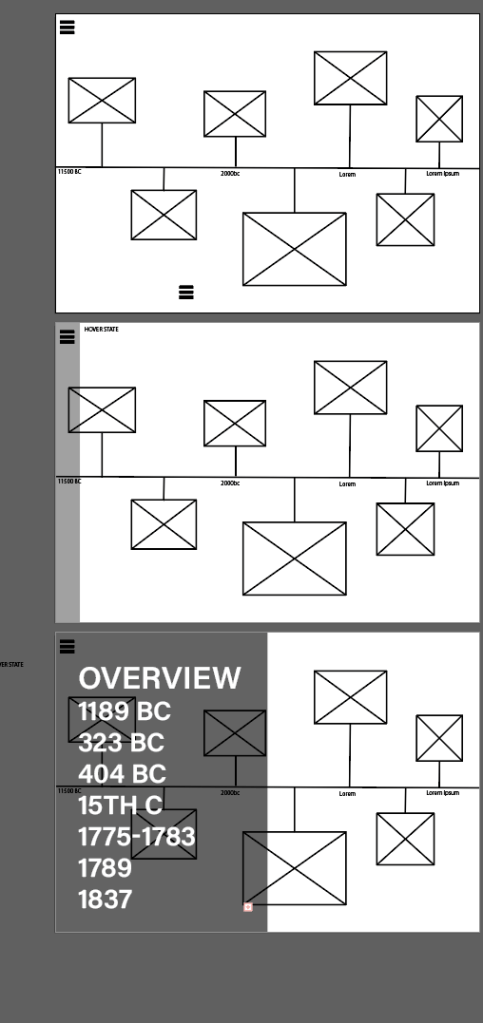
Navbar is a classic slide out menu, but I thought I could turn the timeline into a navbar as well where you can hover over the dates and it links to the pages.

Or: Scrollbar/process thingy? I wanted to find a tut for something like this but idk what you call it.
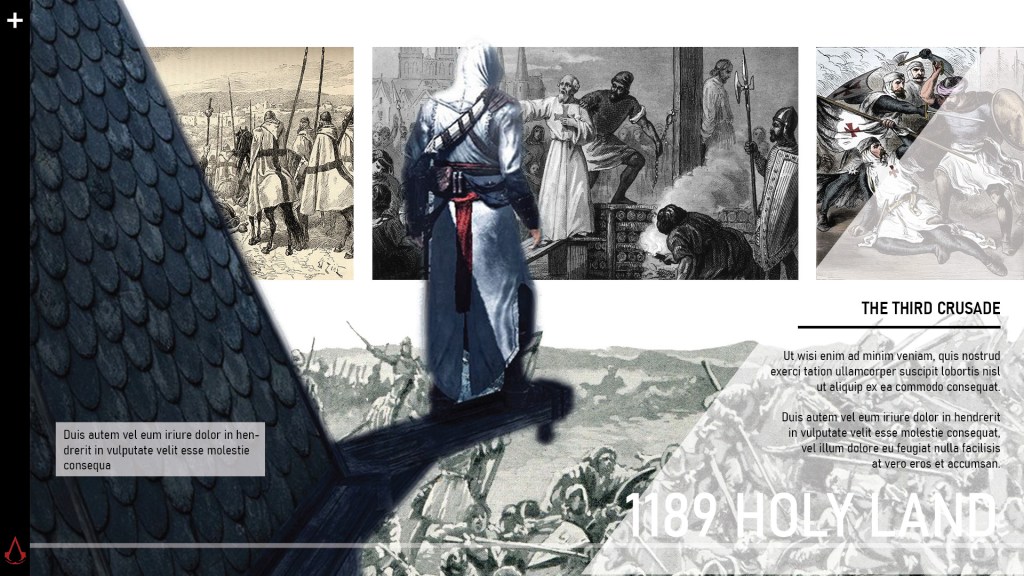
1st Page
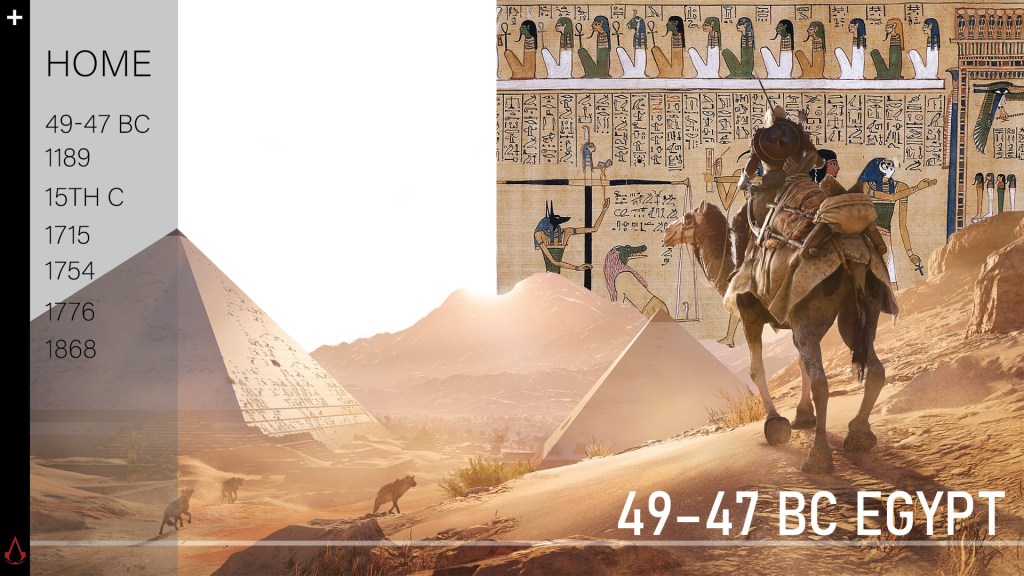
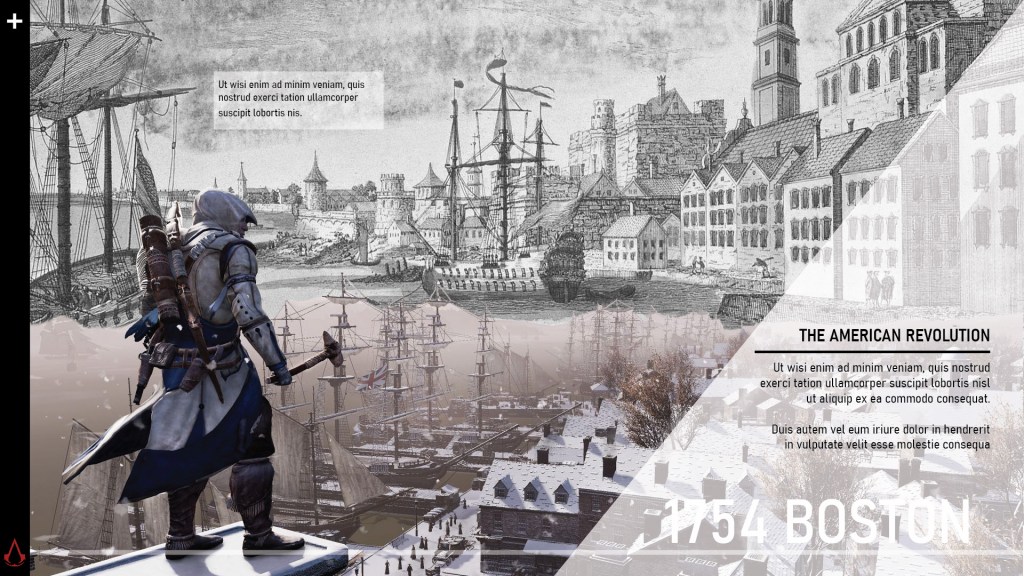
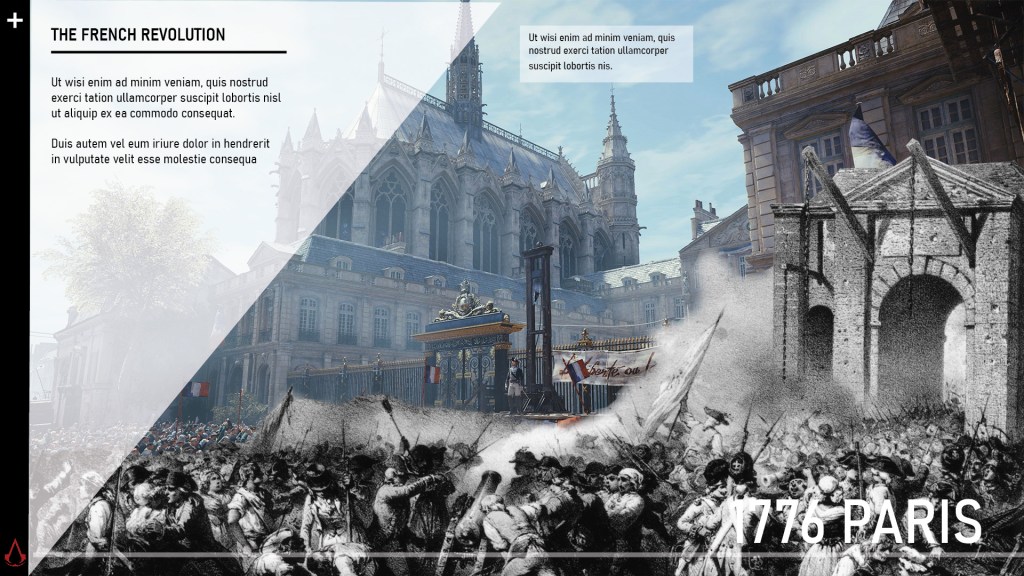
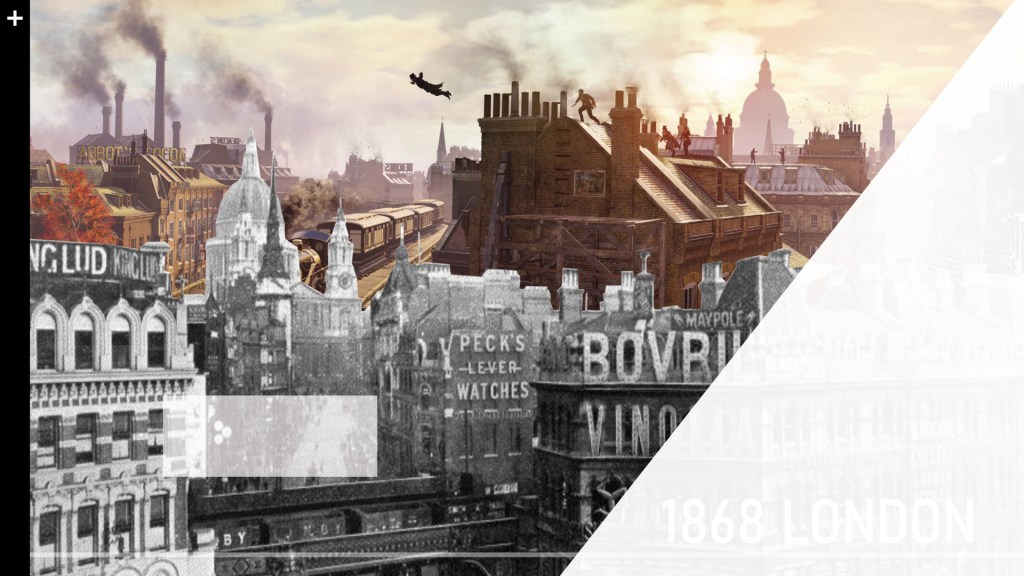
I lost the image for what it looks like when text appears, but it looks like the next page except the triangle is top left like this:
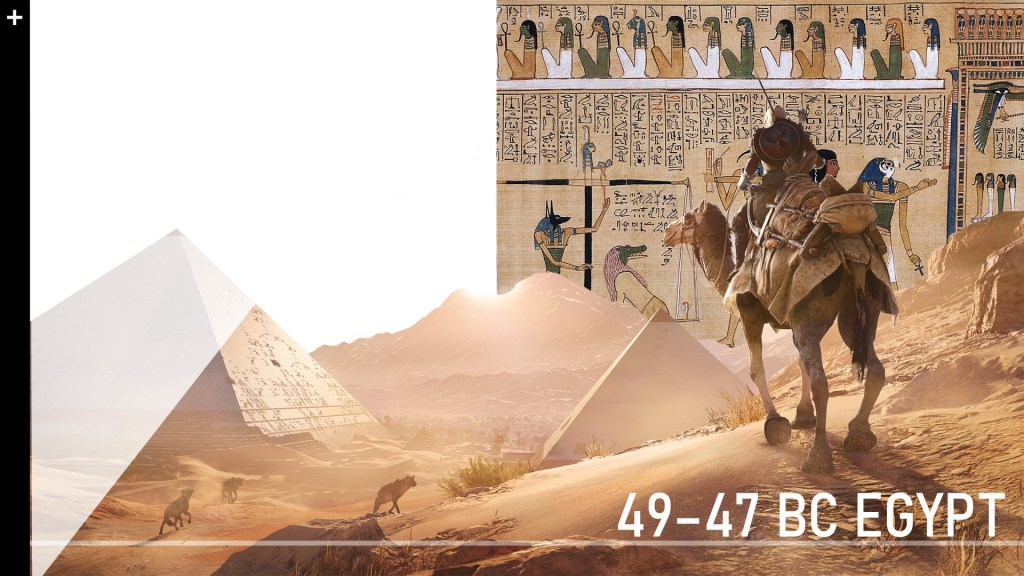
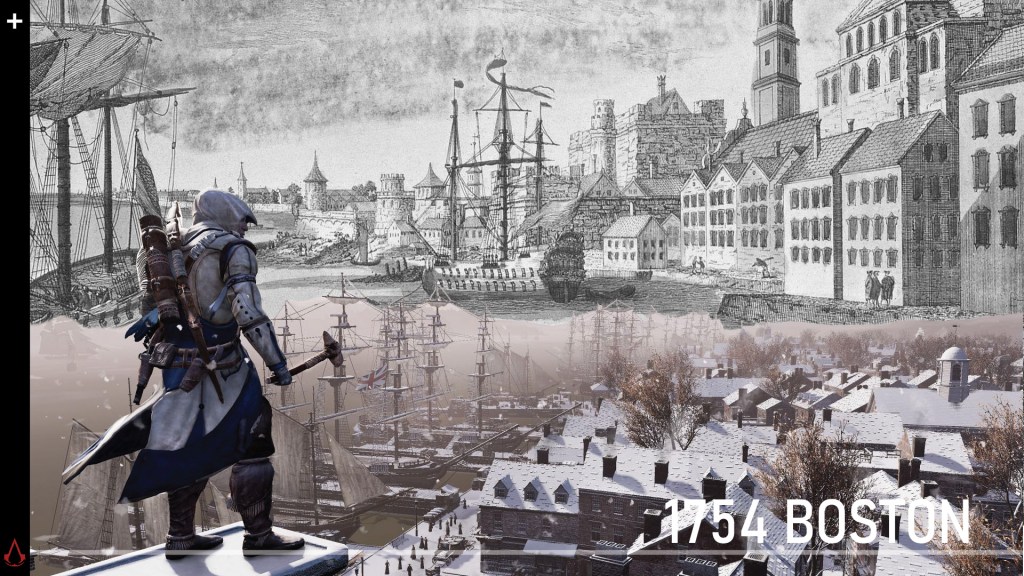
For all my AC game background pics, I want them move up/around when you hover over it. I assume that is scrollmagic?

2ND PAGE

Parallax scrolling:

The top three photos need to move to the side when scrolling
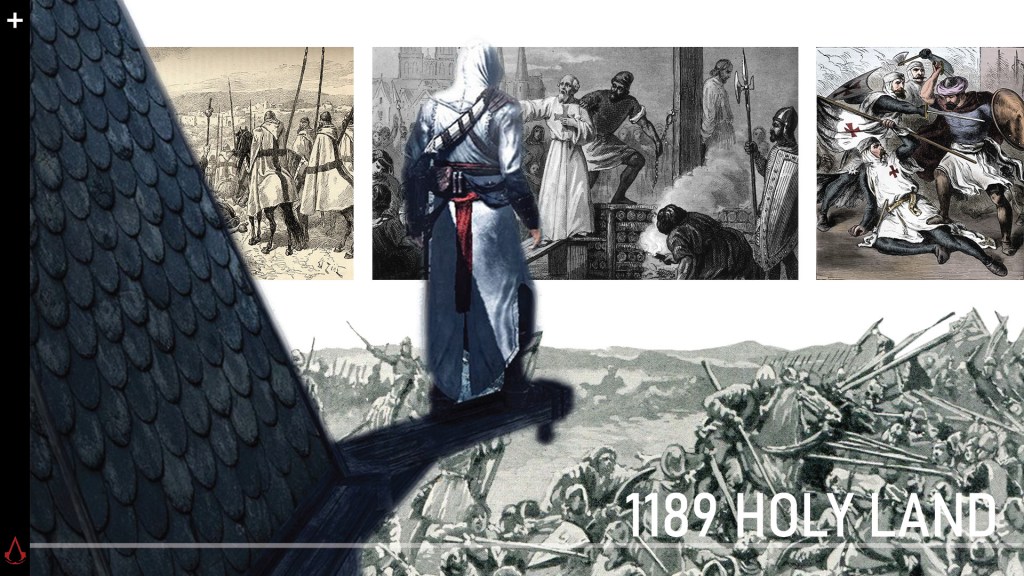
Likewise here the b&w pic should also move
When you hover over the left pic the text box appears

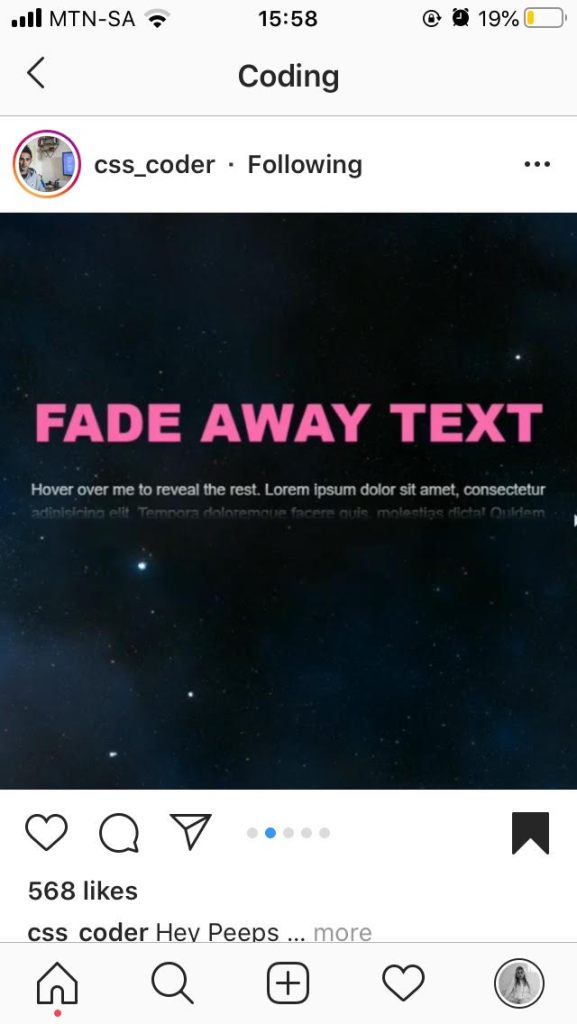
I saw this effect by css.coder and I thought it could be a nice effect for my text.
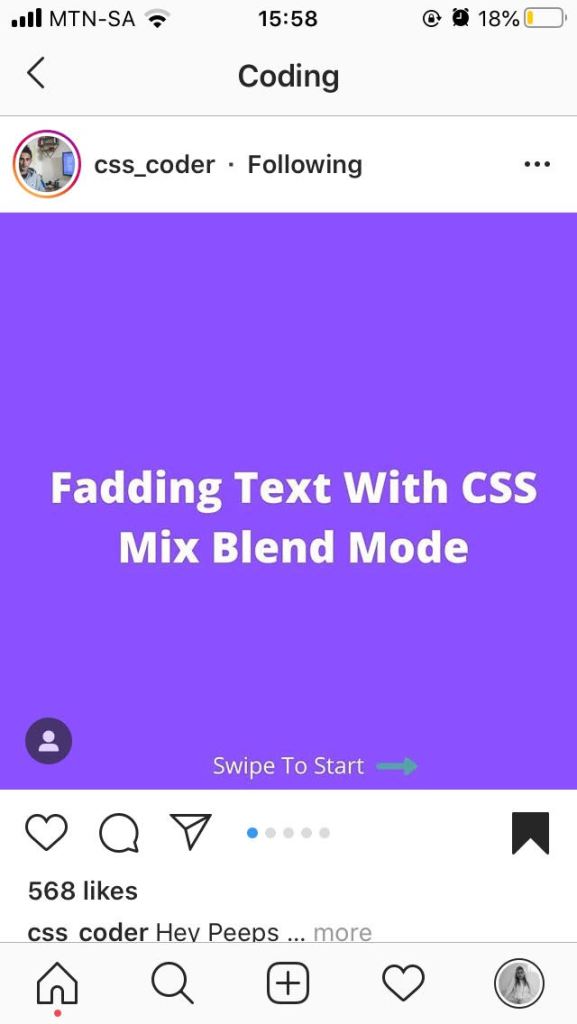
You only see the first sentence and the rest is revealed when hovered.
3RD PAGE
(Phone pic bc I lost this image as well)

4TH PAGE

5TH PAGE

6TH PAGE

7TH PAGE
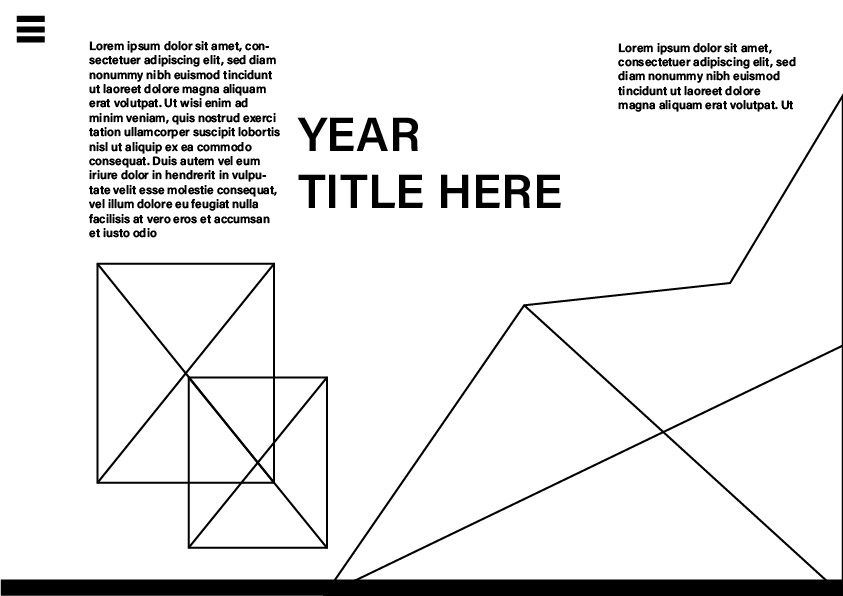
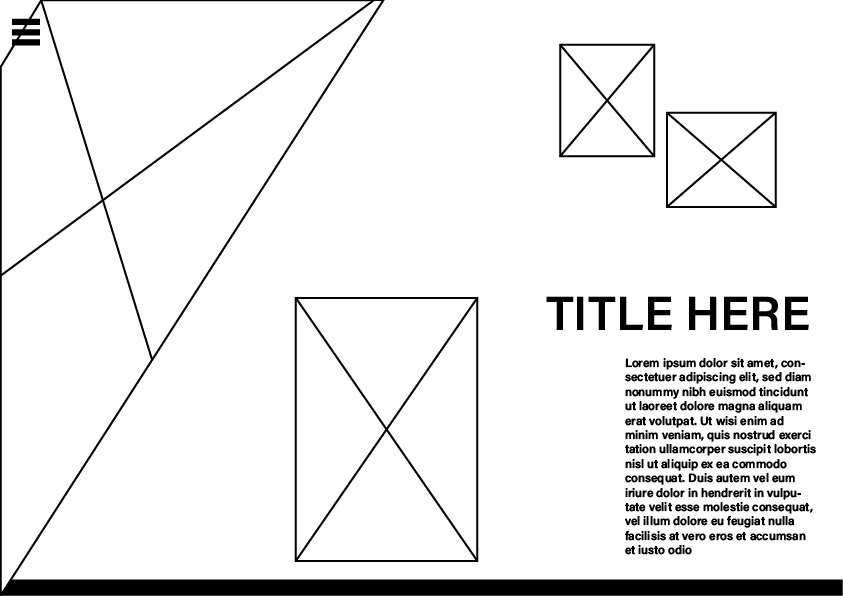
// More wireframes //

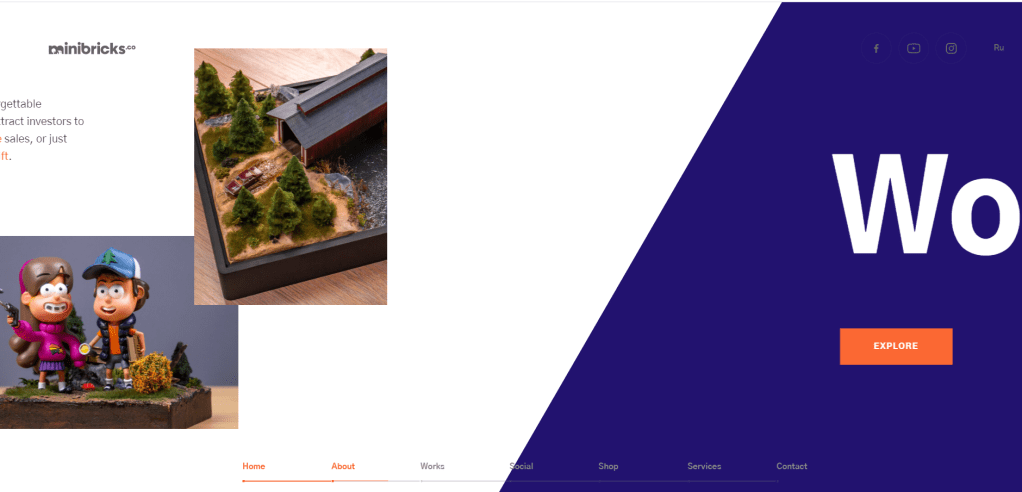
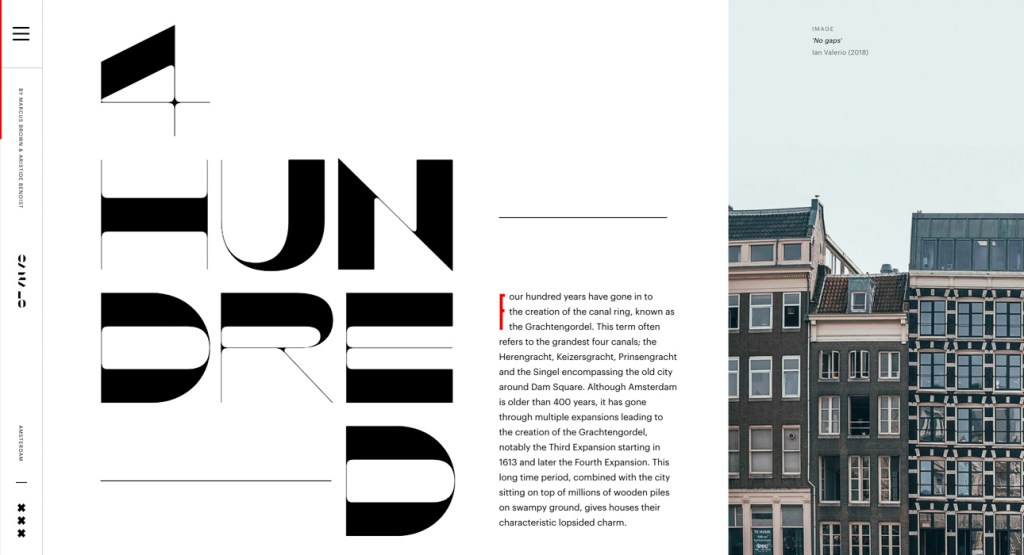
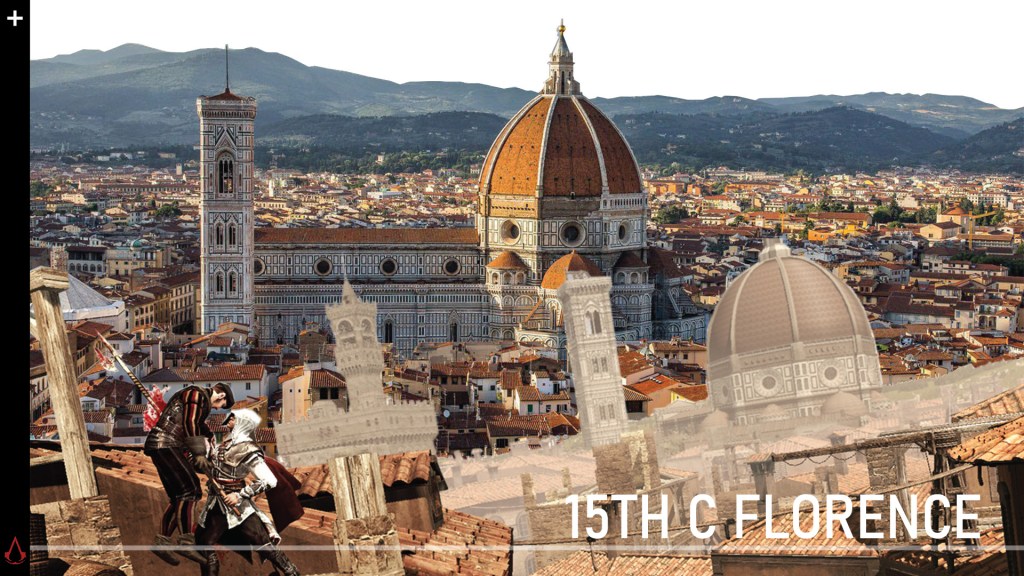
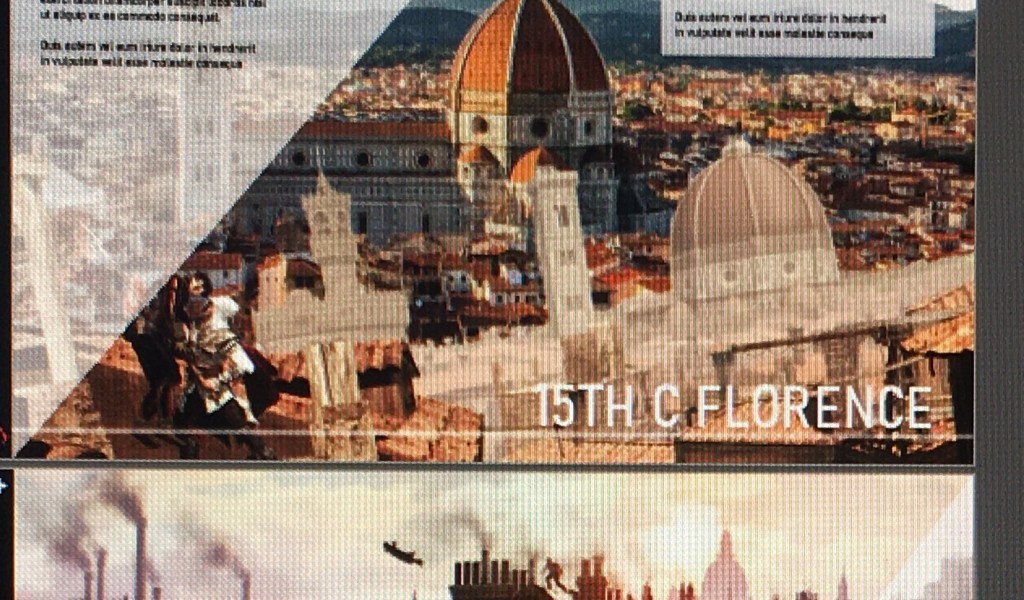
I looked at another cool website, and liked how the images overlays and continues into the next page, or just the idea of triangular images:

The little nav bar at the bottom is also nice, it might be useful to have that breadcrumb thingy at the bottom like O-O-O-O. O I want to keep the timeline bar at the bottom of each page as a design element so you feel like you’re scrolling down the timeline of history, so the breadcrumb can be on the line.

Where text and smaller images are placed will be determined by how much I will need to write and add. As I do not yet know how many assets I will have per page, and how much I will write I cannot really have my final design. However, this is pretty much the feel I’m going for. I do not want it to look overcrowded.

I found a css tutorial on how to make text appear/expand when you hover over it. So it looks like there’s just a sentence and when you mouse over it the whole paragraph appears. This could help it look clean and minimal even if I have quite a bit of text.

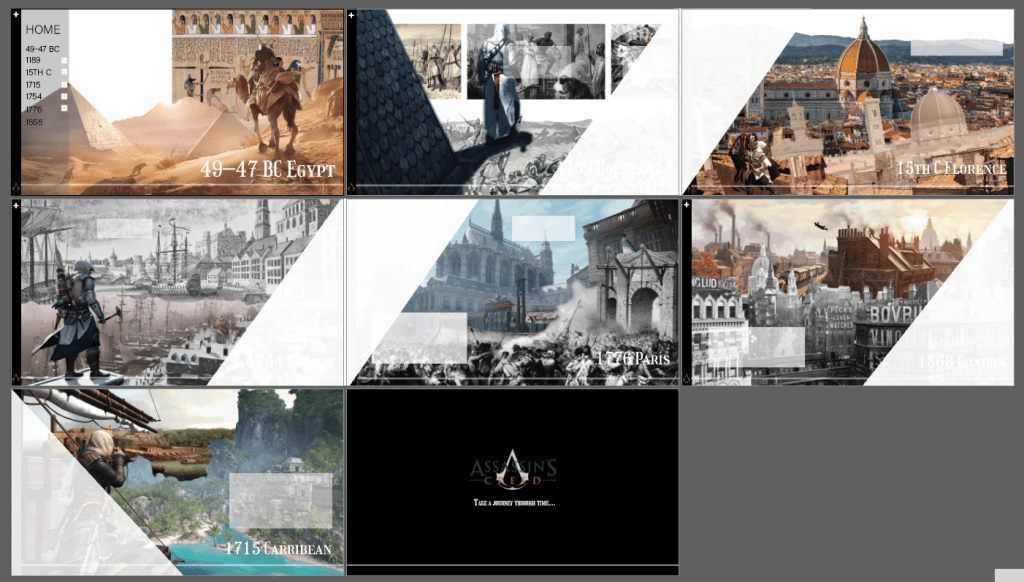
Here is an alternative main/overview screen to the one I did before:

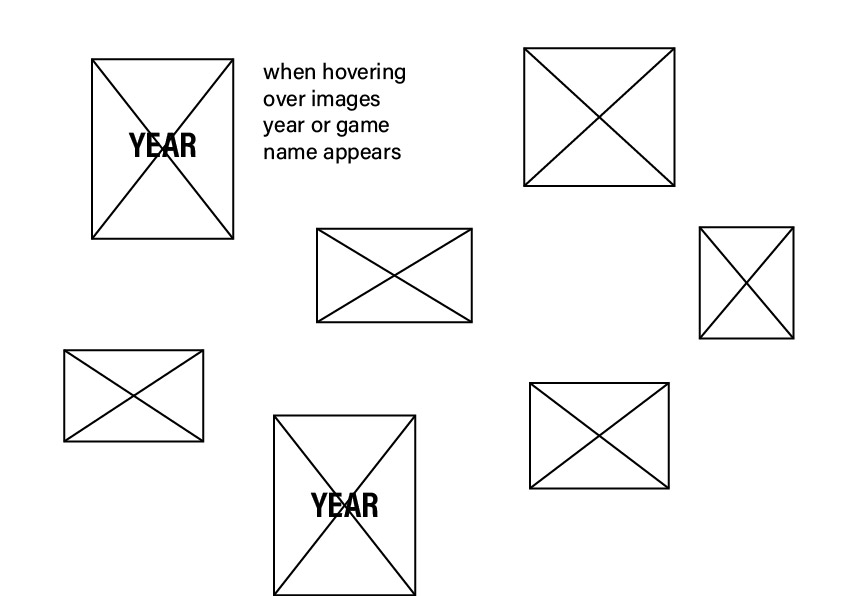
The images are parallaxed, looking closer and further away

Wireframing // Navigation

As I’m going with a horizontal website layout I found me some inspo..

Navigation

This site kept the nav bar visible and accessible to the left even while scrolling, so its easy to go back and not lose yourself while infinite scrolling.

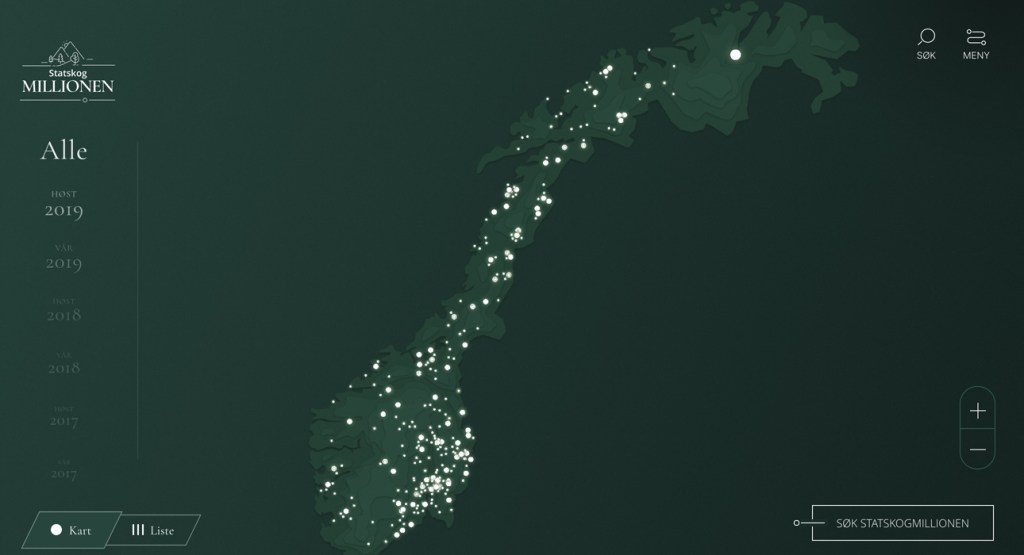
My game is also based on a year timeline, and I liked how they designed it here in a dropdown.

It inspired mine:

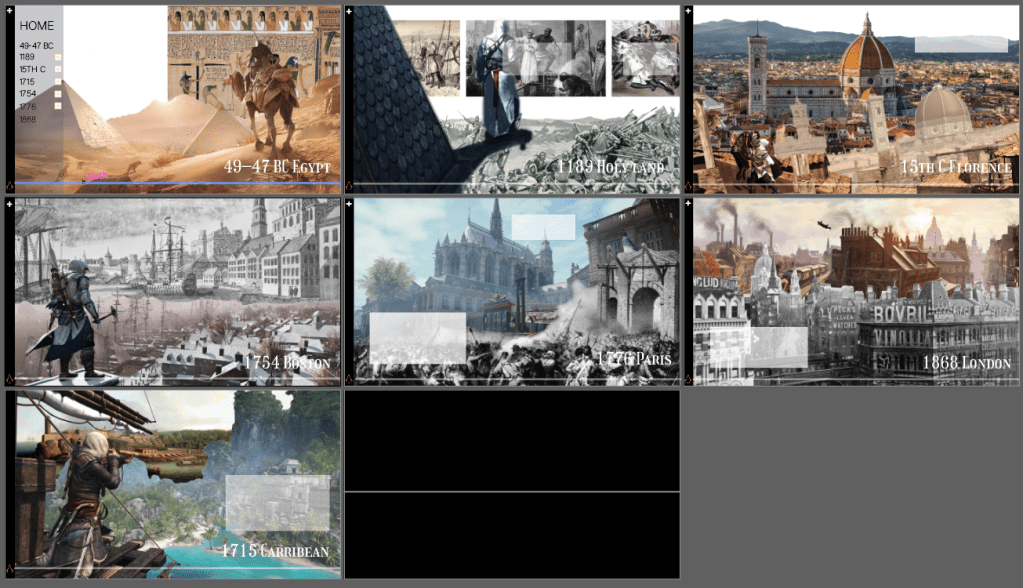
The main overview page is the whole timeline, and clicking on each image will bring you to the page it belongs to while you can also just scroll on from there to do it chronologically.

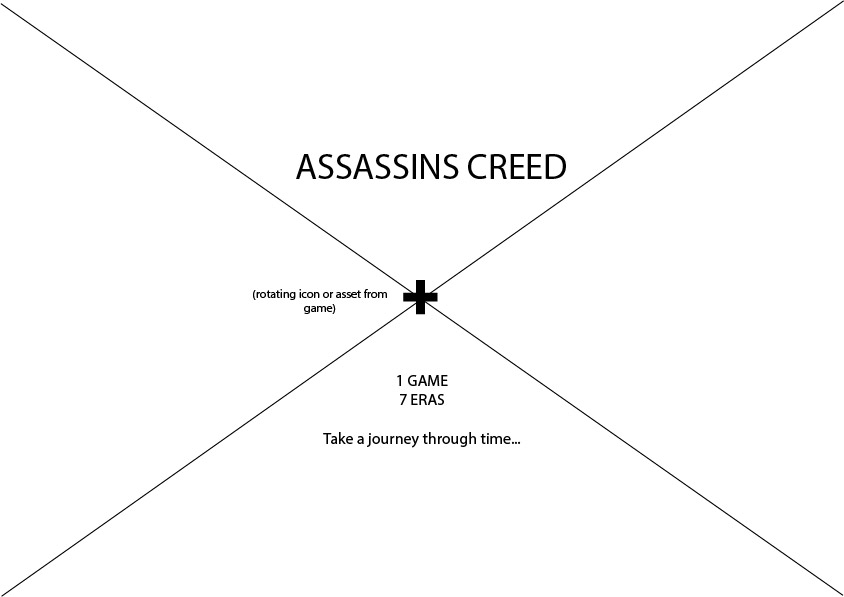
And thees ees what I thought of for my loading screen so far..

// Assassins Creed //

Website Concept

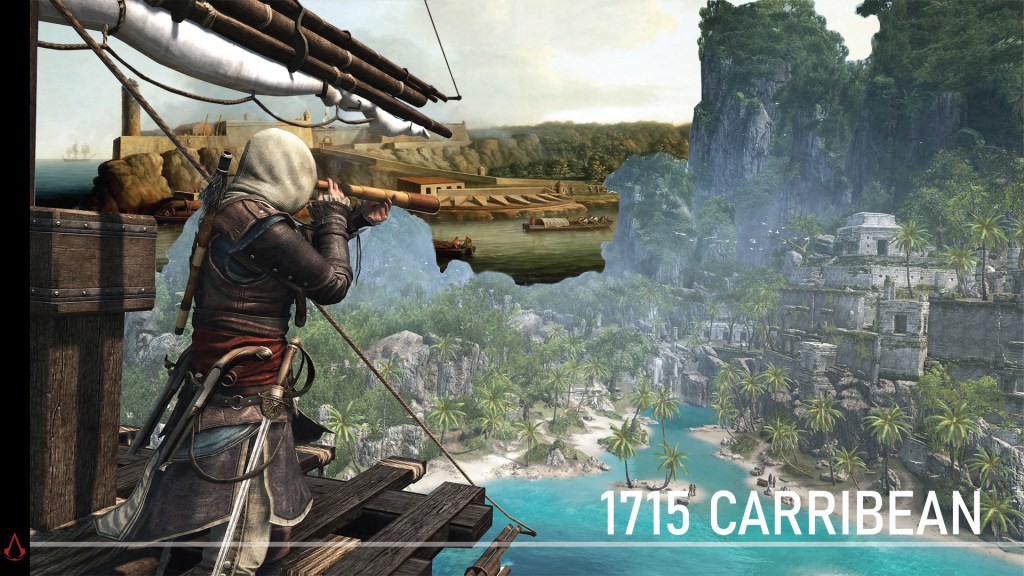
The game I decided on is Assassins Creed, as the series is about different historical time periods and will work perfectly for a timeline based website.

The aspect of the game I will focus on is the historical accuracy of the game, how players learn history through play and how the different time eras are visually represented.

The game’s backgrounds/environments are stunningly realistic and the details included have a purpose, as the game uses in house historians for research. How history played out has had a direct influence on the design and storyline of the games, how battles are planned and play out, how certain historical figures think and act..

I would like to feature images of the designs on each page, as well as specific assets and characters depending on what is of importance in each version. It could fill the entire background of some pages, in black and white as well as in composite illustrator images as a lower opacity background or even outlined.

Sound is a huge part of this game, and what makes it immersive and feel like travelling back in time. I think it could be cool to find soundbites and have it playing in the background of each page. There should be a mute button then I guess because it can annoy people.

Each page will thus be about a different historical era, such as the American revolution, the greek Odyssey, Medieval times, the French revolution… there is a lot to choose from.

This really helped to understand the story arcs and how each era leads to the other.

My 7 pages will be as follows:

  • AC I, third crusade
  • AC II, 15th century Italy
  • AC III, American revolution
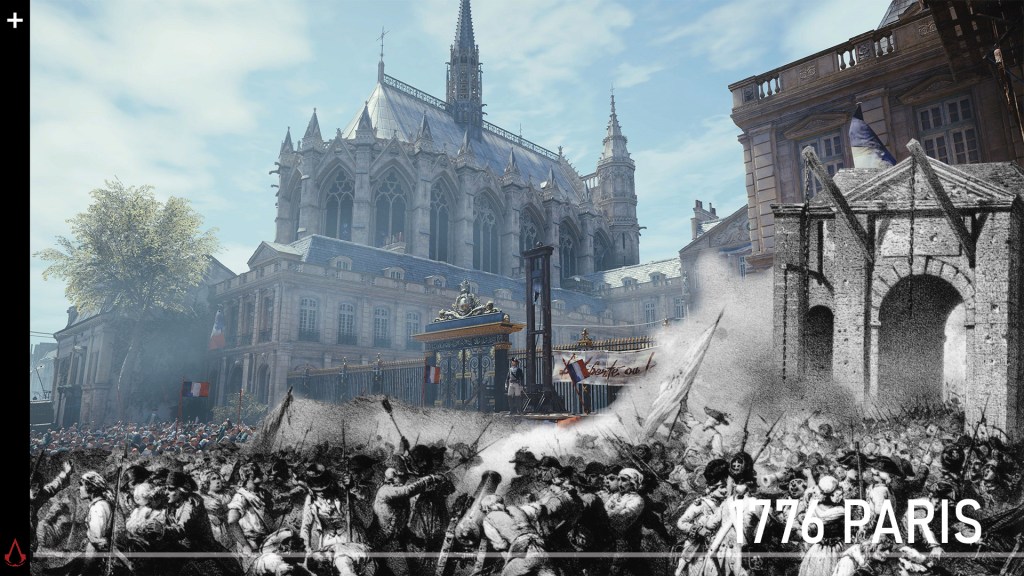
  • Assassin’s Creed Unity, french revolution
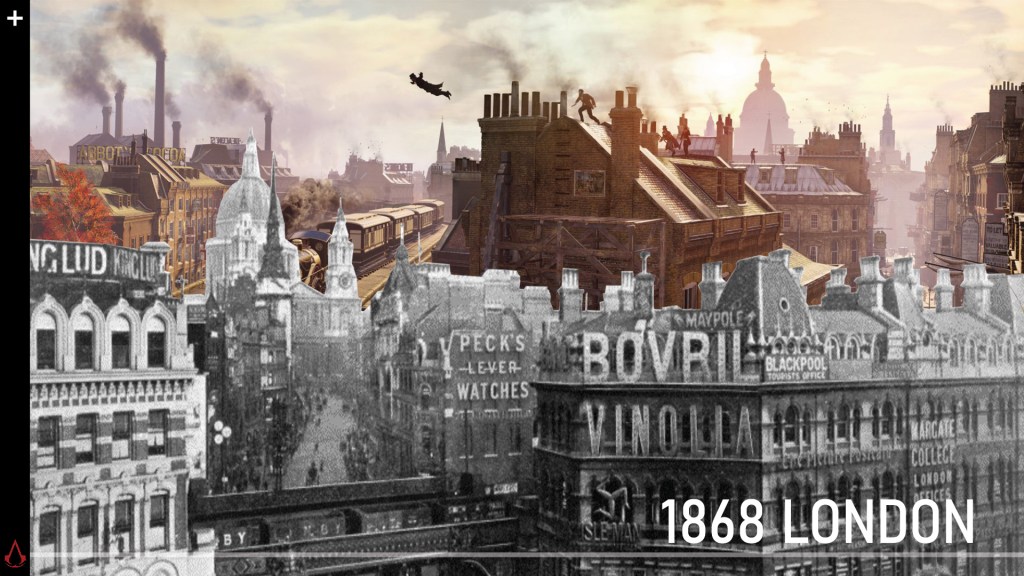
  • assassins creed syndicate, victorian england
  • Assassin’s Creed Origins, Ancient Eygpt
  • Assassin’s Creed Odyssey, ancient greece

Website Layout

As it is literally a historical timeline, I want it look like one:

A horizontal website, with a literal timeline line drawn out where you scroll on to the next page further down the timeline of history. That was a lot of ‘”timeline” in one sentence.

Like this I mean, but obviously not as ugly.

Image result for assassins creed timeline

I like the idea of parallaxed images, as you scroll through some are bigger/smaller, closer and further away and when you hover over an image it grows in size.

I think this could work well for the homepage. It could be an overview, and clicking on one image links it to the page about that time era, while you can also just scroll through.

Design principles and elements

  • Line
  • Scale, signal importance hierarchy
  • Color: Mood, color palette, makes or breaks design
  • Repetition, keeps brand consistent, ties it all together
  • First page, call to action
  • Negative space, space in between or around elements that form its own space
  • Transparency
  • Balance, no element overpowers each other
  • Hierarchy
  • Contrast
  • Grids, help align and arrange elements
  • Randomness
  • Direction, gives viewer’s eye a path to follow. Referred as flow
  • Depth via textures, shadows, 3d…
  • Typography
  • Composition
  • awwwards site

CDP E4 Briefing: Intro to Javascript

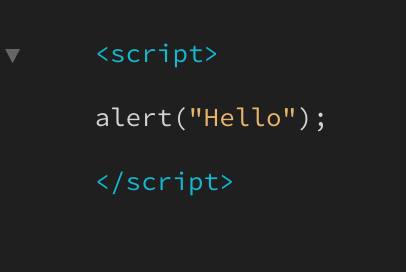
Today we launched our new brief, which is making a tutorial on how we coded something for our brief website, such as how we did our scroll magic, parallax effect etc.

For Friday, we need to research what the parallax effect is and how it works so we are prepared for the tutorial.

For next week, we need to have found what j query plug in we would like to use on our website, and have a basic overview on how it works.

  • Go watch the YouTube links on the brief

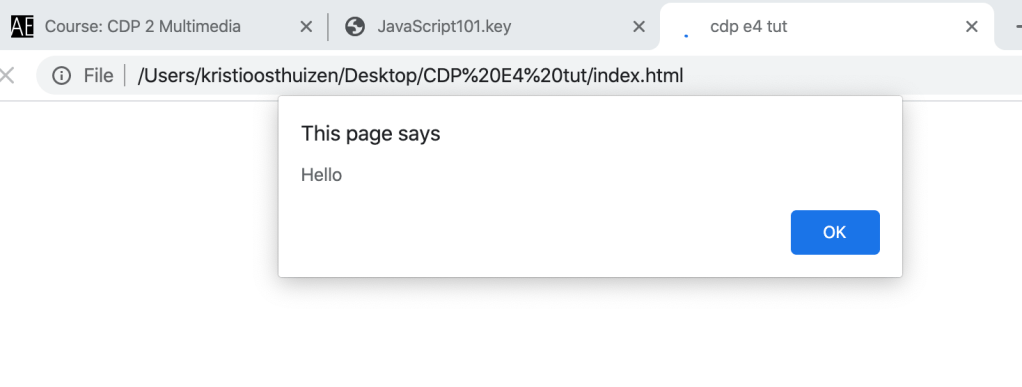
We started by making a basic html document, with an added JS file this time.

My first j query

  • In Java you can use spaces, capital and lowercase letters
  • var, to call upon something its =
  • you can’t put a number in front, just at the end
  • camel case, first word lowercase, next words start capital

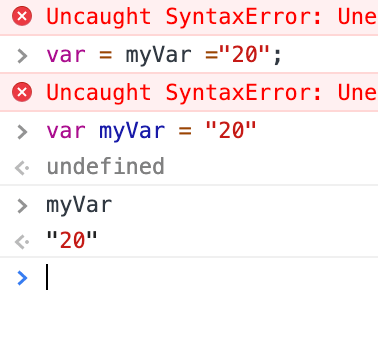
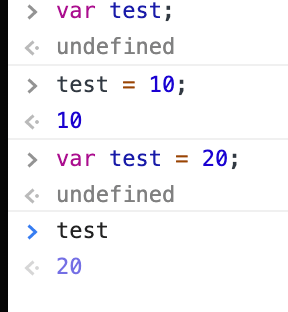
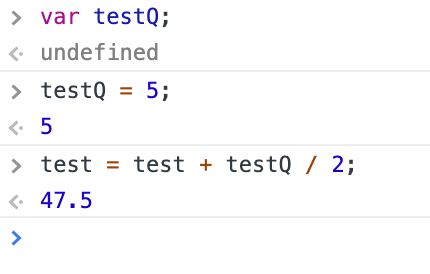
Setting up a variable in Inspect Console

no = before, only after
  1. name your variable
  2. give it a value
  3. Whole step in one sentence, and give it a value of 20
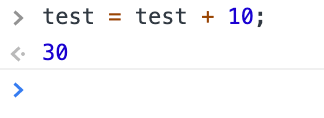
  4. Now it knows that test has a value of 20
  5. To change value, if you for example want to make it 30, you add 10:

6. Now, if you want to combine that effect with another:

Again, give new effect a value, and then you can combine it by adding + and then halve the value by 2 if you want etc

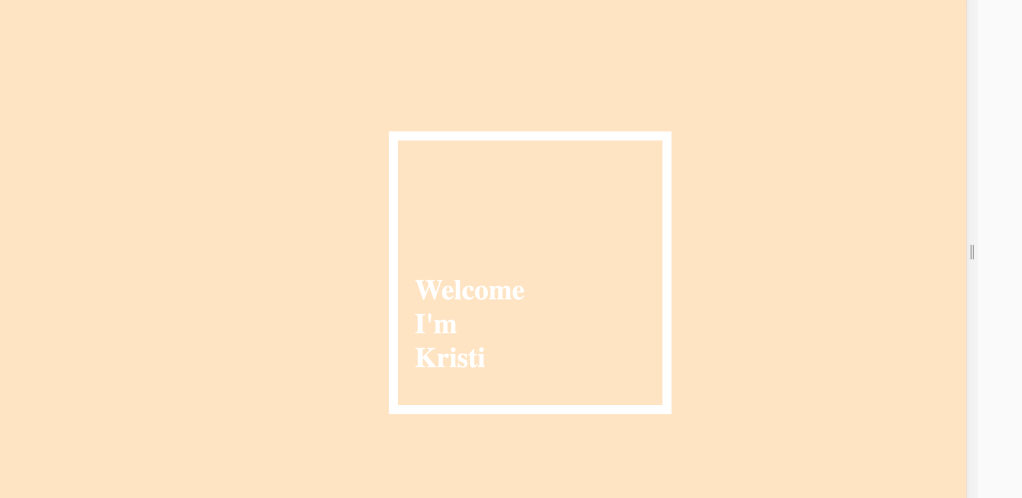
We started a website tutorial, this is how far I am…

E4: Interactive website briefing

Today we went through our new brief, creating an interactive website of a video game timeline. We can choose any game, and make a timeline of 7 years of that game, how it changed, the design etc. We can decide on what specifically we want to focus.

So far the only game that’s popped into my mind to do is Assassins Creed. Their games are historical and have really nice designs, so a timeline showing the different game history eras could be cool.

Things we need to include in our website are: web fonts, footer, navigational elements, section headers, transitions, roll-over elements and Parallax or Scroll Magic.

We looked at a few examples in class of parallax and scroll effects. I really like the effect when elements are animated, but just the clean simple scroll through site looked really cool.

I suppose what I do will come down to what I think I can manage, but firstly I need to find my concept and sketch out the look and feel I want.

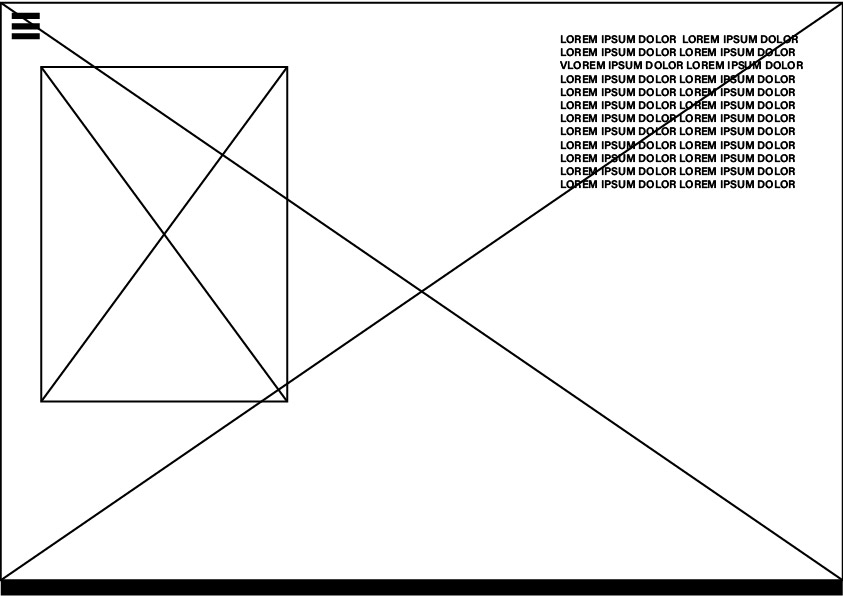
  • Wireframes on illustrator or sketched
  • box with cross for image
  • burger menu
  • burger menu active state, turns into X and with dropdown menu
  • breadcrumb: O-O-O-O to click instead of scroll
  • Name of page appears when hovering

For tomorrow: Wireframes and basic concept

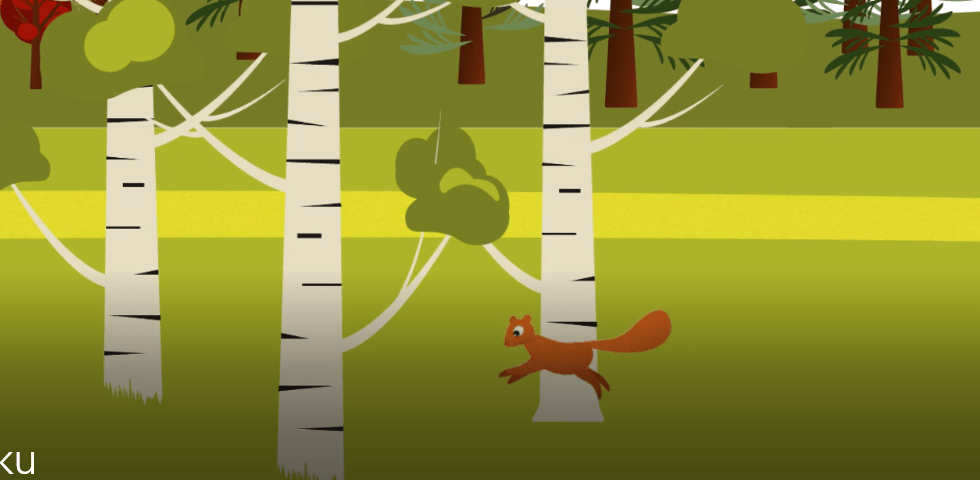
The squirrel haiku design process

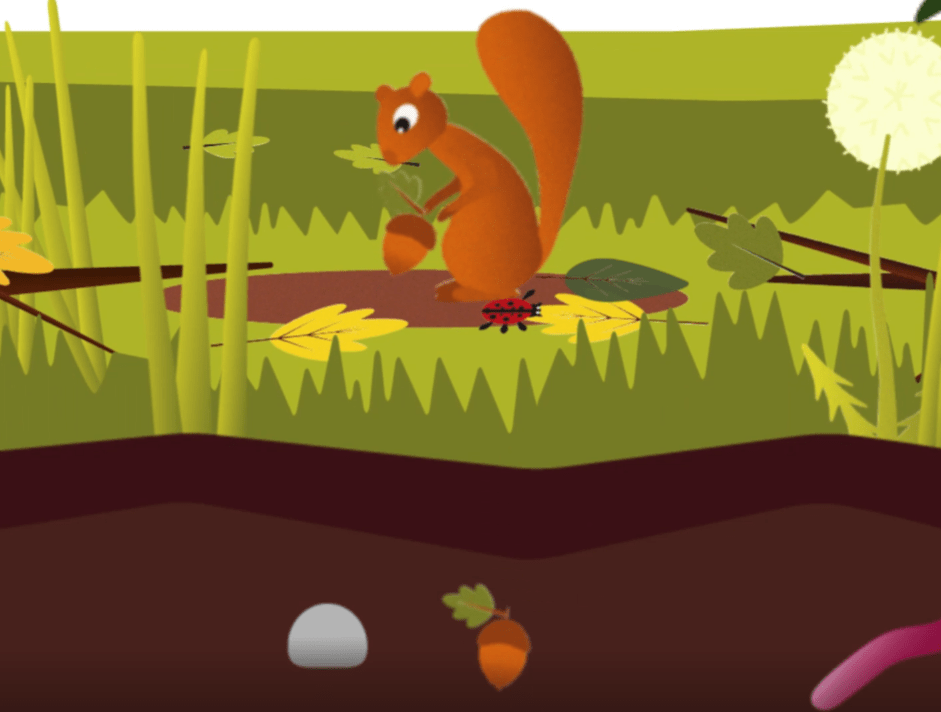
So I did do a puppet pin jump cycle in the end. Honestly I still think its kinda wonky but it doesnt look thattt bad, its still cute and I didnt want to cut it out of my animation just because its not perfect. Without it things would be boring. I didnt want camera movements to be the only dynamic movement.

And it went well with the building crescendo in Vivaldi”s Autumn.

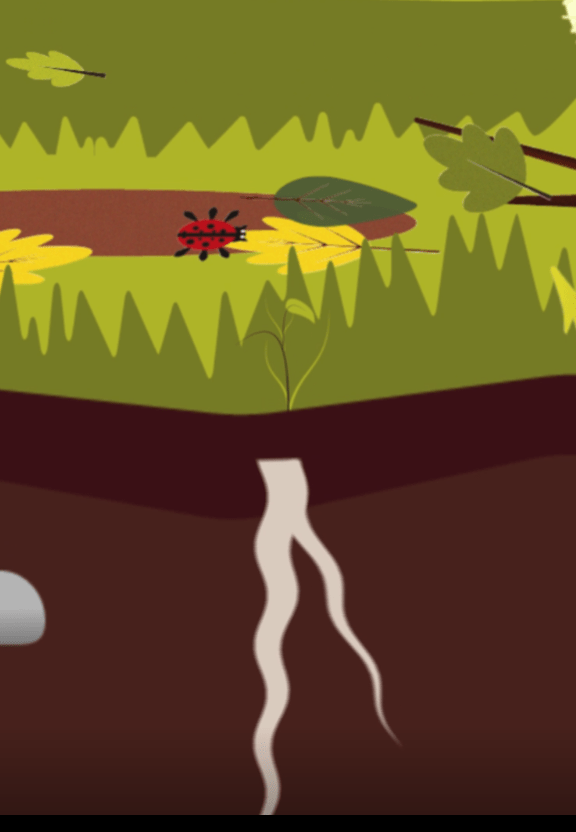
My initial thought was to mask out the nut and make it look like he buries it but things went wrong so I just added another nut and made it go deeper through the ground, and then where it went down, a root sprouts up.

I wanted it to wriggle to look like its growing, so I wave warped it and moved it up.

Im kinda sad i couldnt do proper walk cycles for my animation, but puppet pins definitely have their place and I learned how to use them effectively.

The winter animation

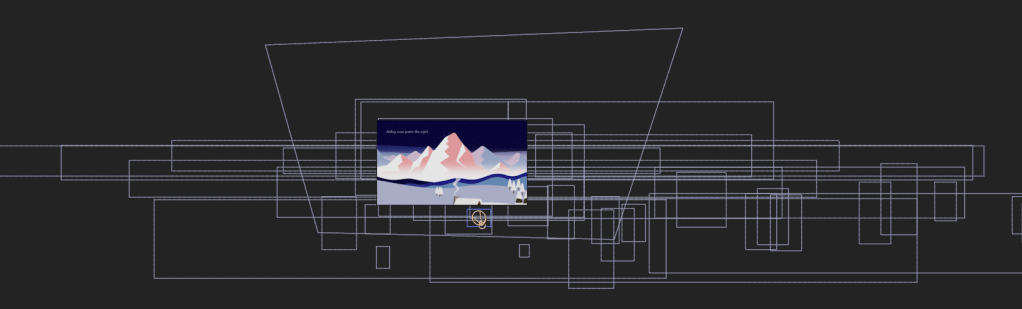
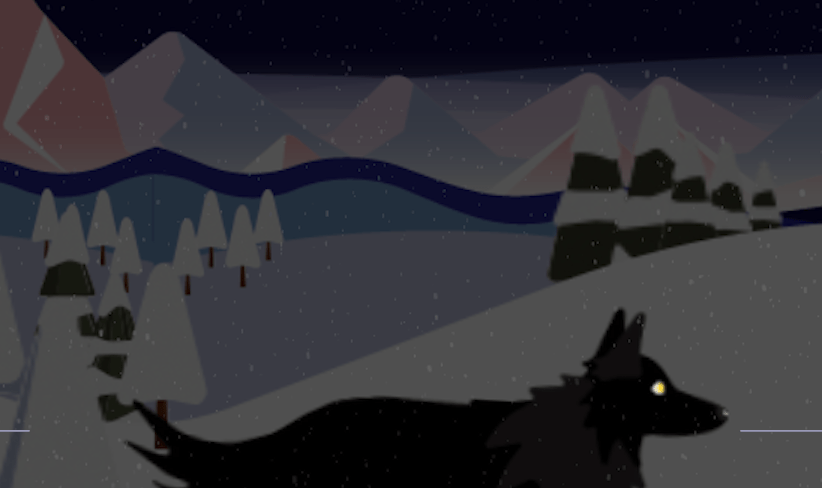
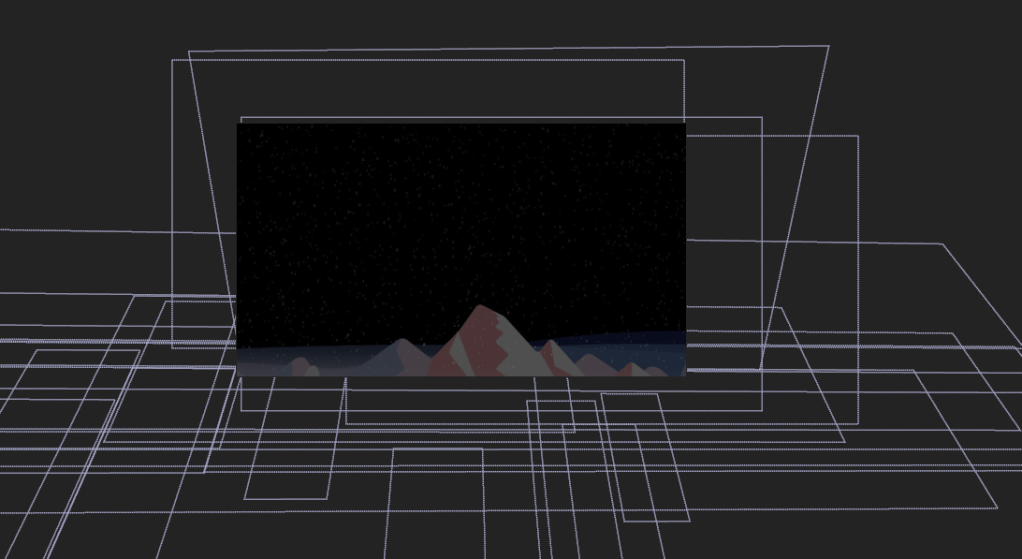
This was… hectic. Ive never worked with as many layers in my life. I have very long panning scenes so my backgrounds had to be three times its length. A lot of camera work involved here. I definitely have that and paralaxing under the knee now.

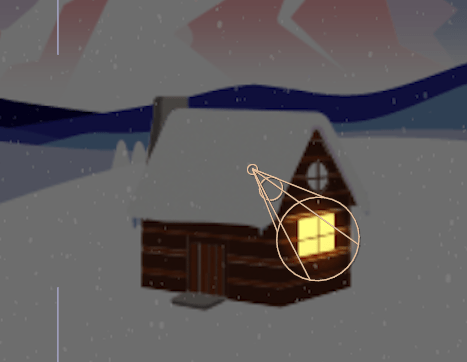
I managed to light up my window with a spotlight, and a few keyframes of changing the intensity gave it a flickering effect.

I also made smoke with a wave warped long triangle.

In the forground I added the snowfall effect in the end. It kinda looked fake but I changed the angle and arranged it further away from the camera.

The run cycle

As I couldn’t do legs, I just cut him in half haha, I used rotation and pin tools on his tail and head to make natural movements.

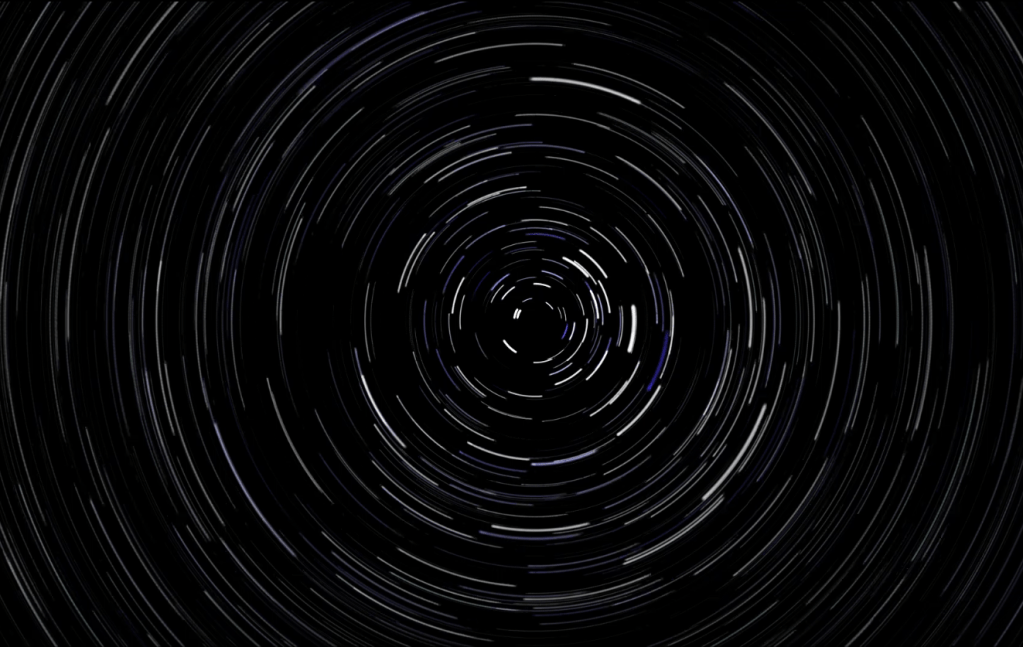
Star Trails

To transition into the star trails I angled my camera up, and added a black solid underneath my layers so it turns the whole screen black.

I had to install Trapcode to make this. Making the trails was such a struggle to be honest, the indian I watched got confusing and at the end I had to figure out the keyframing by myself. The end result was rewarding however..

wooow

It looks pretty noice and I really like this ending to my animation.

Design a site like this with WordPress.com
Get started