Roar and final animation

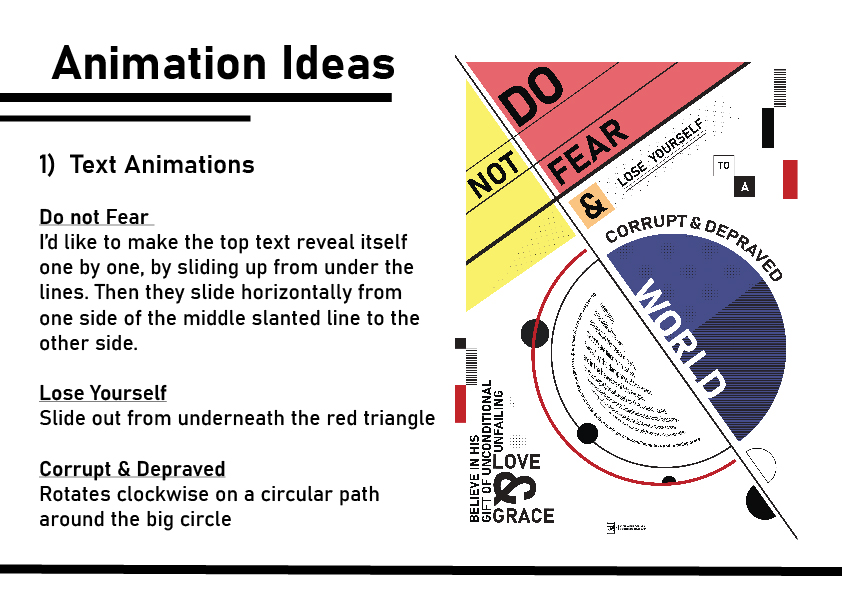
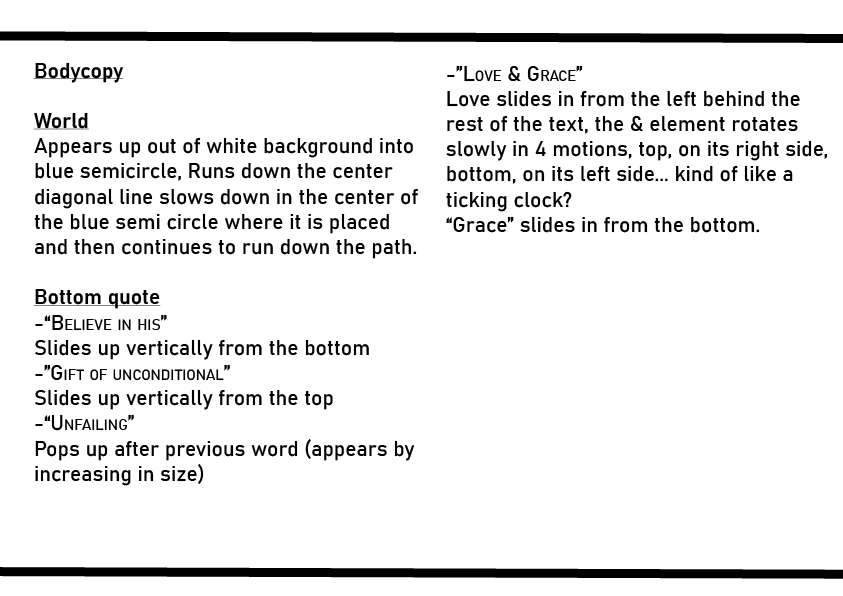
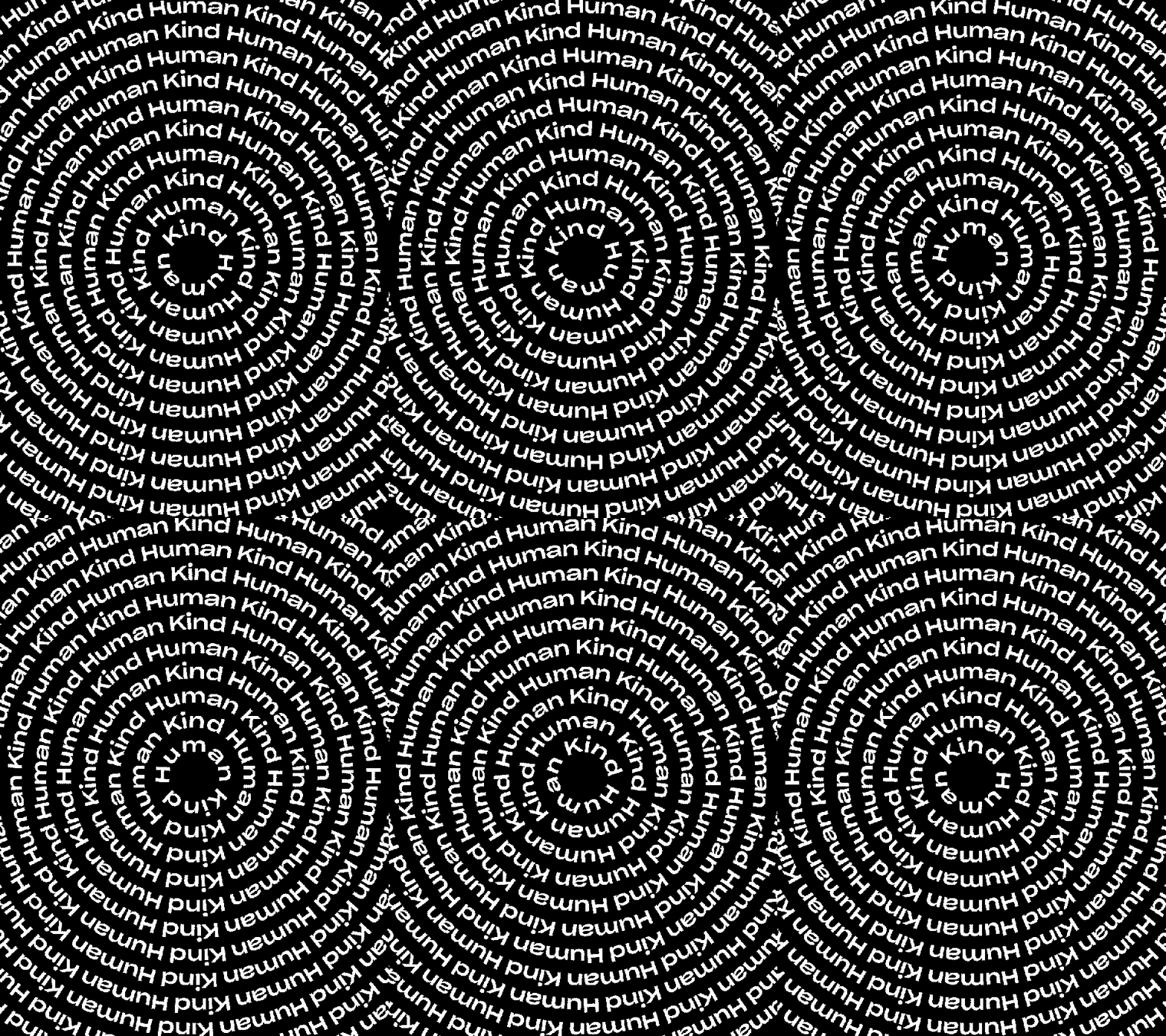
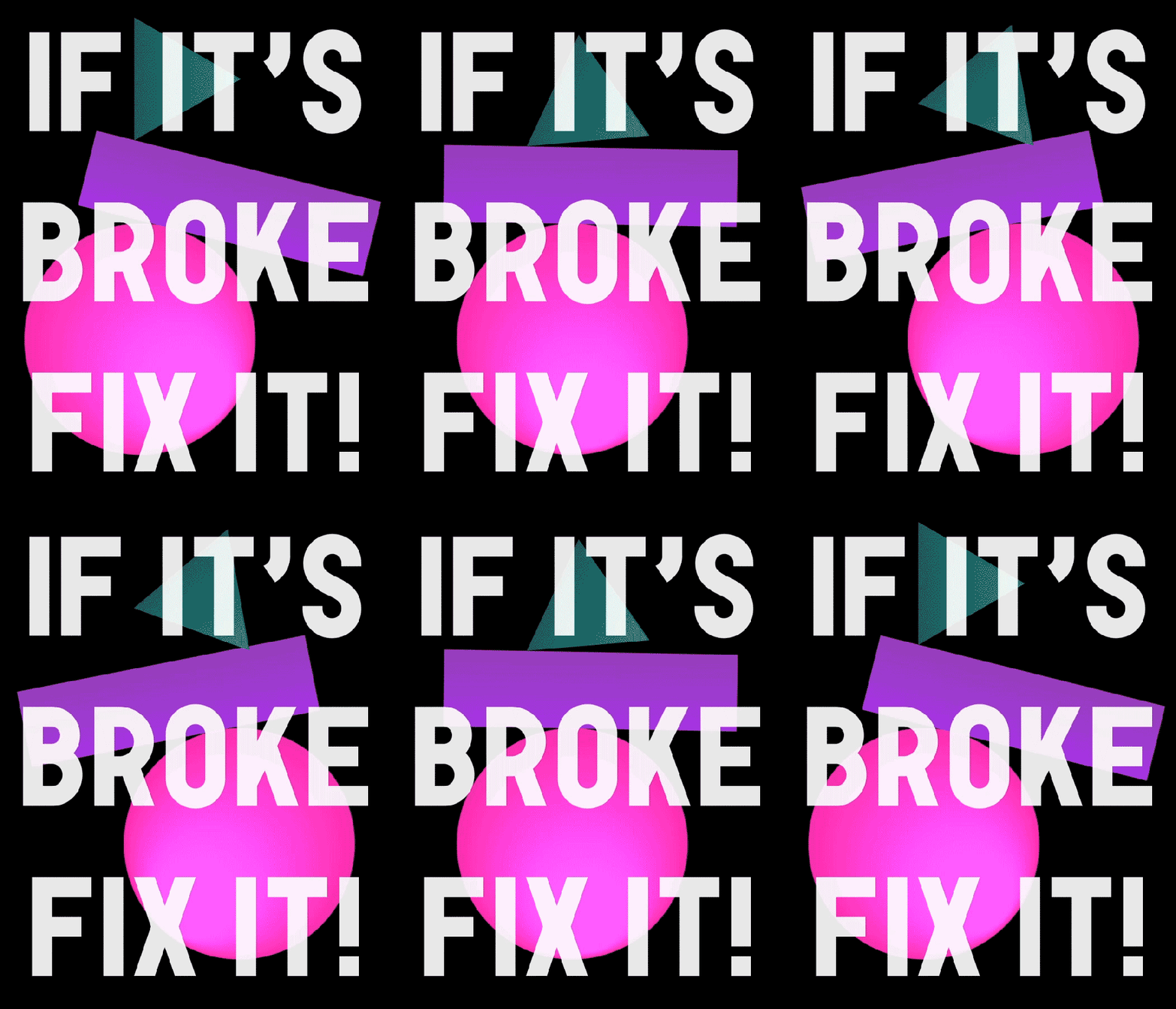
Making my bodycopy text bigger only increased visibility by a little, but at least you can see it now. My arched sentence is much better though as the text could be made much bigger and bolder.
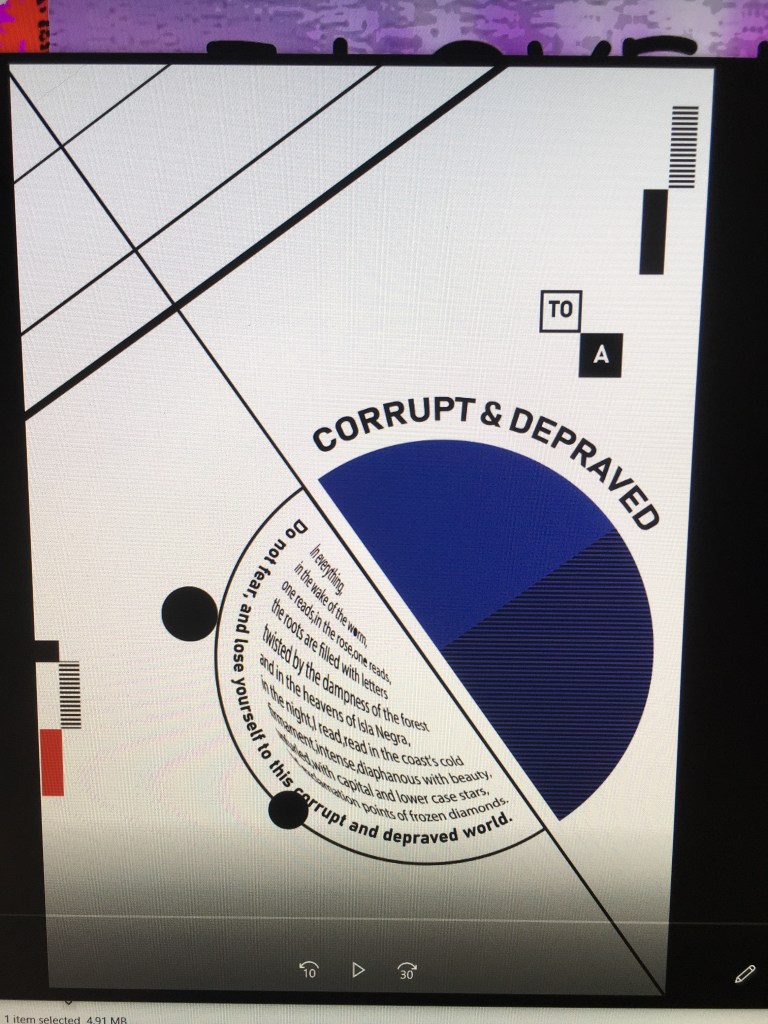
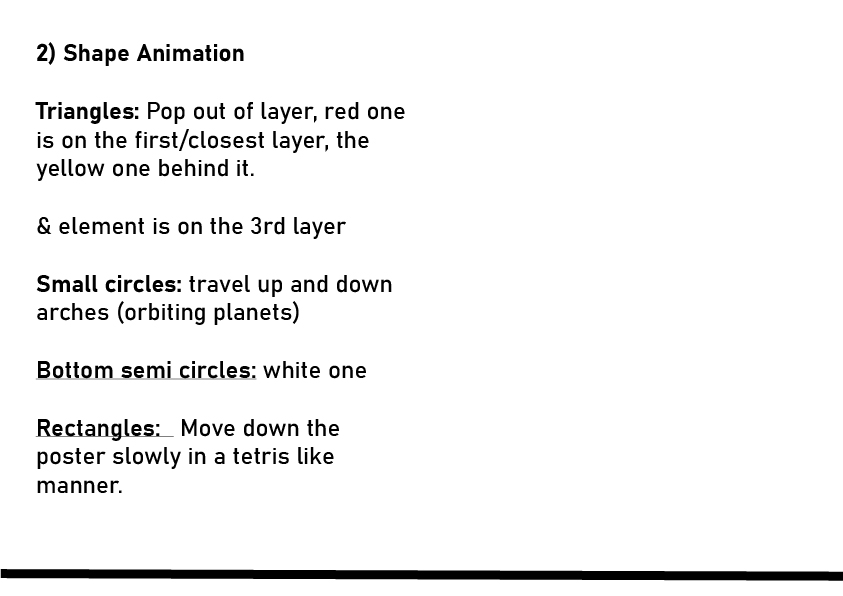
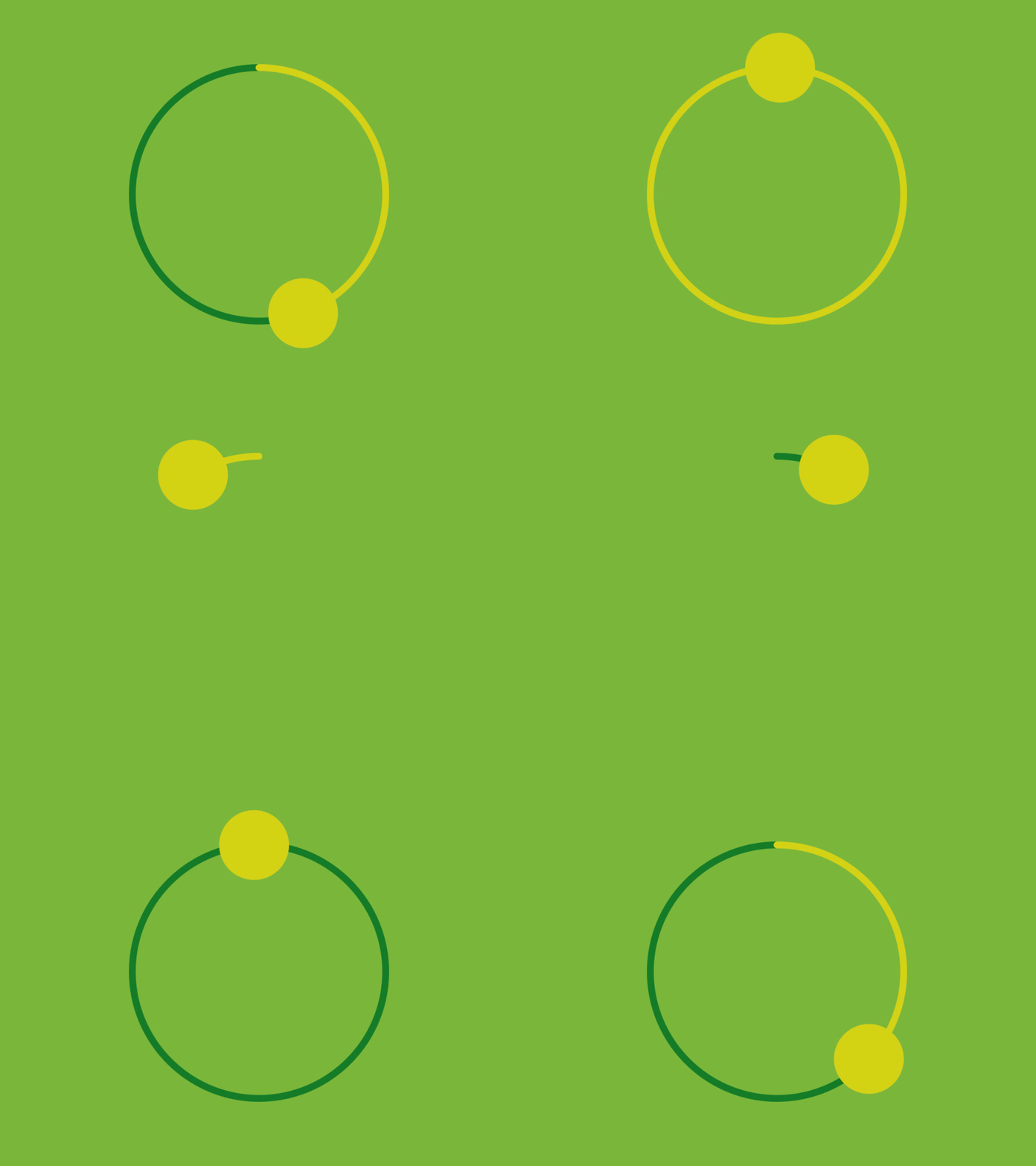
Something I don’t understand is that every element is in the right place in my animation, such as the planets following their paths on the lines, but when I put it in roar everything stays a bit out of place no matter how much I try and experiment with resizing. It may have to do with the alitude but I couldn’t change it that much as the video layer needs to be a specific height above the other shapes.

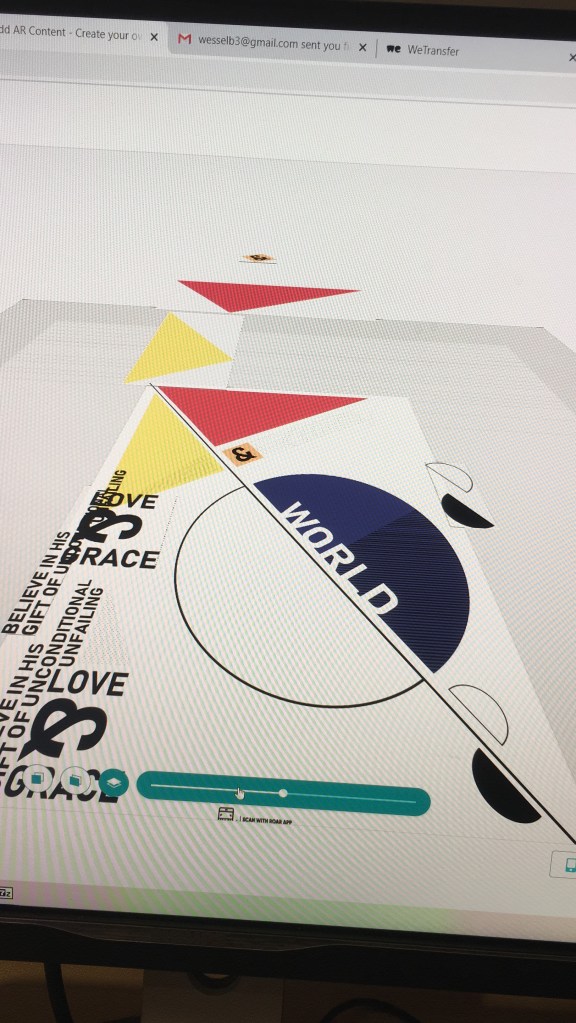
^When I edit in roar the video layer is correctly placed above my shapes but when scanned it goes a bit off:
The Struggles of Roar/process

Getting to know Roar the past few days wasn’t the best experience. It seems the want to make it difficult instead of easy to use. It’s even hard to select objects as it just moves your whole background around and drives you mad.

Then it looked like my pngs have a box around them, which it shouldn’t… and I though I couldn’t fix it but magically they disappeared once you look at it in AR.

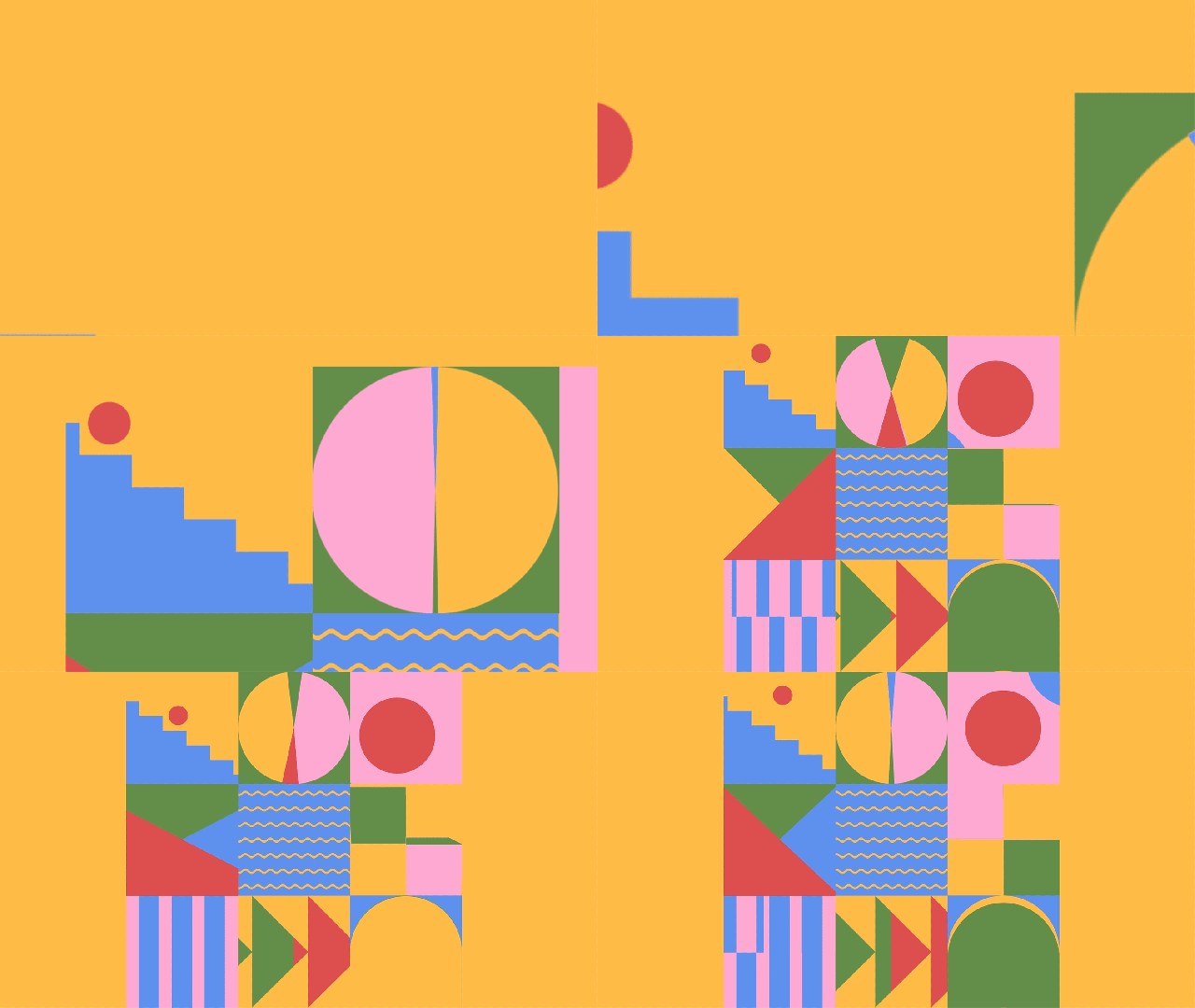
I realozed I had to take almost everything out of my animation background, as it didn’t look good when you’d see double of some elements and it just looked off. Now the background seems quite empty though.

Another problemo is that the bodycopy animation comes out so faint you can barely see it. It may be due to the green screen…soooo I might still change my after effects background to transparent and see if that changes anything,

This is it so far, basically finished besides the bodycopy problem. The app messed with the colors too for some reason…

Design a site like this with WordPress.com
Get started