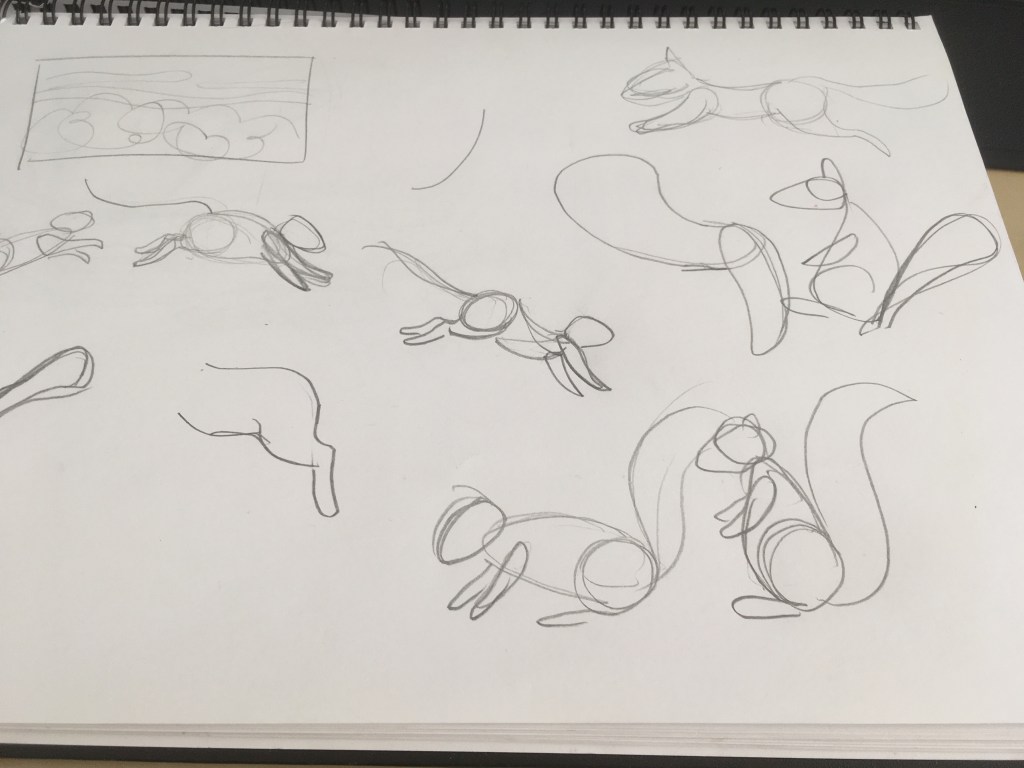

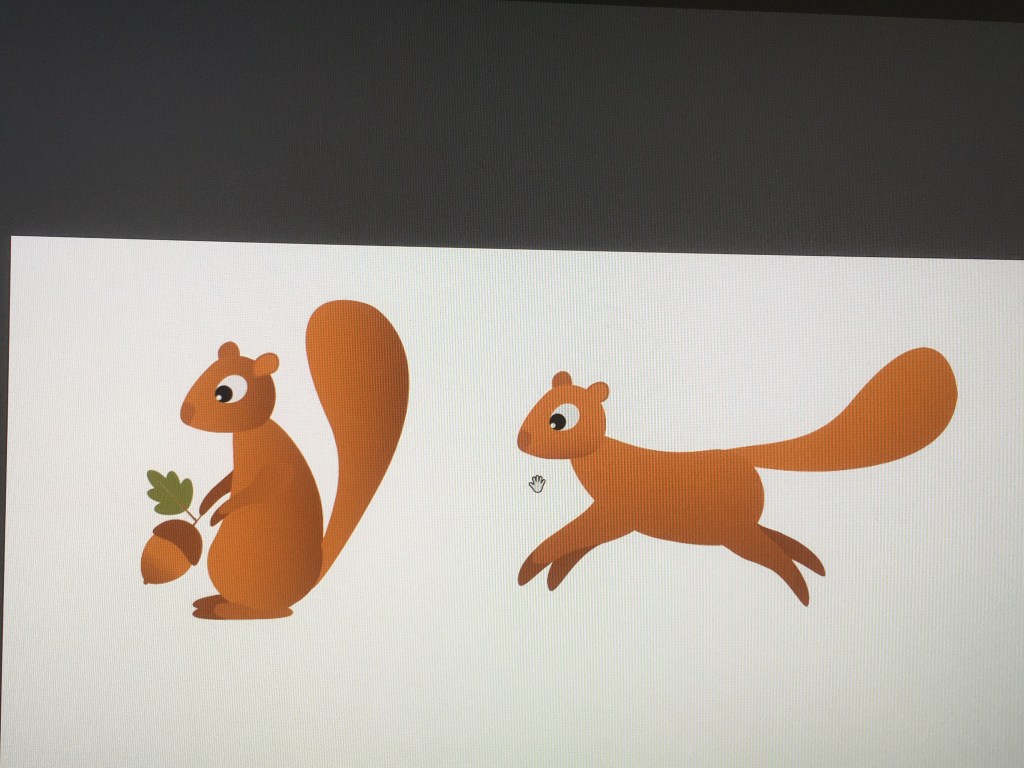
I’ll likely go back to drawing references once I start animating him.
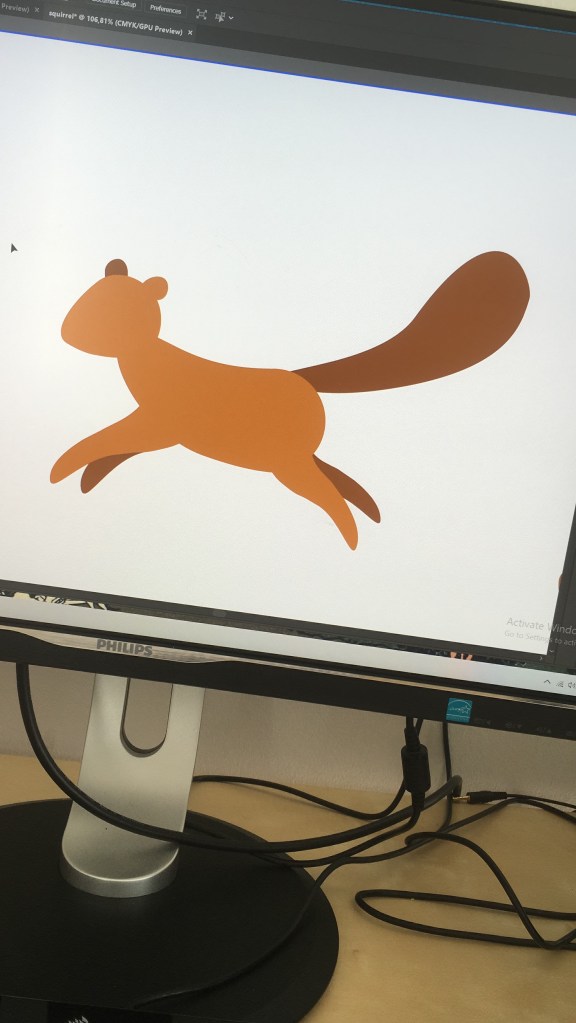
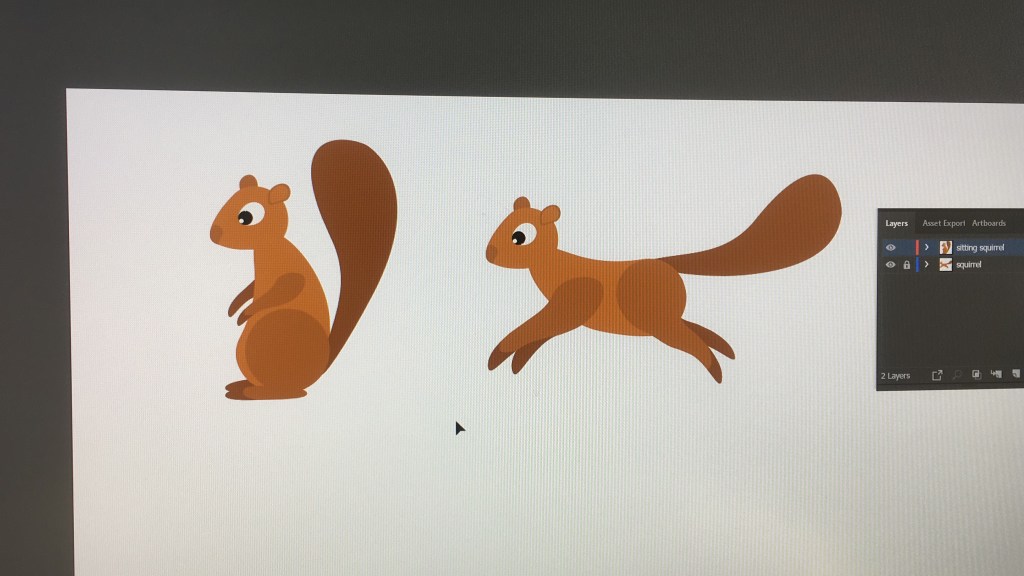
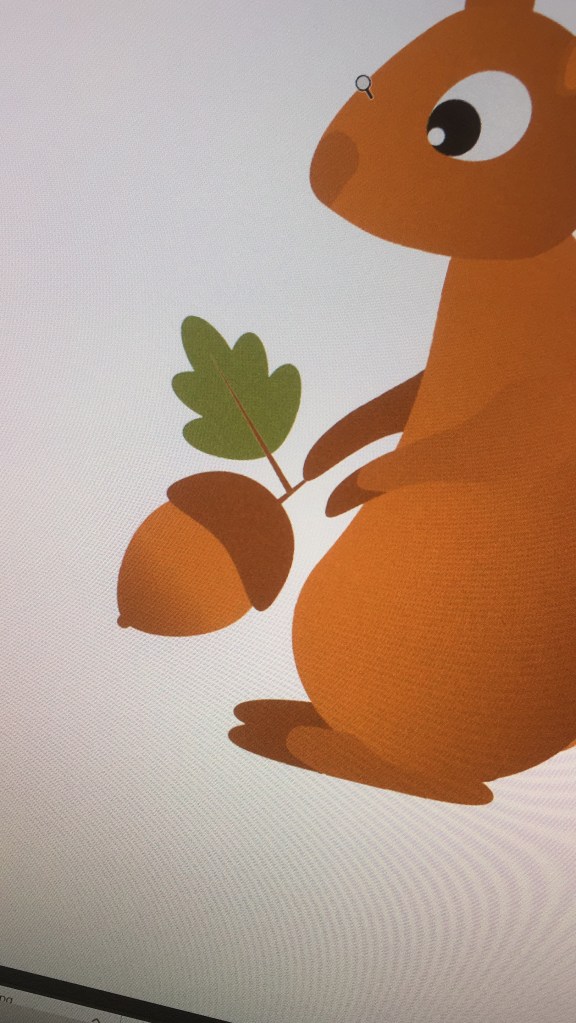
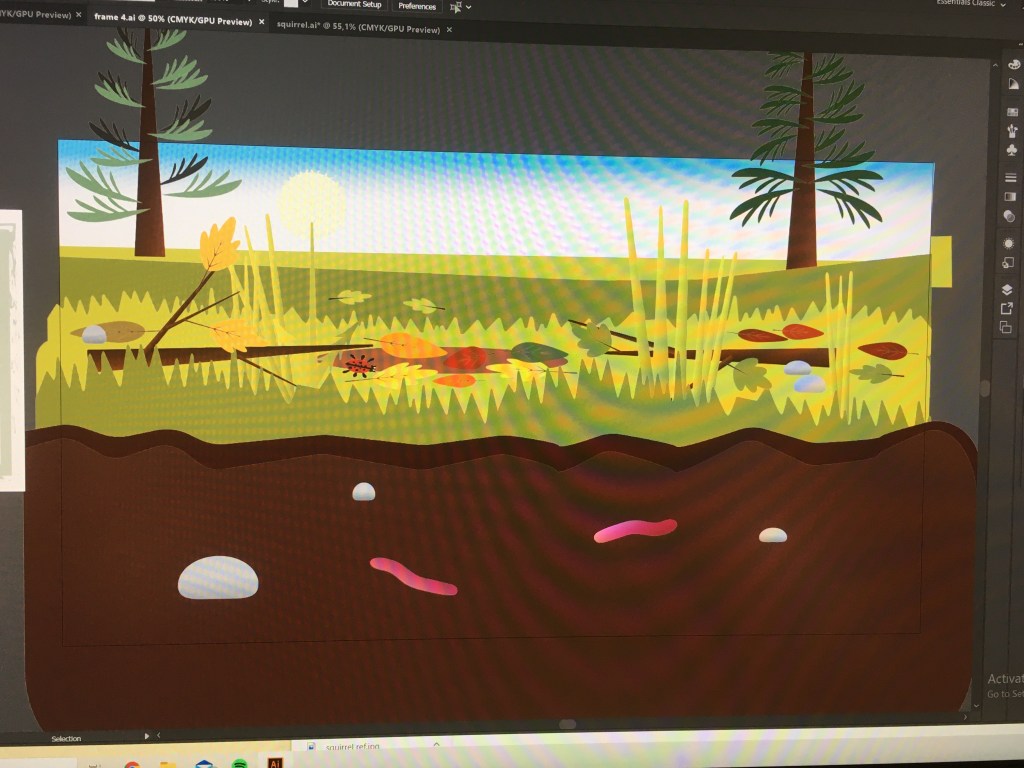
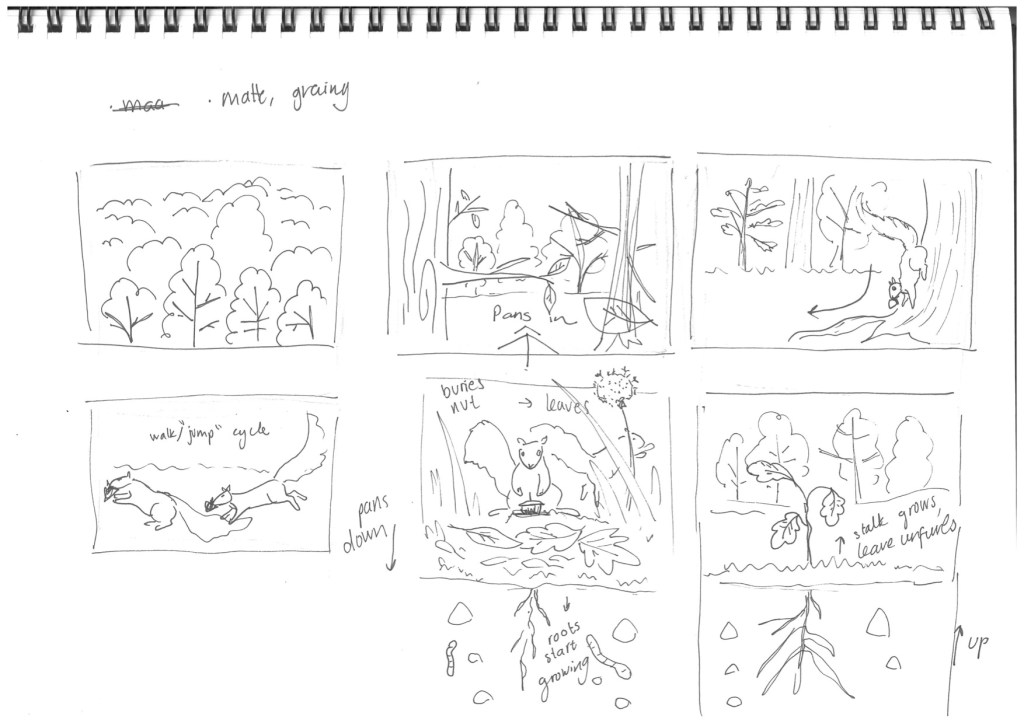
where he’ll bury his nut
I’ll likely go back to drawing references once I start animating him.
where he’ll bury his nut
I’m starting to learn how to use pins in Ae for my character movements and walk cycle and this video really helped me:
Here are some of the many assets I had to make
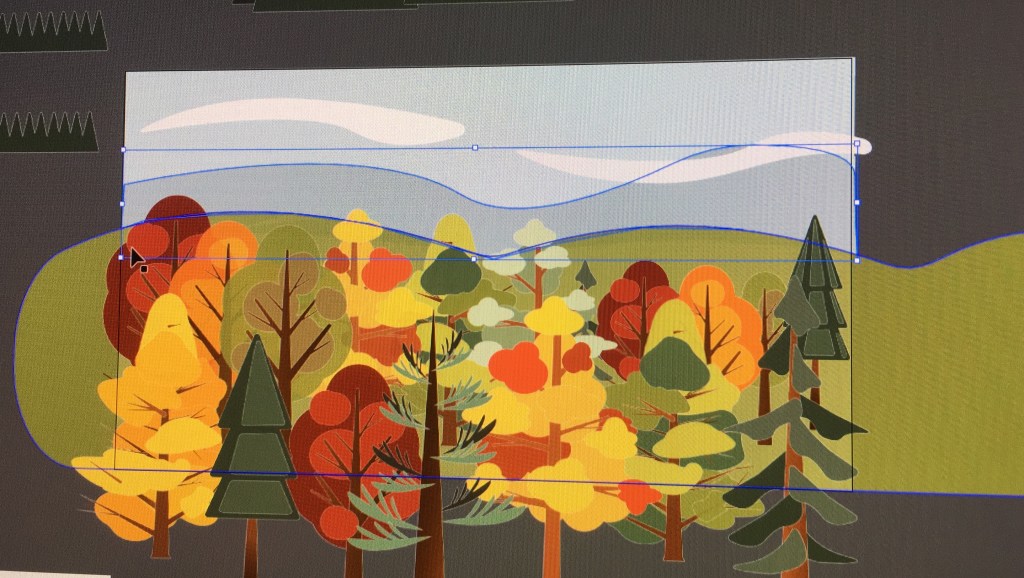
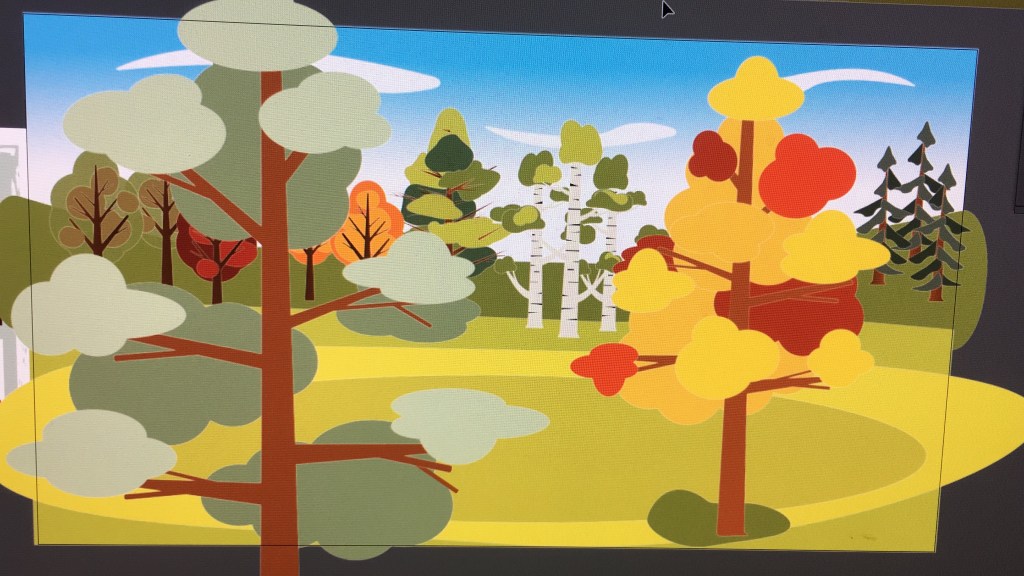
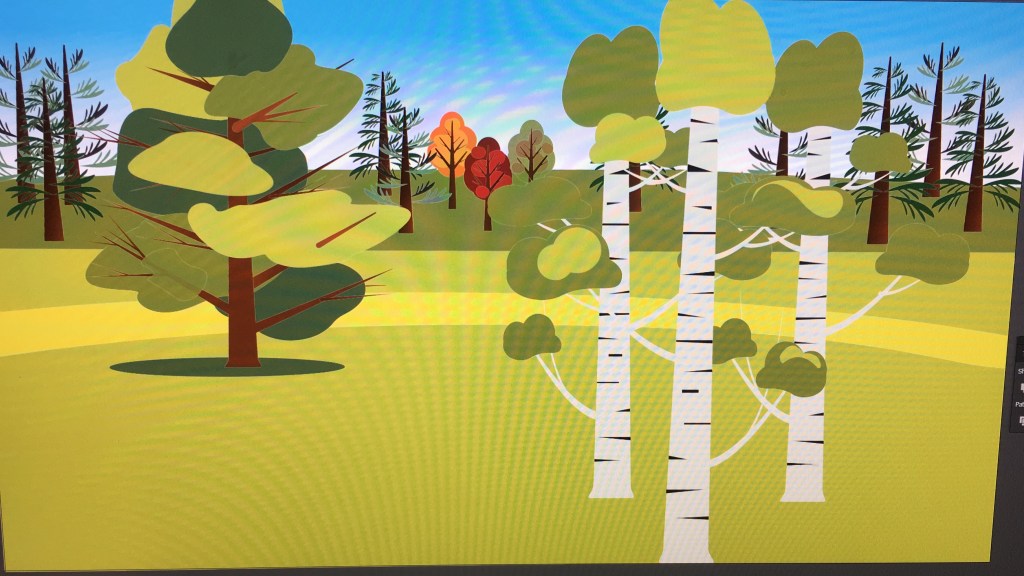
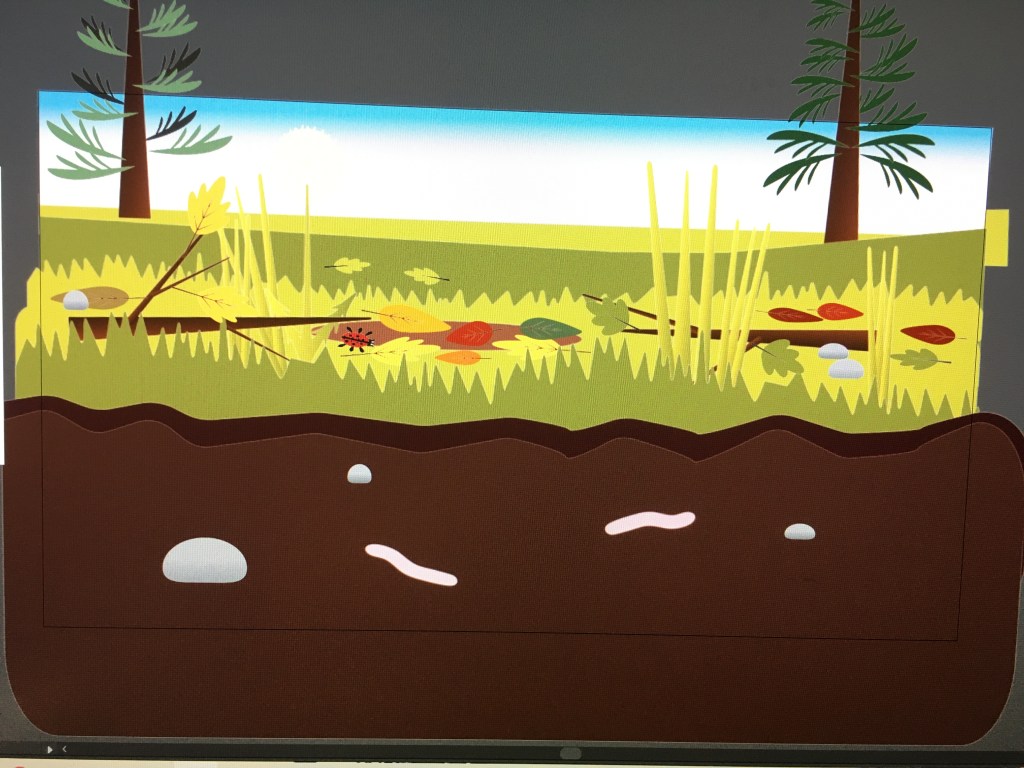
I need to tweak a few things, but I can basically put everything in Ae now and only need to design my character now.
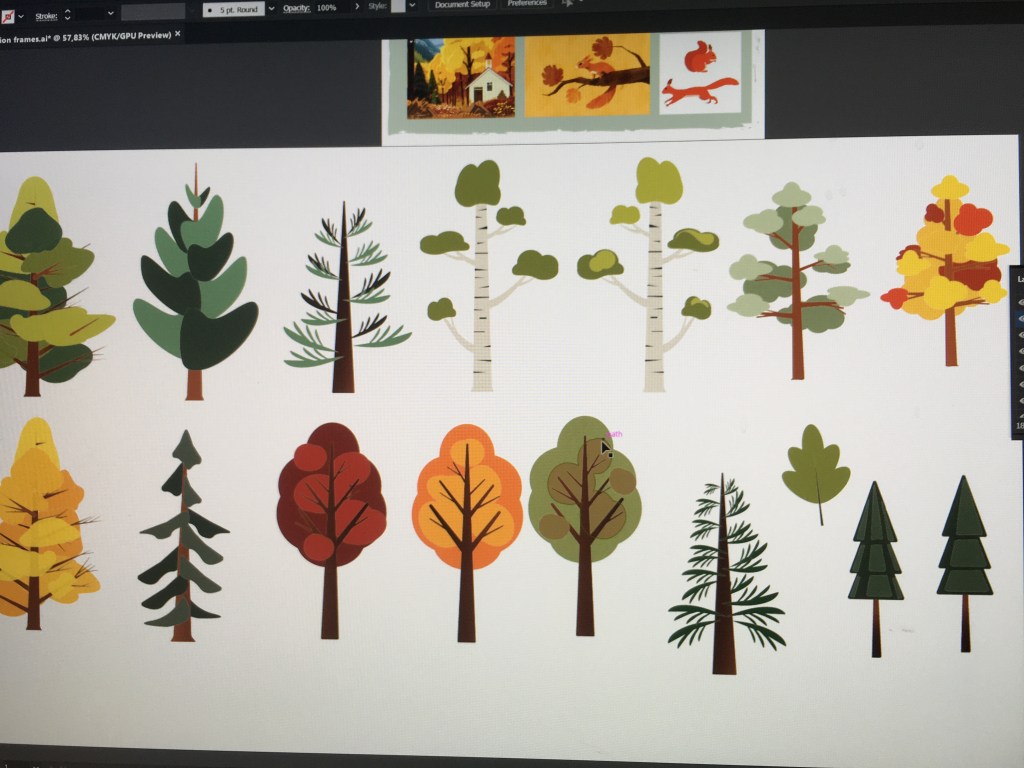
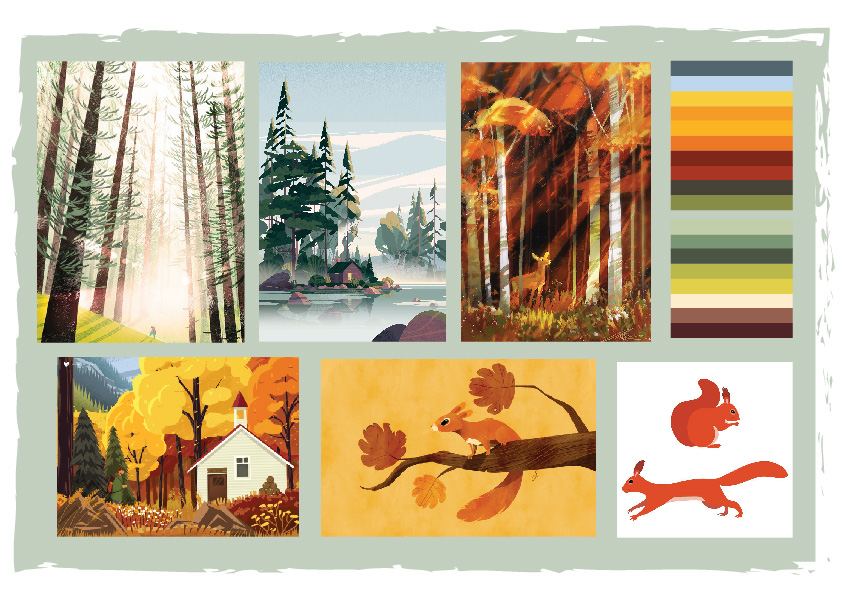
I’ve started to make trees for my squirrel animation, and I’m trying out different ones, The rejected ones might be used for my other animations…
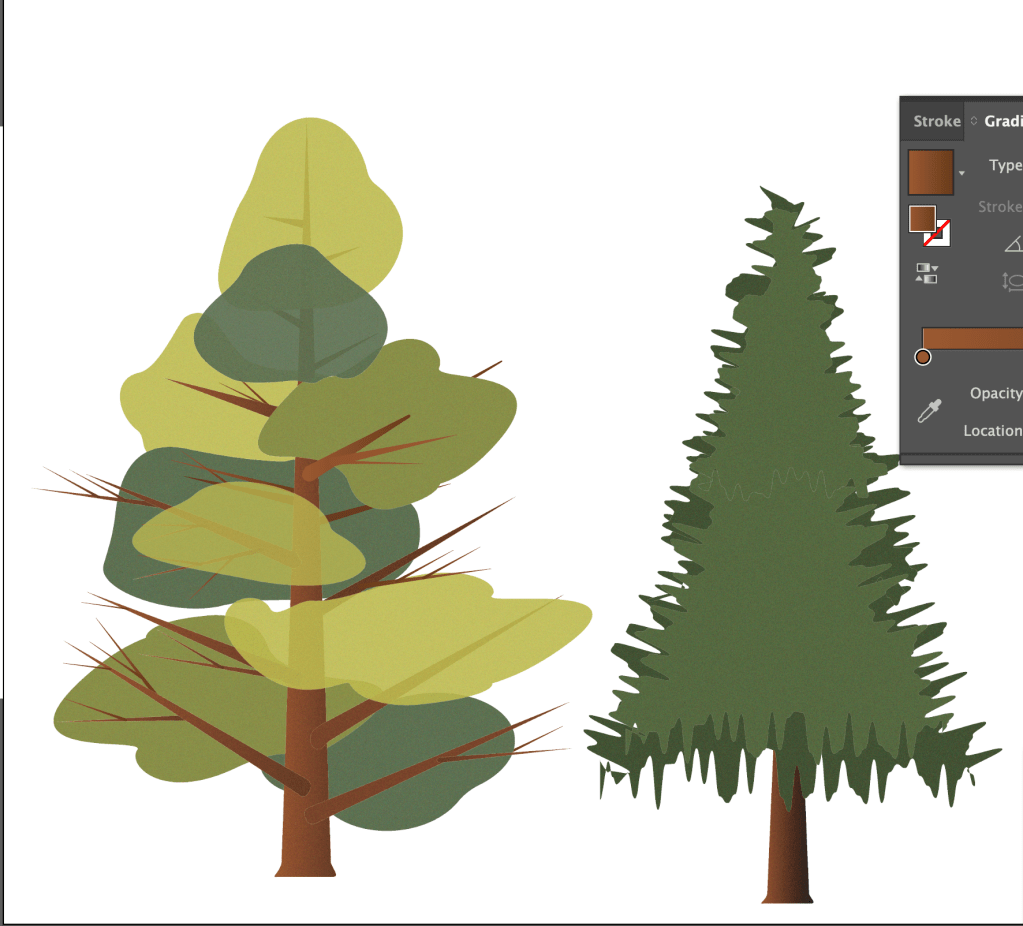
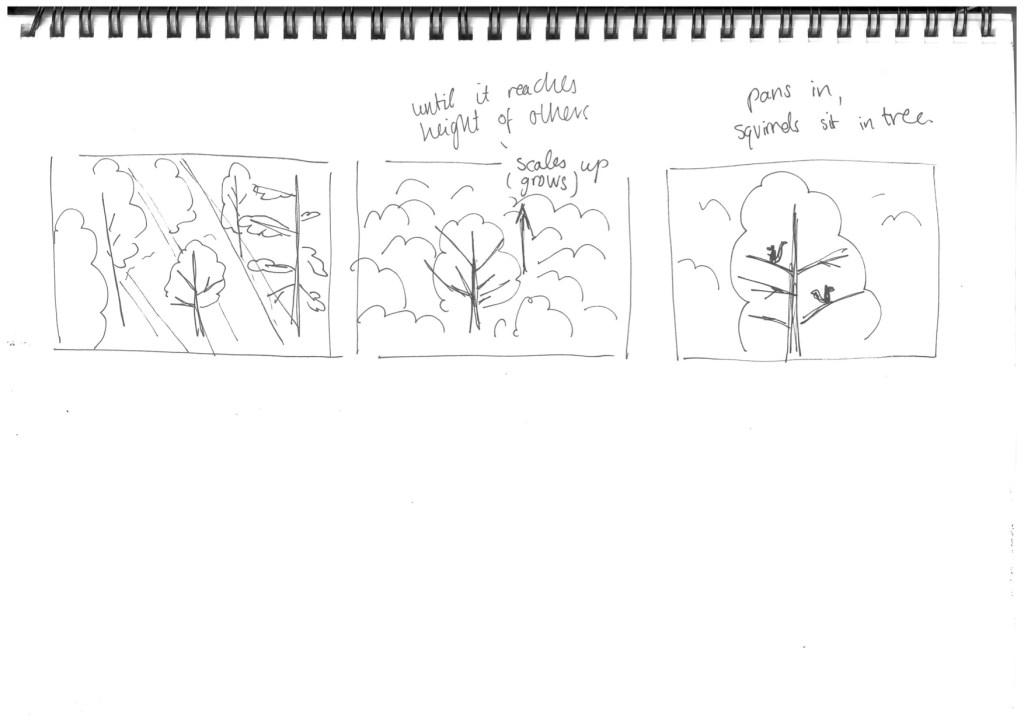
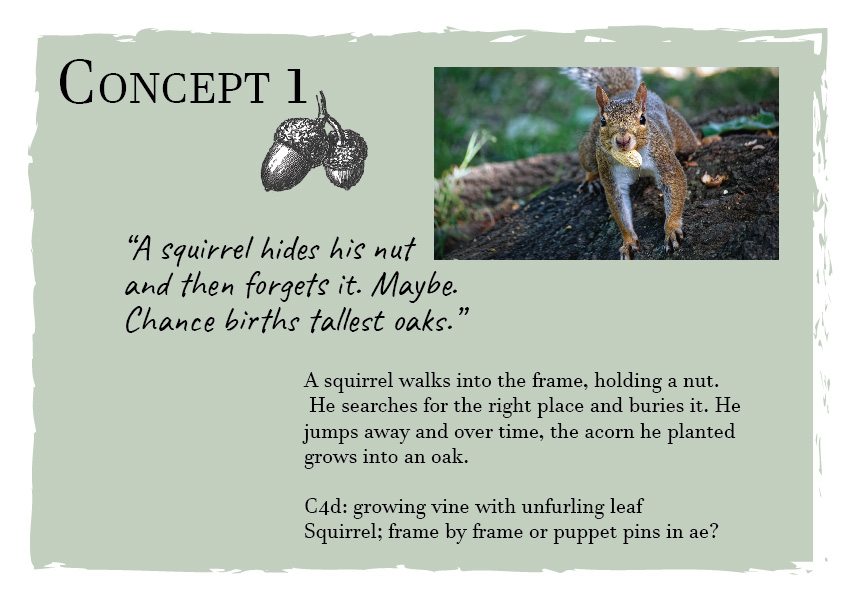
CONCEPT 1 // SQUIRREL ANIMATION
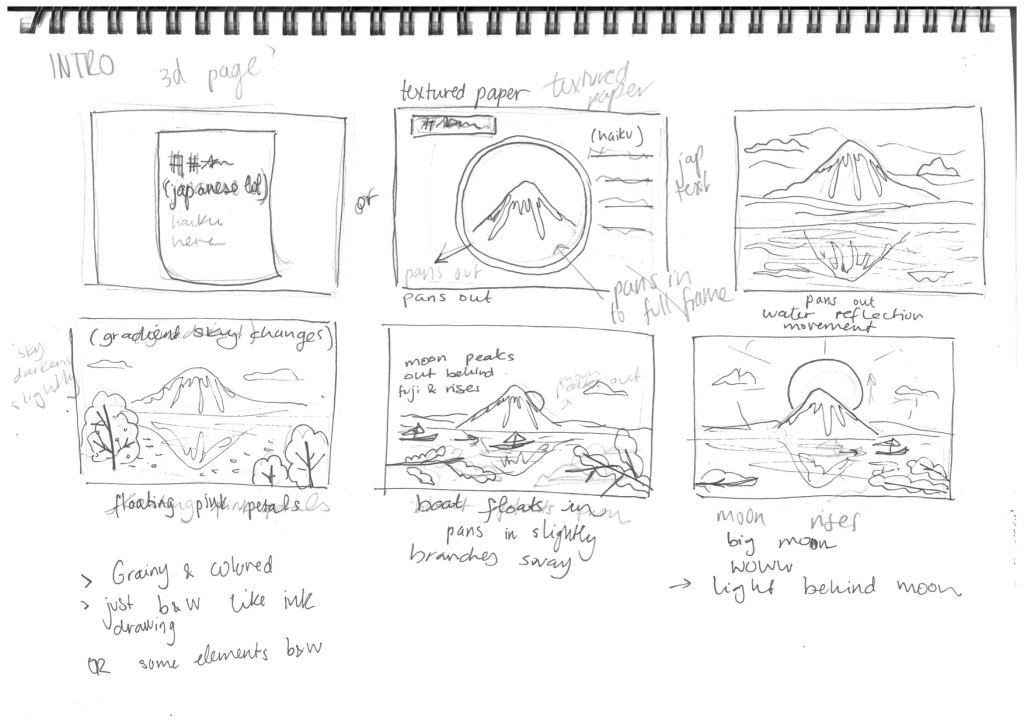
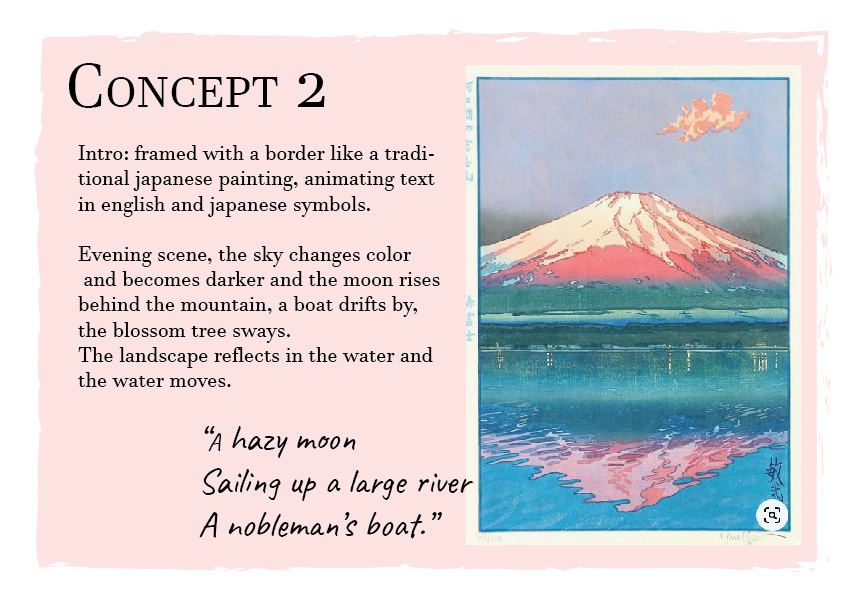
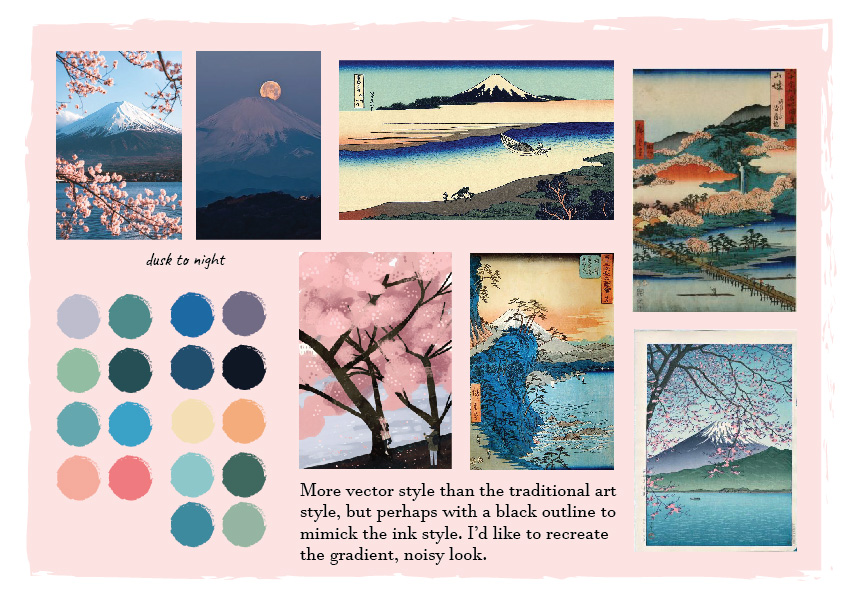
CONCEPT 2 // MOUNT FUJI LANDSCAPE
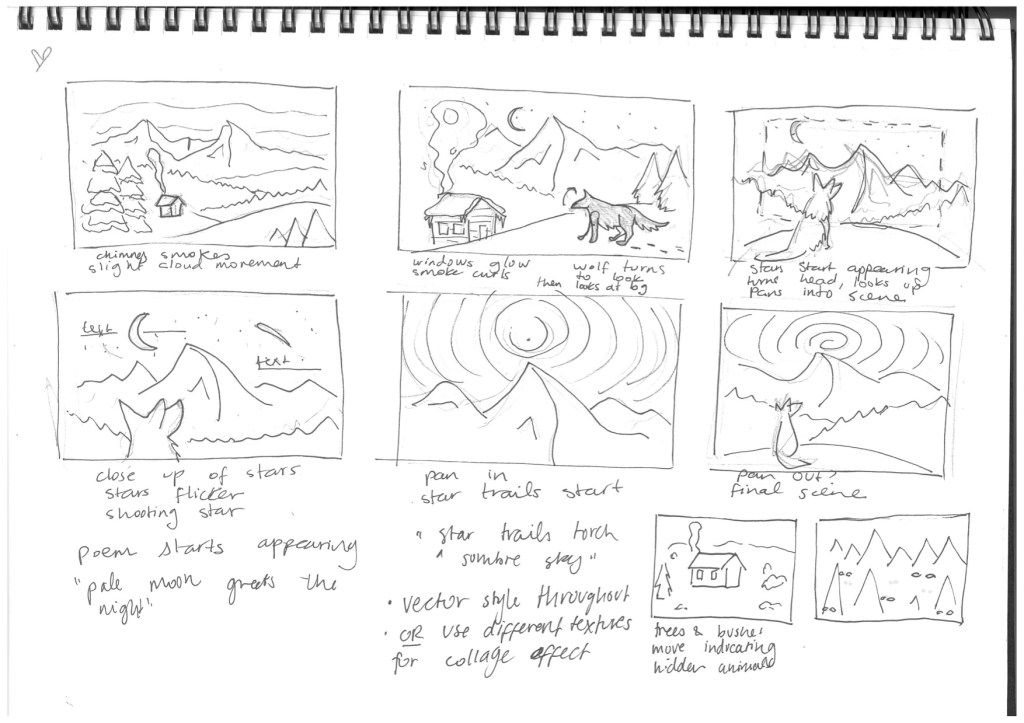
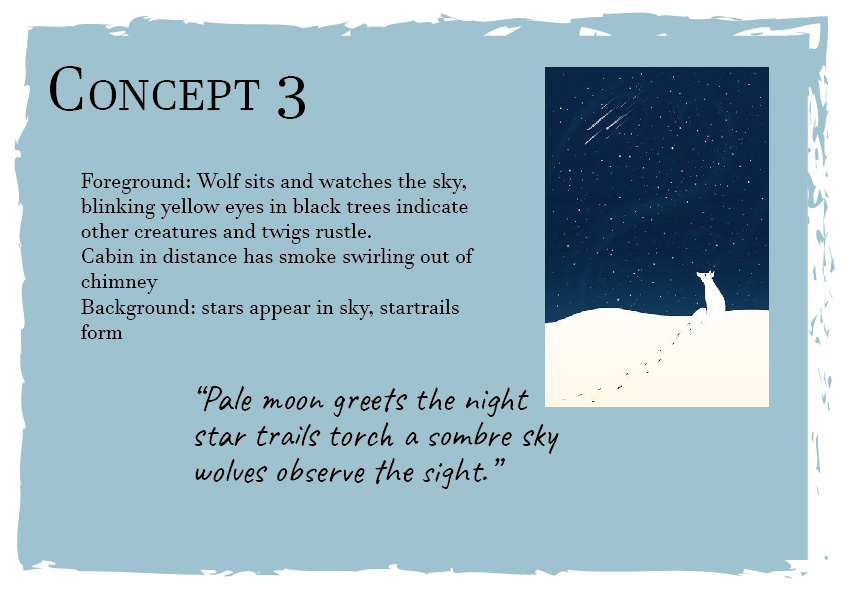
CONCEPT 3 // SNOW STAR TRAIL LANDSCAPE ANIMATION
Notes from tutorials:
Interesting ways to use text animators for other symbols such as periods, dashes:
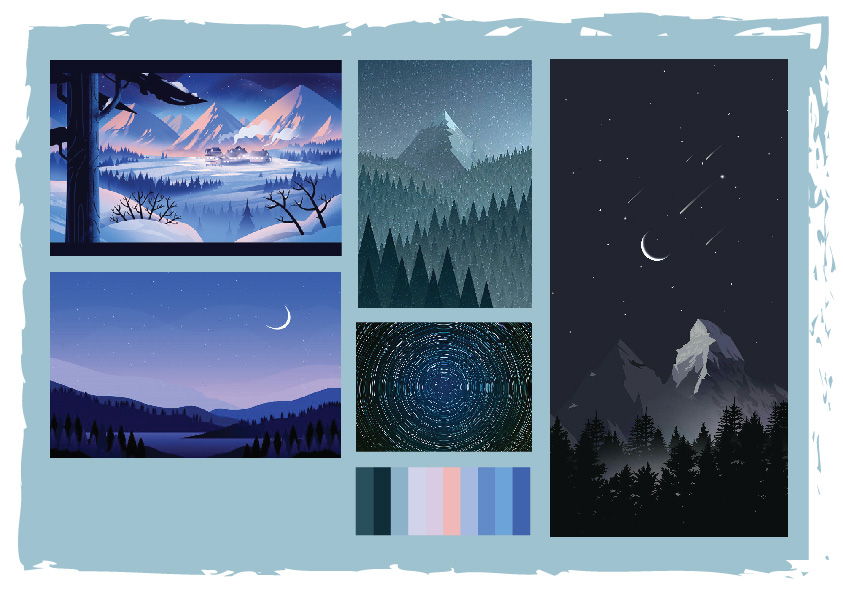
I’m quite excited about designing cute backgrounds in illustrator, and so far I’m leaning towards the idea of creating nature scenes. Most haikus seem to mention nature, peace and solitude, so trees swaying, flowers, stars, the moon and a smoking fire is what is popping in my head so far.
I’ve also thought of each video representing a different season, so one could be a snowy winter scene, another one autumn with trees changing colour and falling leaves, and a their maybe spring with blooming flower. I did see one c4d tutorial of a blooming flower that I’m keen to try out.
These are some Ae tuts I would like to revisit later:
Today we were briefed on our new haiku brief. We need to make 3 40 second animations of 3 different haikus, using cinema 4d, after effects and illustrator. *remember mt mograph motion plugin to download*
I’m trying to find ways to animate text and other effects so I went and searched for animation tutorials I could use:
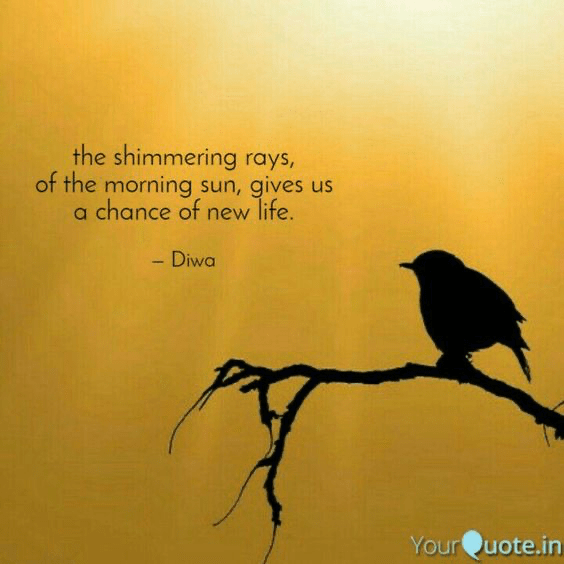
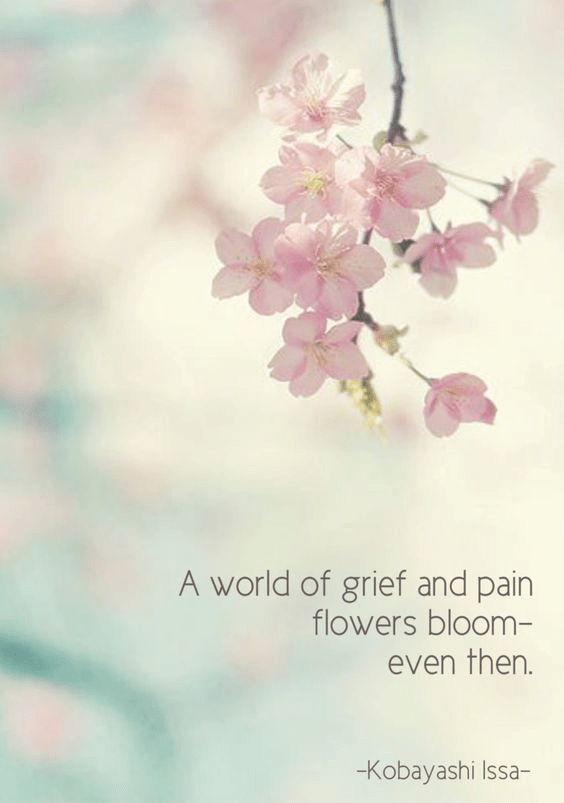
Haiku ideas so far:
Today we started working with cinema 4d and Werner took us through all the tools of the software.
Notes:
alt g group objects
click and drag one layer to another, arrow down means parent, left arrows places it in between
symmetry, dear shape in other shape gives mirror effect
in timeline double click to create, change colour etc the drag it onto your shape
right click on object, line cute make own selection for segment
SKateboard: make plane, select edges, extrude tool, drag out and bend up. Select nodes at ends, right click bevel and drag to round. elect middle edges, drag
to download: vfxmed
 Kristi Multimedia