CDP Controller parallax for landing page

I applied the 4th parallax tut to my landing page, here is some documented progress…

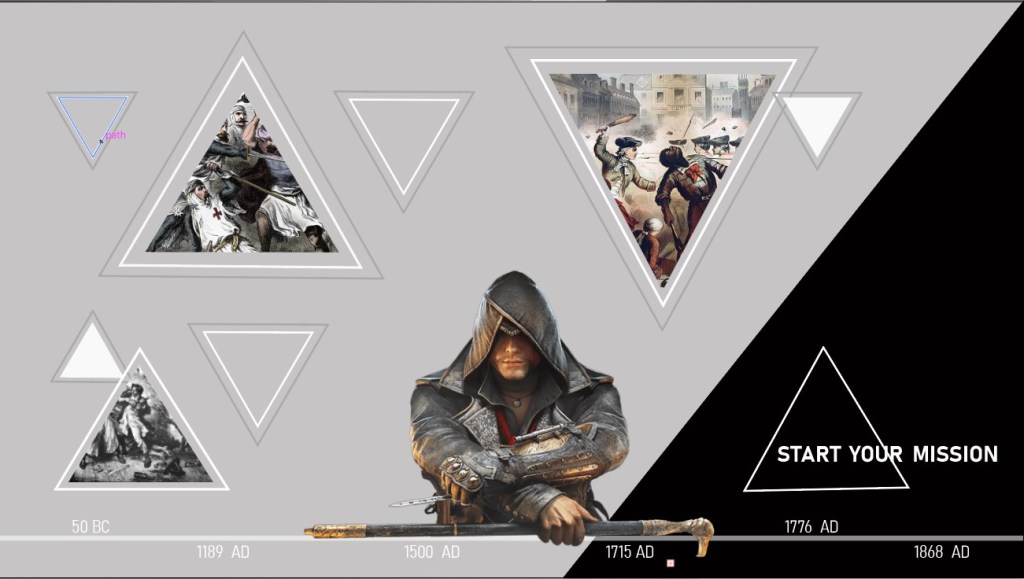
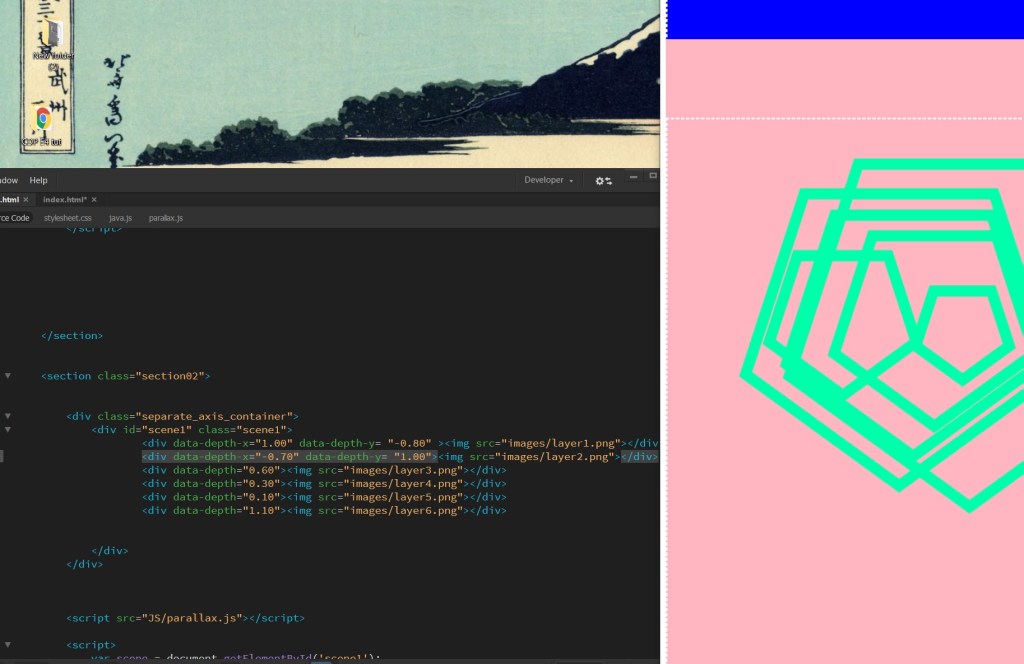
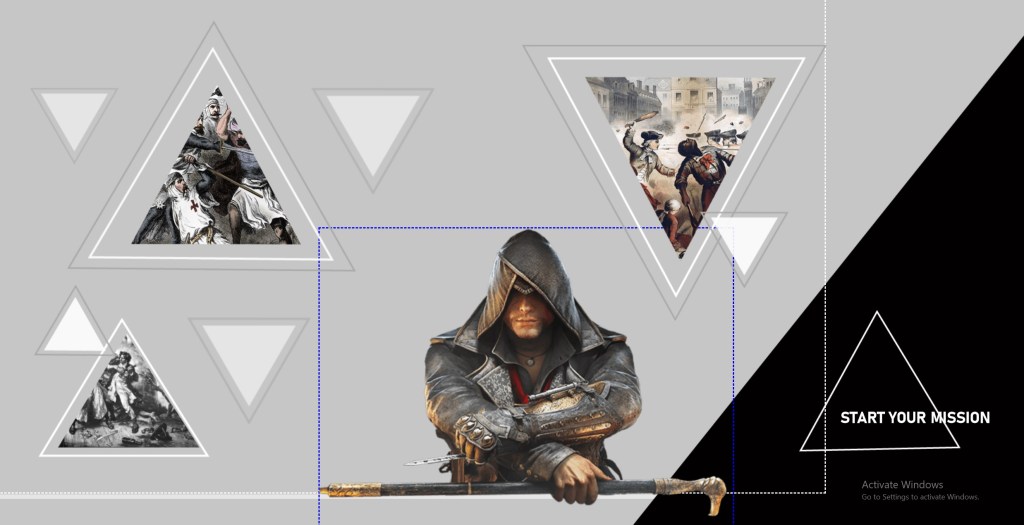
First I made my 2 containers, the assassin is the controller. I sukkled a bit with positioning at first then realized it was because the way i saved my triangle pngs was that they were small on a canvas instead of full size.
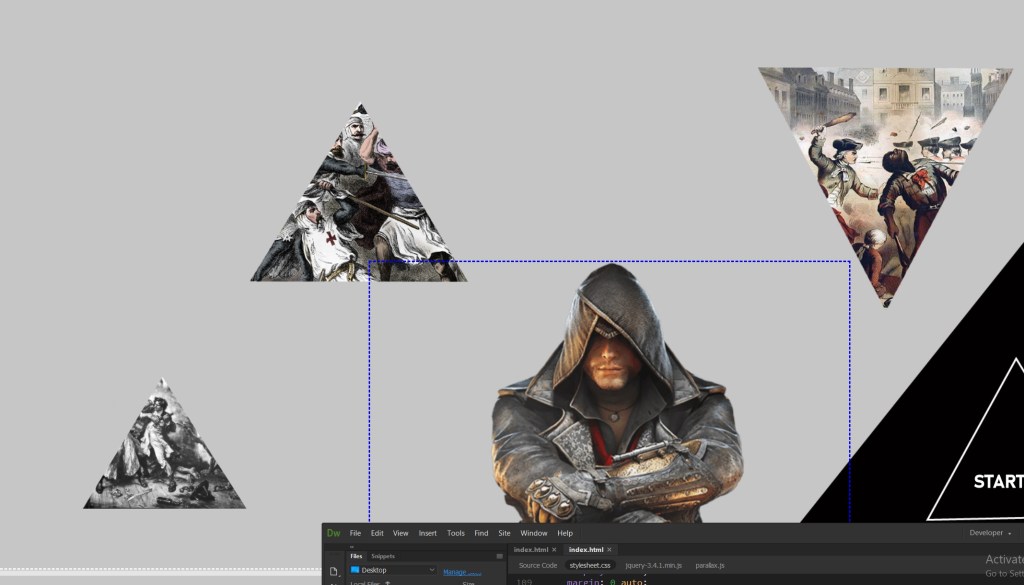
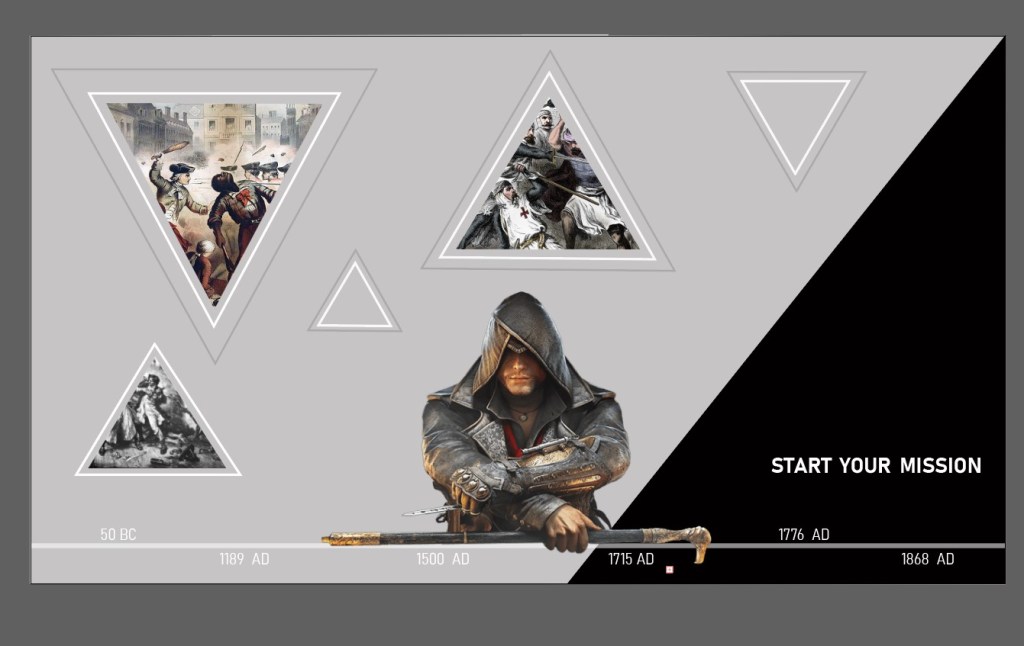
Anyway then I added cute border shapes…. they move a bit more than the images inside.
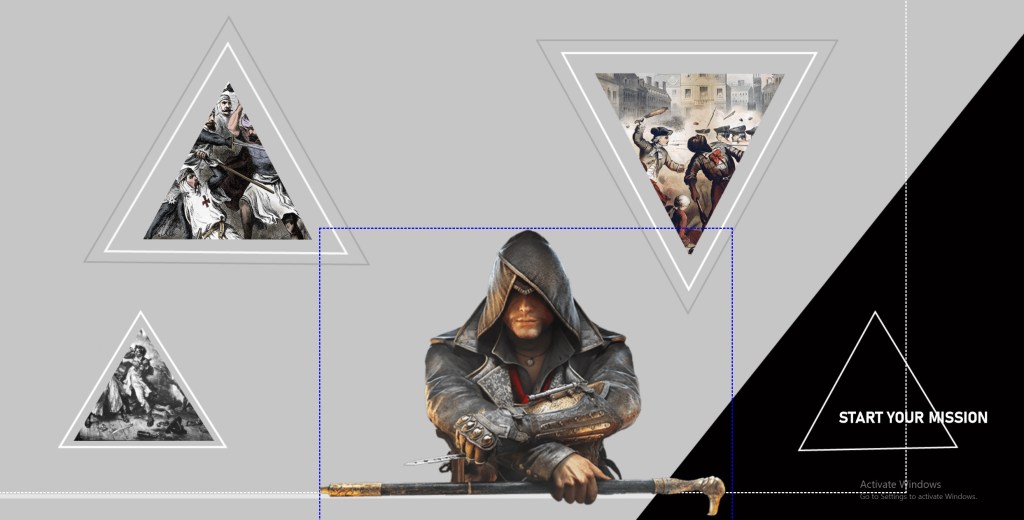
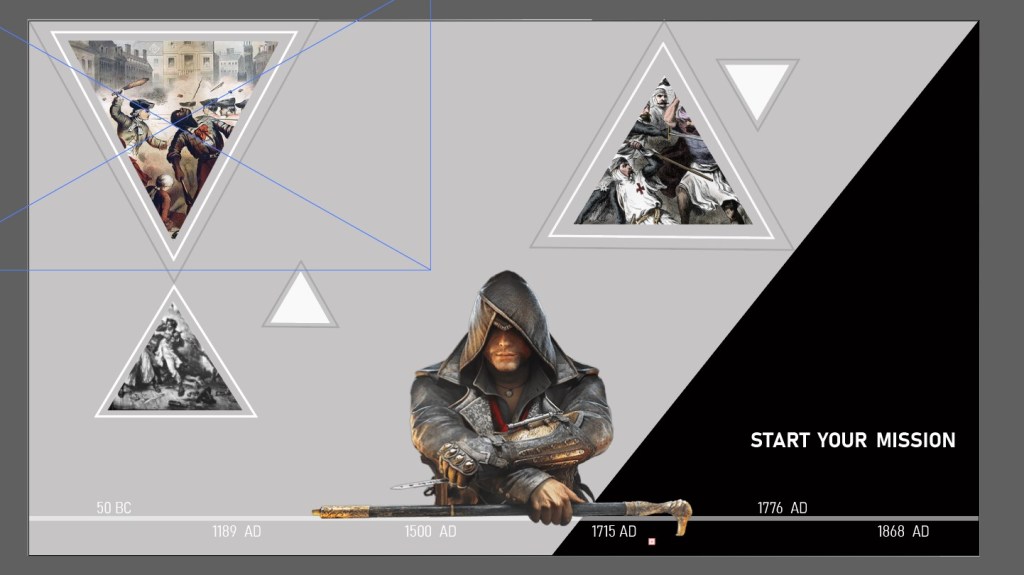
SOme more cute lil elements
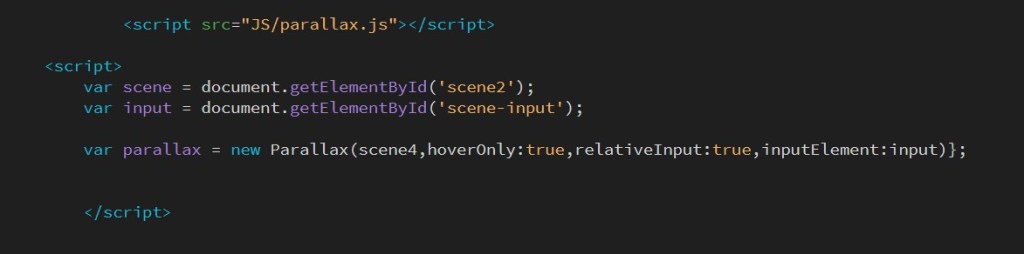
Complicated ass code. I thought I did it wrong then I continued the tut and saw you did it wrong at first lol

Linking a div

I am working on my landing page which is going to have a lot of links on it, and realized i had to do it differently as I hadn’t made my pages different htmls. My pages are just different divs on index.html.

Luckily I figured it out. You just need to give your div an id, and then link your href to that id #.

Yeeet i am a hacker man dan

loader/ I tried…

I’m trying to make the loader stop animating and played around trying to change the animation css. but um hahaaa nope its not working.

Then I watched this tutorial which suggested making a wrapper for your loader and adding this script:

<script>
                $(window).on("load",function({
                    $(".loader_wrapper").fadeout("slow");
                });

            </script>

idk tho i cant get it right 😦 and now i will cry and have nightmares of this thing just turning and turning.

DESIGN CONSULT FEEDBACK

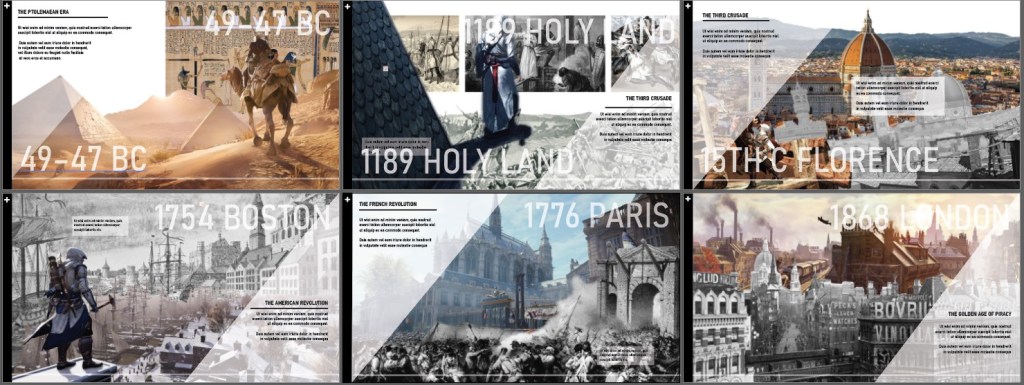
As per consult, I made all pages hald black and white half color. I also corrected some of my assets so that the images blend into eachother better.

For this one, I cut the foreground pic in two and made it half b&w. It looks more multi layered now.

I just made this bg pic b&w…

Now everything looks more cohesive:

As you can see I’ve also experiments with making the dates big and low opacity aqs background elements. Not sure if they should be positioned the same on each page, as for some pages it looks better elsewhere due to the images…

CODING A HORIZONTAL SCROLL SITE

So I followed this tutorial:

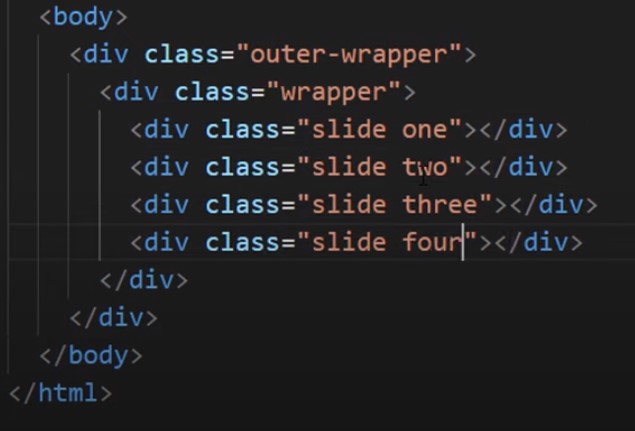
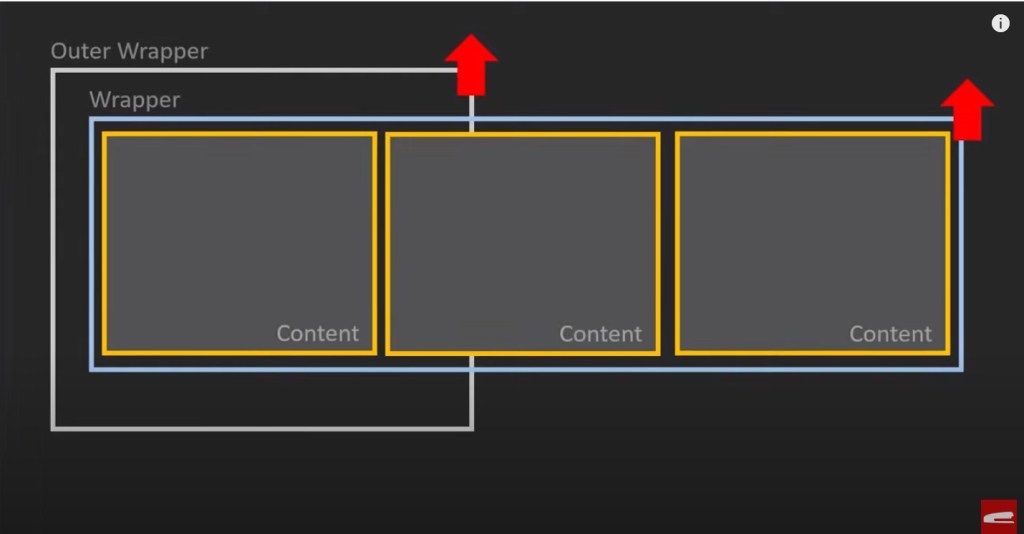
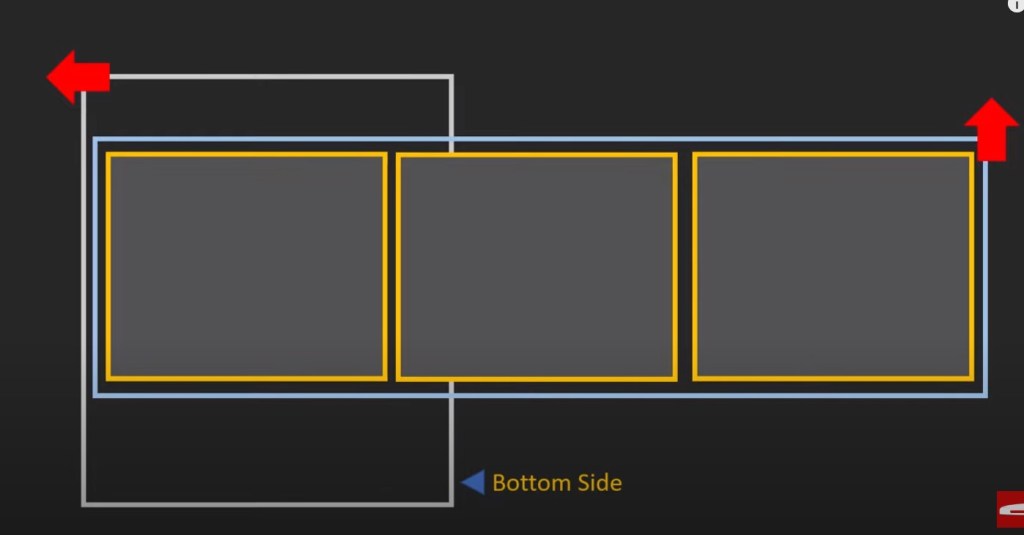
How he did it was to make content blocks under 2 layers of wrappers, then rotate it 90 degrees, but turn the inner wrapper back the way it was so it appears the right way.

It worked fine, and you could also remove the scroll bar.

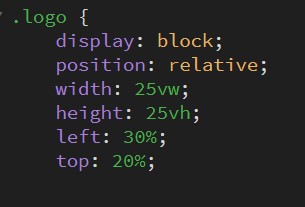
I had trouble when I added an image into the first block. The positioning didnt work right and it appeared on the second page even though I put it in the div of the first page. Also sizing it with px and transform translate for centering somehow didn’t do anything, but it finally worked when I used vh and vw.

Also to center it the percentages seem random, 20 and 30%?

I found another tutorial that makes a horizontal site with jquery, pagepiling.js So the question is should I rather do that as it works with sections like we’ve practised rather than working with content blocks?

Design a site like this with WordPress.com
Get started