I shouldve started simple with the block man but nooo kristi thinks shr knows everything right
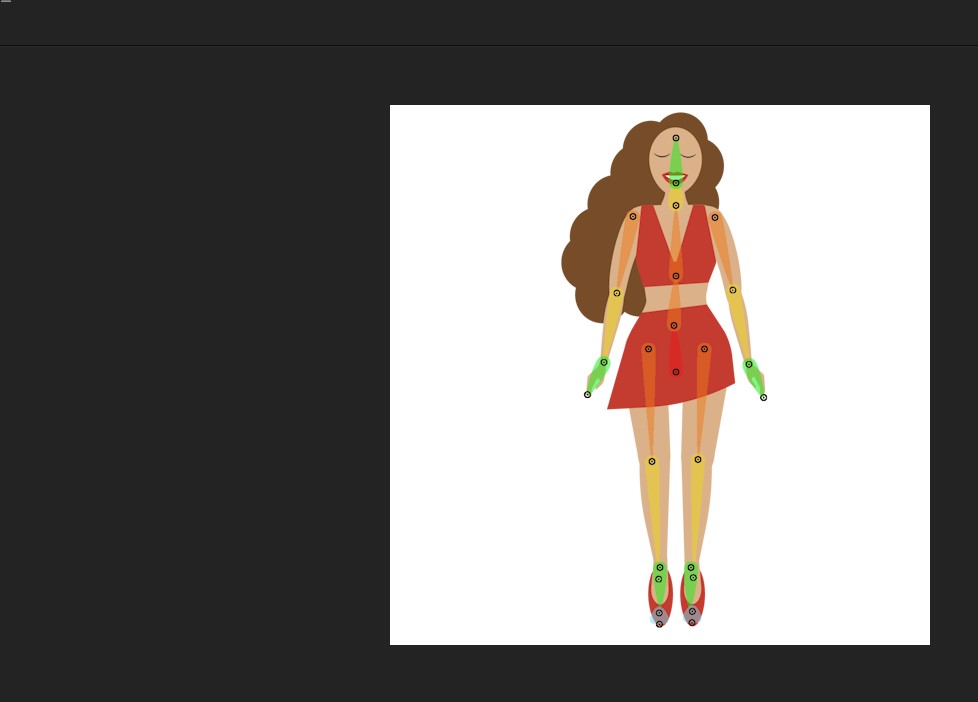
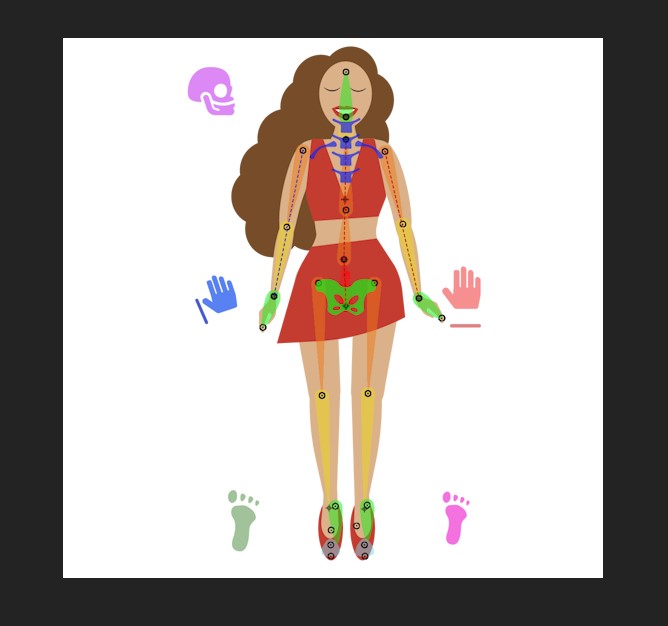
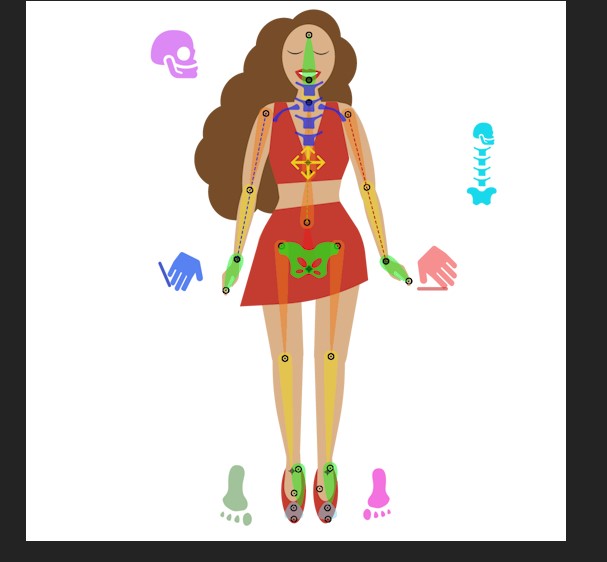
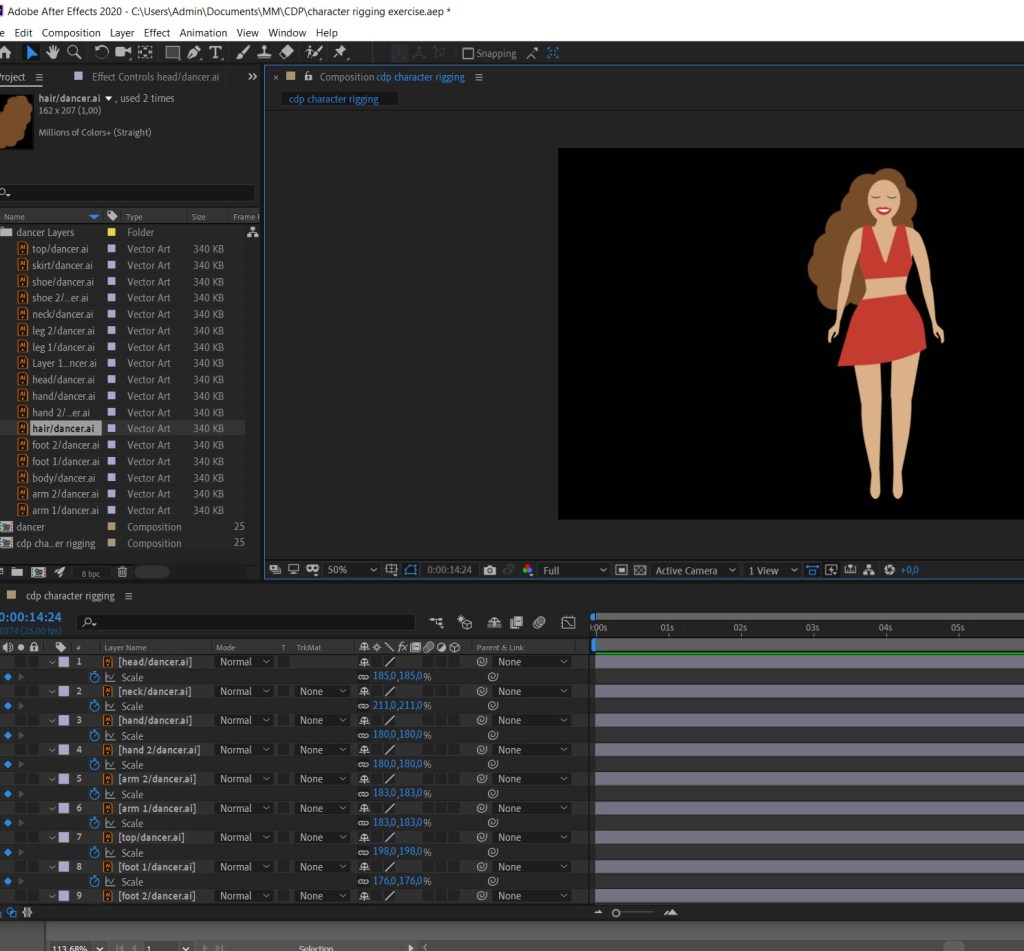
So I made a cute dancing lady and started the rigging process,
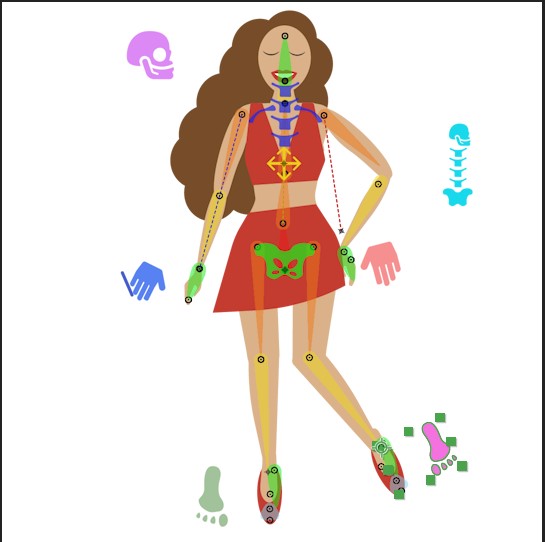
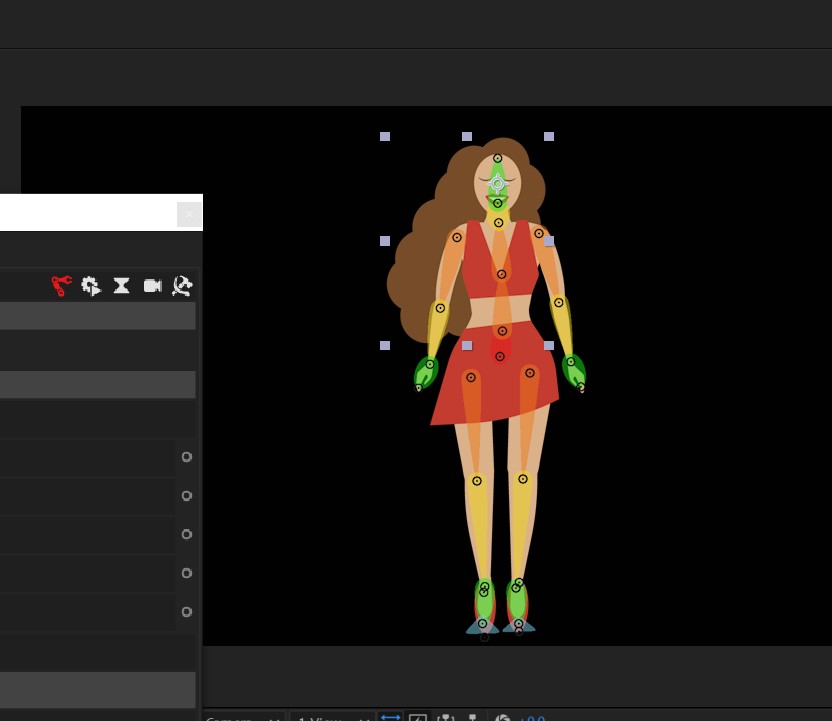
My legs are one whole shape except for the foot, same arms and hand, and im guessing i should have split it into lower leg, thigh, etc as the duik rig skeleton looks like..because when i linked the ai parts with the controllers i obviously couldnt link to each part.
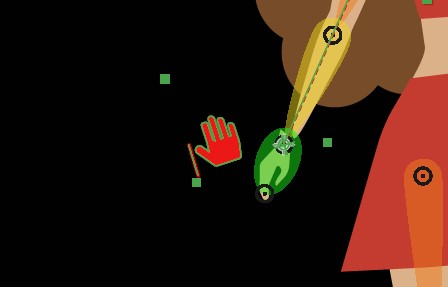
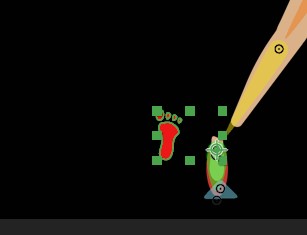
Which may be why my hands and feet disconnect from the body when i move my controllers…
So I need to adjust my ai file and start over, and shouldnt have wasted time and just done the space man but that is how we learn when we think we’re clever isnt it lol
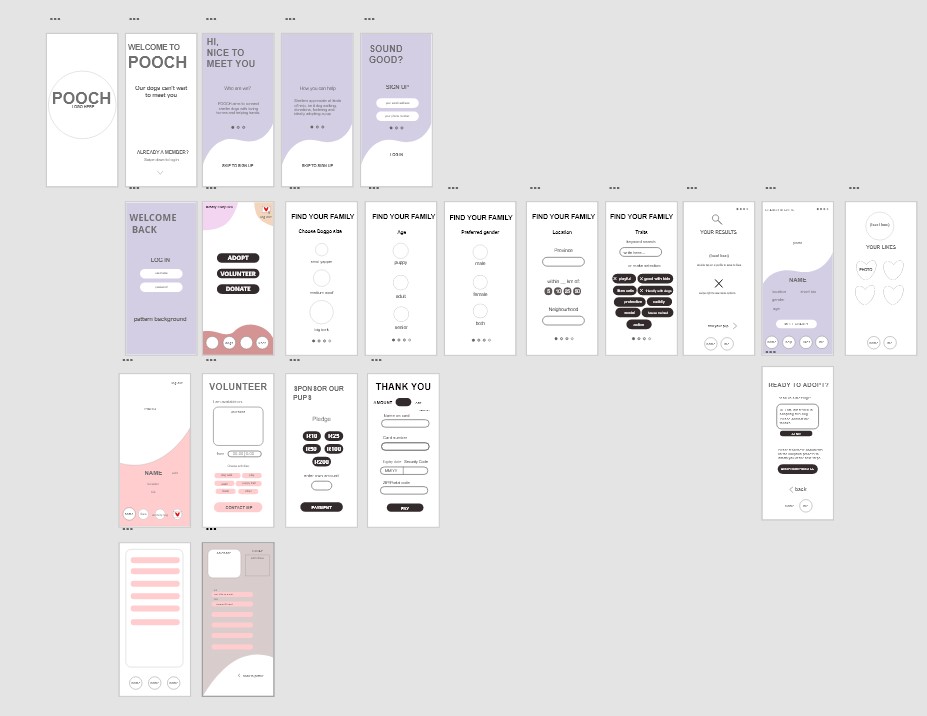
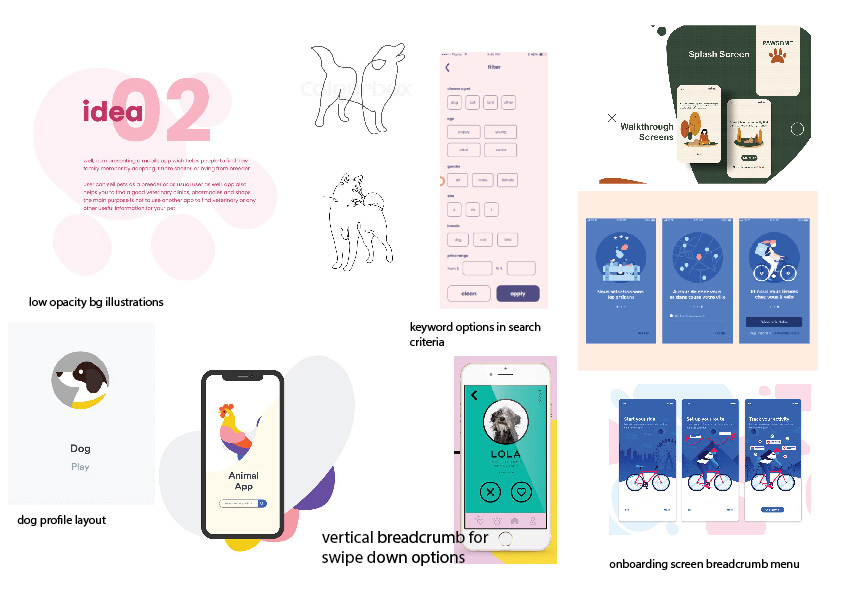
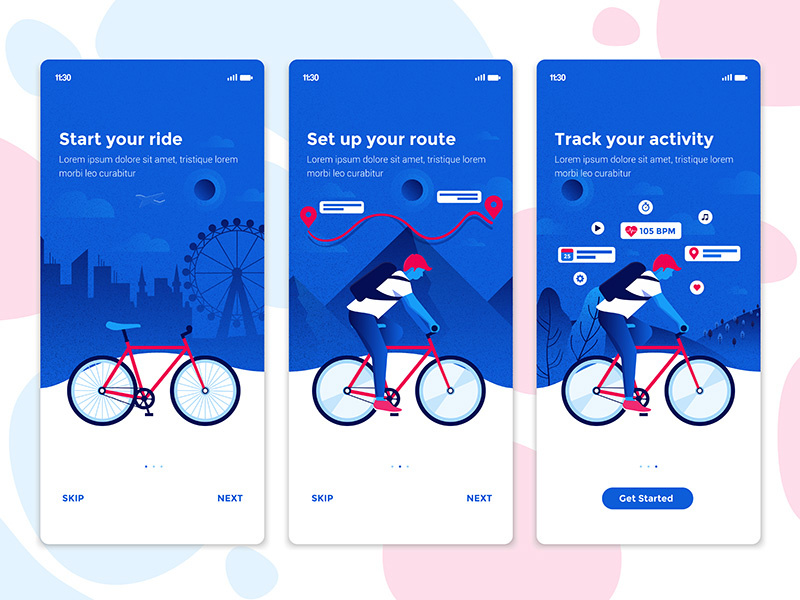
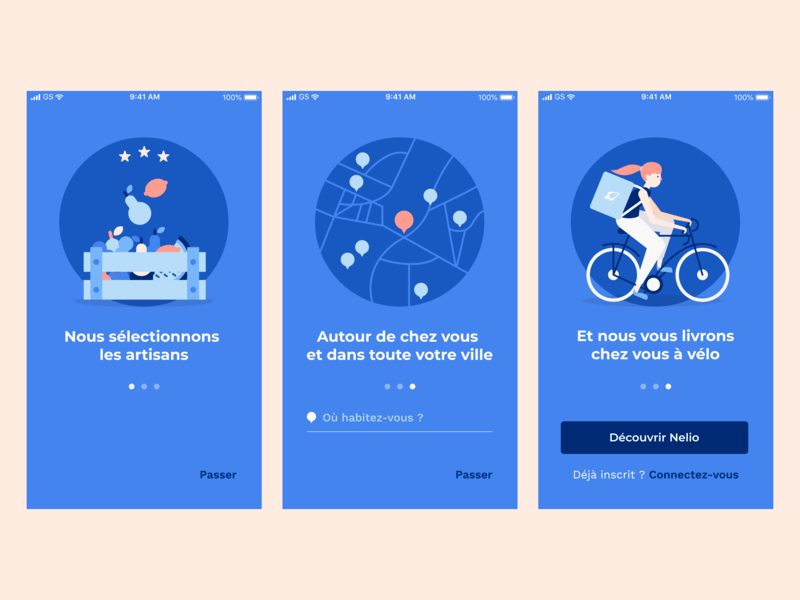
First I nitpicked things I liked about some ui designs and what type of layout and nav to go for
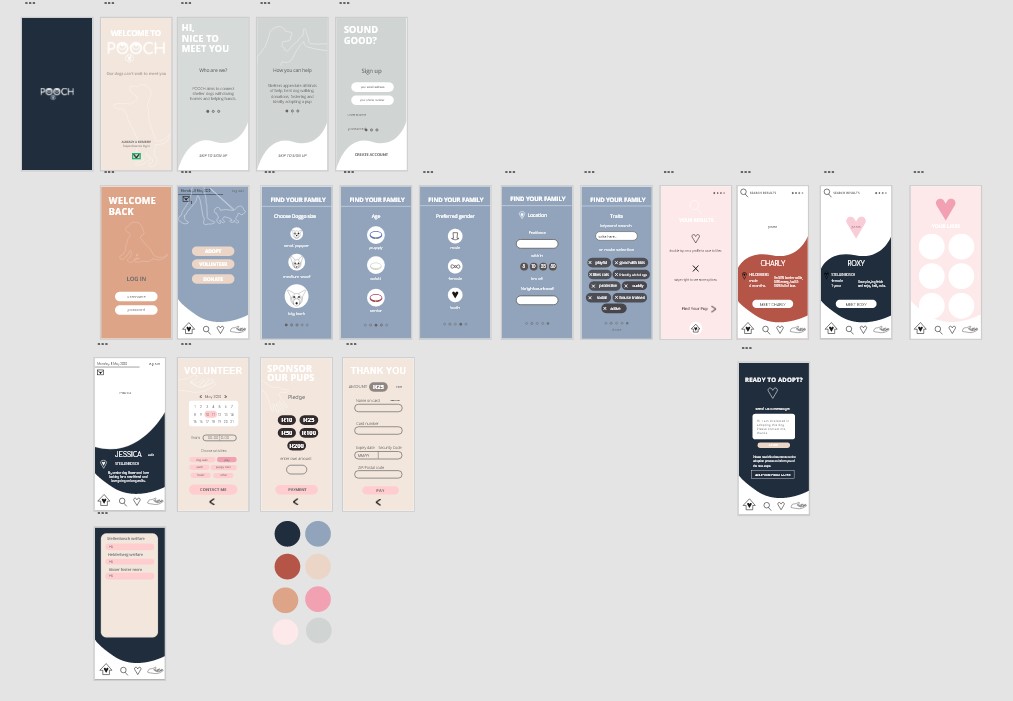
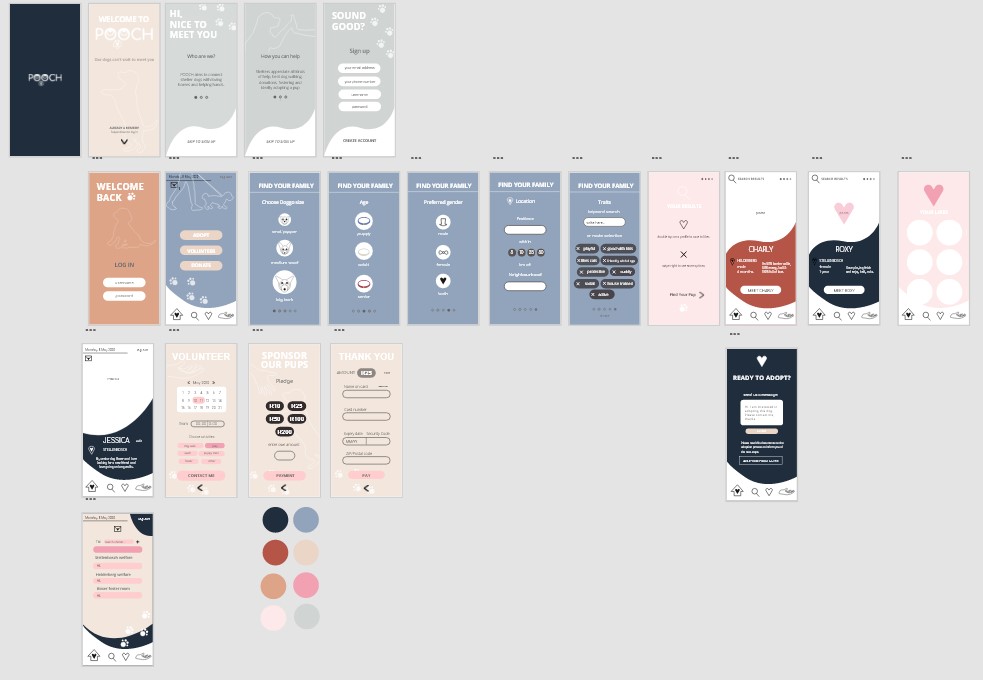
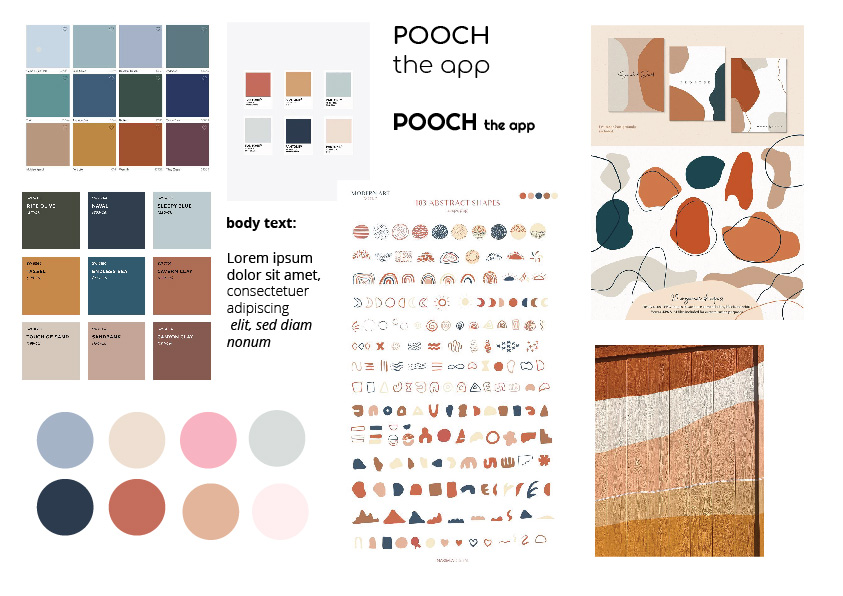
Then Ifound me some colors I liked and made my color palette. I wanted to go with soft, warm pastel colors for the animal theme, and earthy colors to represent nature.
My app is named Pooch, and I wanted to include a lil pupper face as the Os make convenient eyes. For my app icon i prefer the top design with the P.
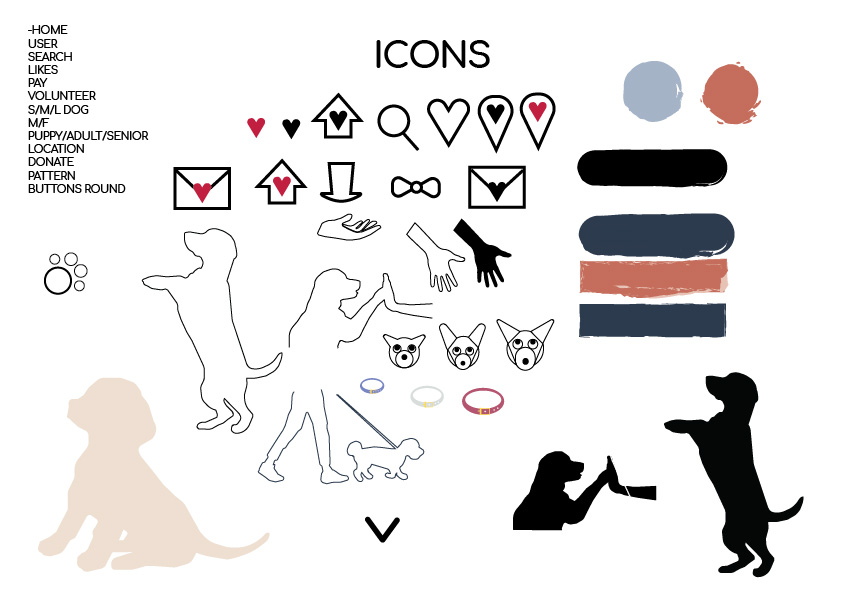
These are my icon designs. I considered doing an arty style like paint for my buttons but decided against it.
I could finally get going after wifi frustrations.
First up just reading about what goes UI design is and watching the aero and other tutorials on how to use XD…
It lowkey took me a while to get used to it and i Just figured out that you need to drag the artboard name to move it and i feel dumb for struggling haha
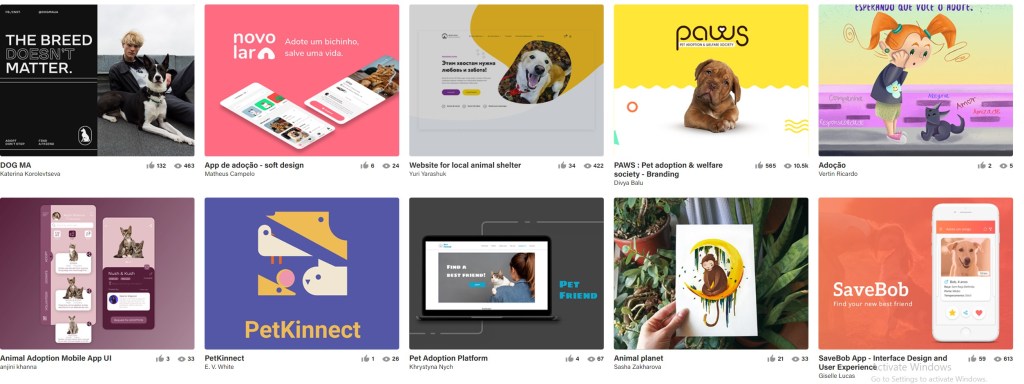
Firstly I’ve taken a look at a lot of Behance projects to see what they included in their app, and of course the latest tut on aero really helped me understand what screens I need to do and how to go about it. I honestly felt really overwhelmed getting into this and didnt really know what to do to start and its taken me so much reading I havent even decided on the look and feel of my design.
I have however looked at things I liked and now know what I want to incorporate in my design
I definitely want to include a lot of soft colors into my design, and make cute vector illustrations. It’ll help draw users in and though animal adoption apps may attract all ages, I suspect it tends to attract young kids/people begging their parents for a dog.
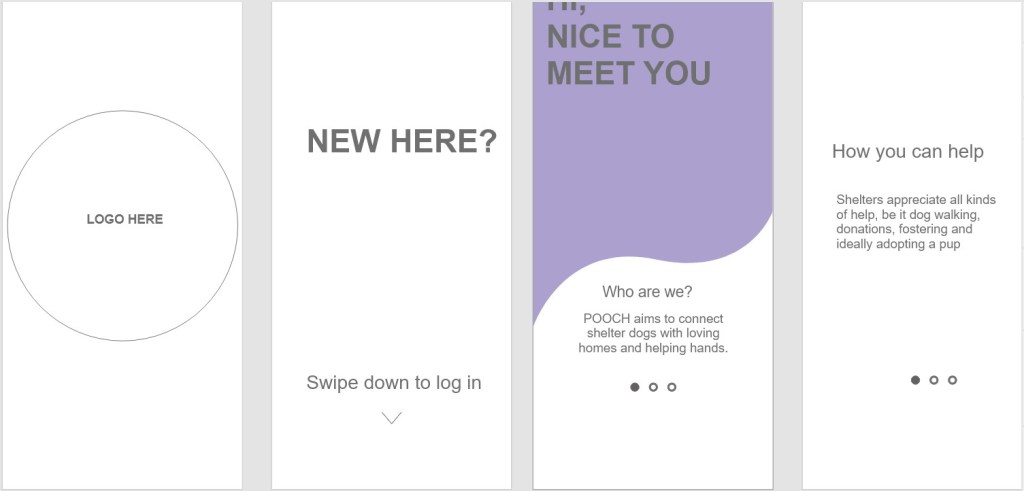
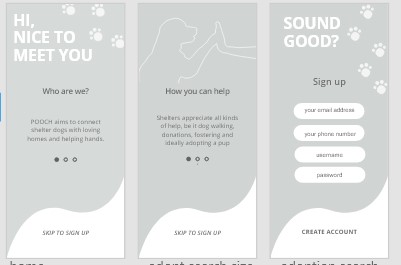
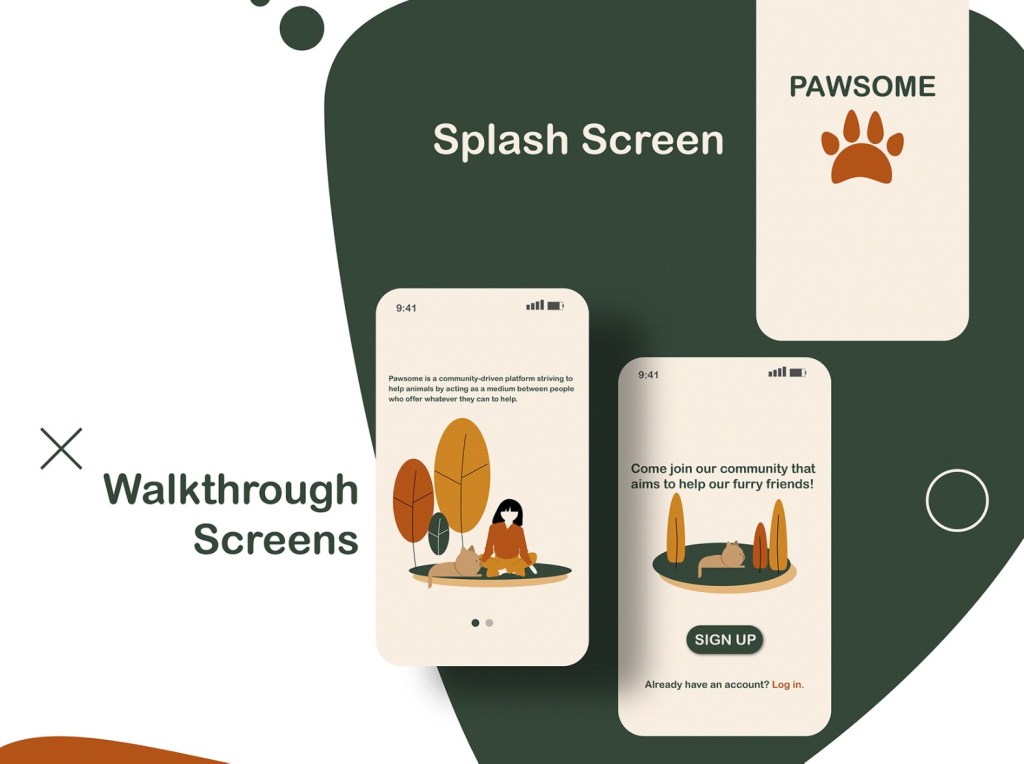
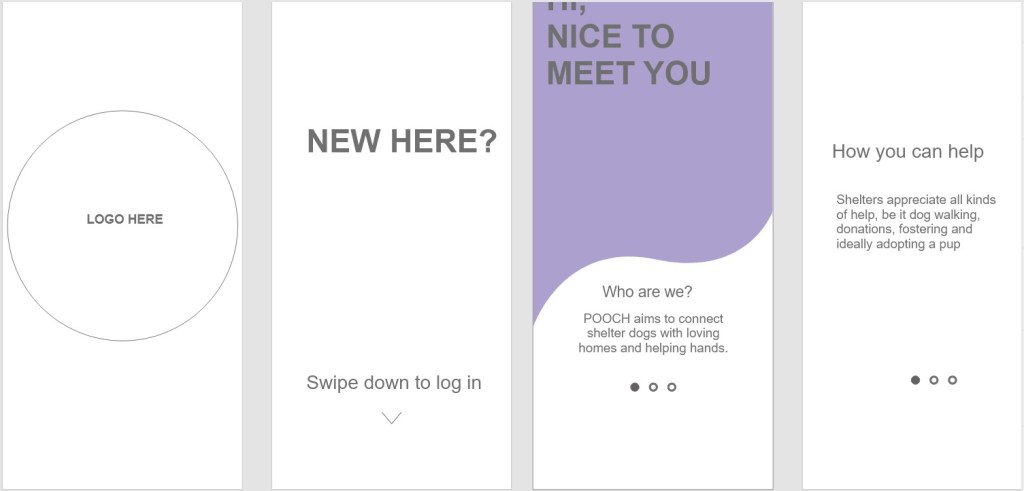
Splash and Onboarding screens
I really like the dot/swipe what do u call it thingy idea to introduce your app to the user.
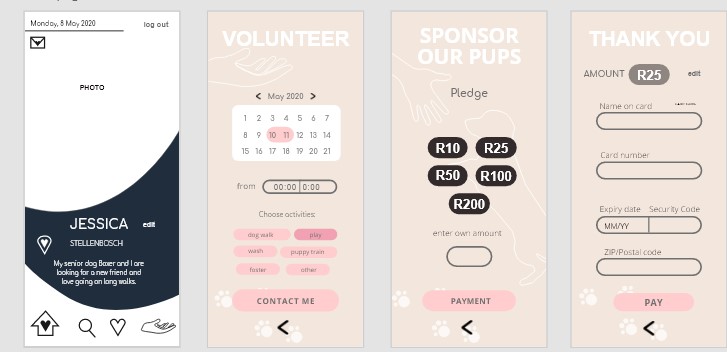
So far I’ve been outlining/mapping out my layouts, what each screen will say, so I know what assets, illustrations etc to design.
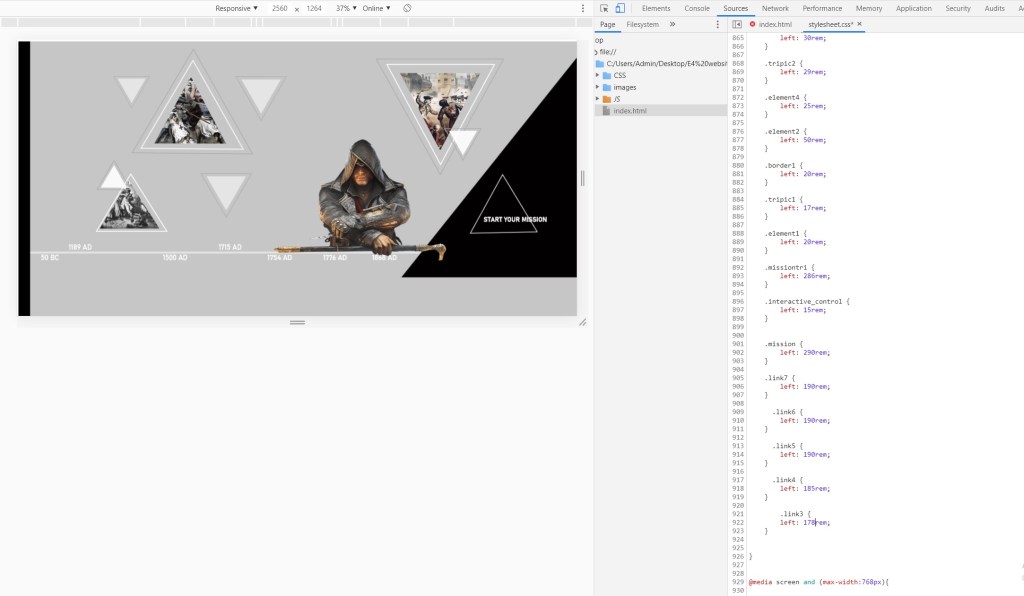
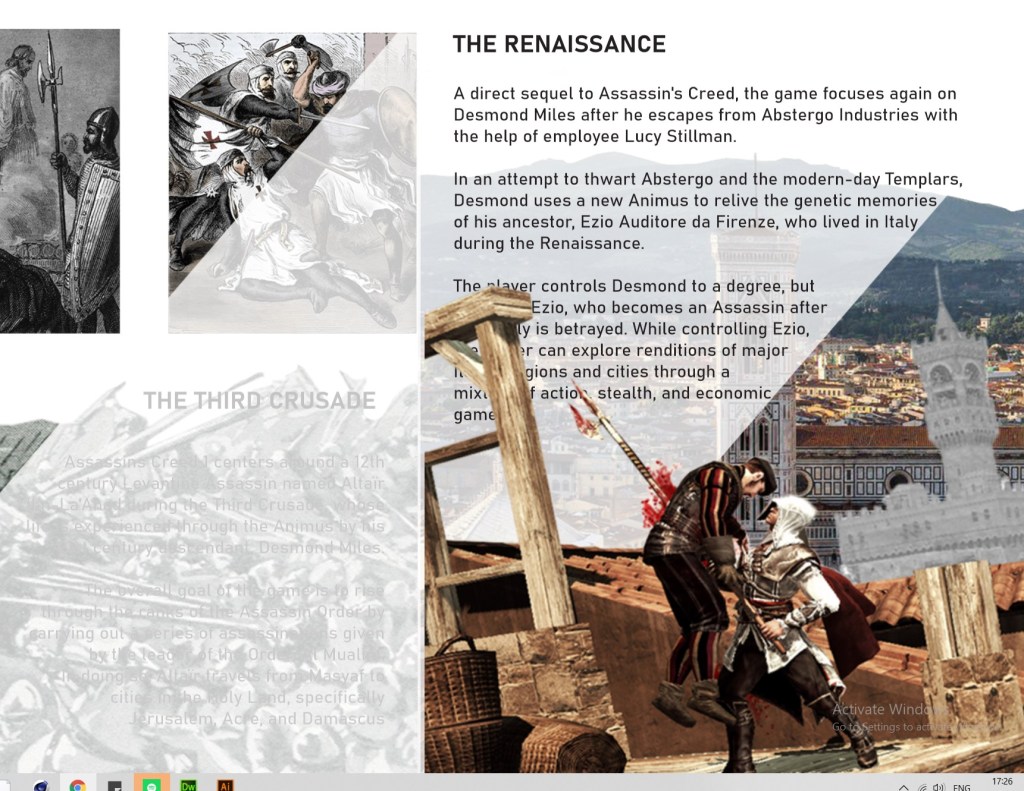
When I scroll over pages the triangles go over my text for some reason, even though in my code my text is on top. I think its to do with the parallaxes maybe, but even moving the containers hasnt helped, and i tried z index as well. Idk what to do :((((
Only when I look at it in inspect does it look fine…..











 Kristi Multimedia