

BRIEFING
Our new brief is to make 3 different animations on Photoshop, Animate. The 3 logos are Adidas, Spotify and Adult Swimwear. TO understand animation better, we learned the 12 principles of animation:
12 PRINCIPLES OF ANIMATION
- Squash & Stretch
- Staging
- Anticipation
- Straight Ahead and Pose to Pose
- Follow through and Overlapping
- Slow in and Slow out
- Arcs
- Secondary Action
- Timing
- Exaggeration
- Solid Drawings
- Appeal
I rewatched the video we saw in class:
I’ve already looked at a few After Effects animation tutorials after having done the exercise in class, and as there are soooooo many possibilites, I’ve found it hard to decide on animation-logo pairings.
I have thought however, that for Spotify I would like a a type of beating/pulsing effect to imitate a speaker as it is a music app.
As we’ve already been taught photoshop frame animation, I thought I’d start with that, but I’m also having fun playing around in AE.
Here is the exercise we did in class:
We were supposed to be able to do 3 shapes at a time, so I will retry it. I think I have a better understanding now, I just find it impractical that you can’t seem to see the keyframes of the other shape when you’re on the layer of a new shape??
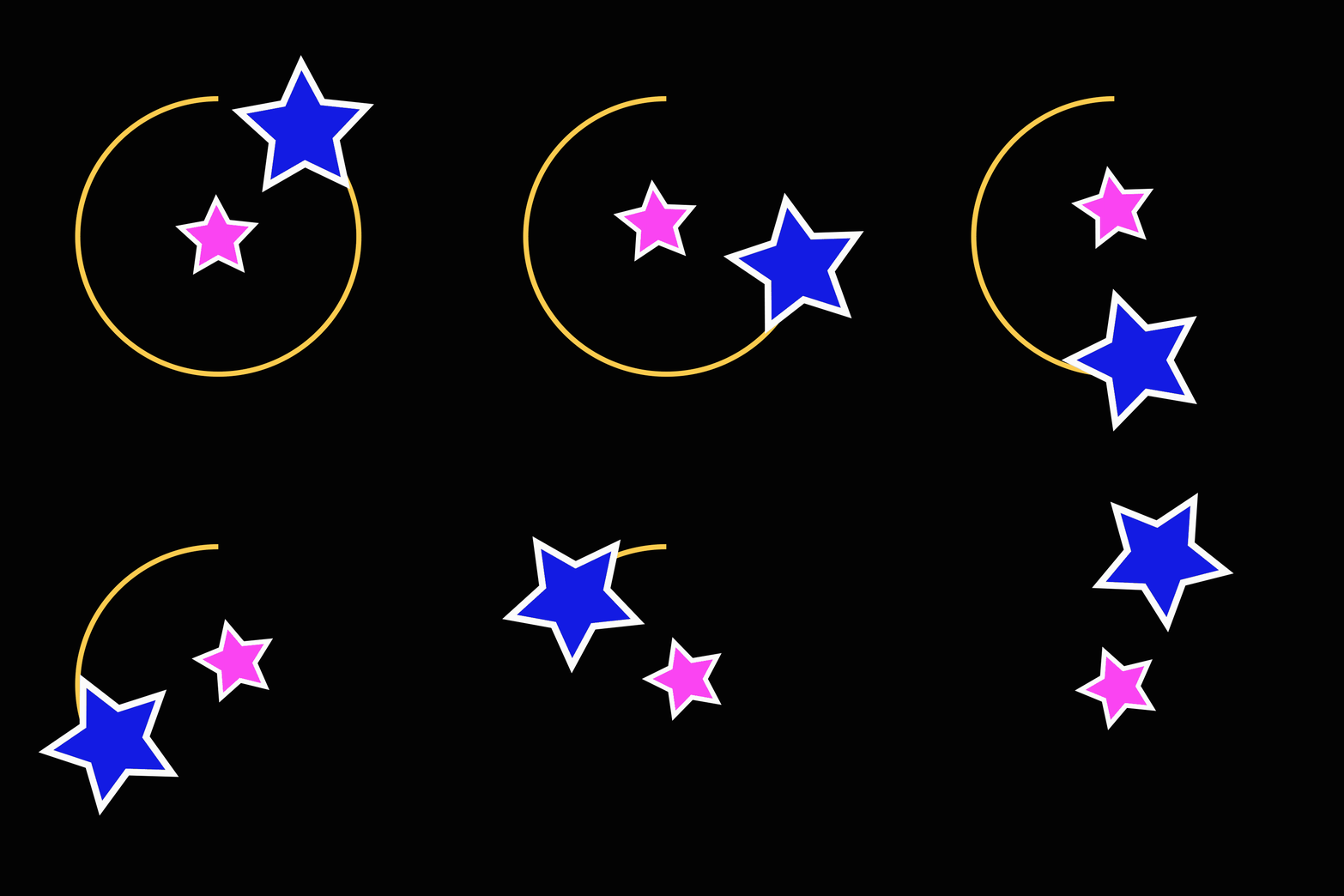
Here I added another star and trim pathed a circle.
FIRST LOGO REVEAL:
AFTER EFFECTS
This weekend, after watching a few tutorials, I found two effects that I thought would look good together. The principle of animation used in this logo is Arcs.
I mostly liked anything that had an electric/neon sign effect and that made your text glow. The tutorials I watched used a plug in called Saber. Once installed there are a lot of options of effects to choose from.
2 tutorials that really helped me were:
After half following 2 tutorials to learn how to install and use it, I had to tweak it to my liking, like changing the color, opacity and the intensity and direction of the glow and other effect. After finishing both comps I dragged one onto the other, and changed the duration such as when the circle is completing its outline glow it is a second slower than the text.
To make both compositions flow I had to make sure the spotify word and logo was perfectly lined up. It rather was a bit of going with the flow and seeing what works, and figuring it out along the way.
NOT SO FINAL BUT ALMOST FINAL RESULT:
I downloaded a whoosh sound effect for when the logo comes in.
CONSULT: After consulting, I found I need to add a few little shapes or things moving around my logo. My first idea is to animate a few scattered, small triangles that appear at intervals around the text and add the glow effect on them. I decided on triangles as the glow effect would make it look too much like blobs, and it seems as though everyone is using circles so it would be nice to do something different. I’ll see how it goes…
TUT: CANDLE CELL ANIMATION
Today we did Photoshop cell animation exercises from School of Motion. Here I made a candle frame. It was supposed to be slower, 12 frames of 2x but I made the mistake of making 24 1x frames. Oh well.

TIMING ANIMATION EXERCISE

PHOTOSHOP CEL ANIMATION RESEARCH
To find out what types of stuff is possible with cel animation, I looked at what others have created for some inspiration….


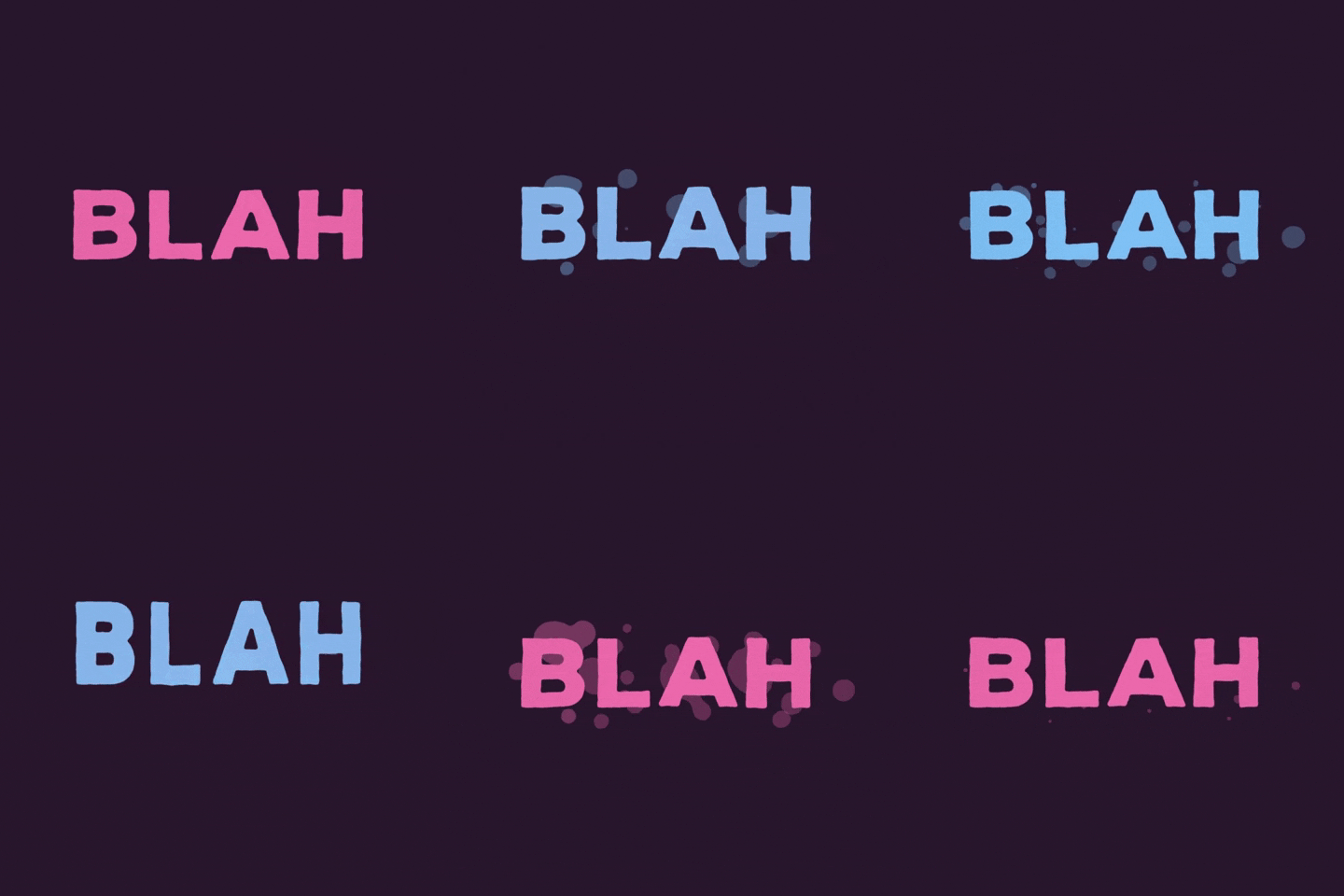
I’m not a huge fan of drawing on photoshop with my mouse, as it won’t ever look as good as I want it to be, and it is also veryyy slow work. And bad for my eyes. Therefore, I’d rather do a text based animation, though I like the stretch and squash effect that comes from drawing text like this gif:
As I prefer doing text, I decided to use the Adult Swim logo for my cel animation. So far I have in mind to have the letters change color, and make it glow in a blinking manner like a neon sign. Then, I thought for the logo exit I’d have the brackets form a fin at the end of the logo, and make the logo “swim” to the side, as the name is Adult Swim, after all.
PROCESS
When I first started working on my logo reveal, I the logo stretch and bounce like the gif that inspired me (above). Then I executed my concept of the Adult Swim logo being a fish, swimming into the frame and exiting again. I made bubbles float up in the background and added an underwater sound. I had to look at a few bubble gifs to see how bubbles should move….
Thus, I started working around this theme. My first animation of text appearing and disappearing seamlessly fit in after the fish swims out.
However, I wanted the swimming theme to become the overarching storyline, so for the end of the clip I made the text turn white to symbolize the fish being caught. The logo drips water, as the fish is taken out of the water. Luckily, doing the timing tutorial helped teach me how to make a droplet move realistically.
As the cartoons of Adult Swim look colorful, I chose to use bright colors that stand out against the black background. In addition, the sound effects I chose such as the “boing” sound of the bounce sound very cartoon-y.

As I made quite a few different movements and effects it came as no surprise that my animation was a whopping 18 seconds long…8 whole seconds to o long. Werner was a G and said it was fine though. yeet.
So here we have it…. the done and dusted logo reveal!! yay!!!
ANIMATE LOGO REVEAL
The last logo I needed to animate was Adidas. I was at a loss on what to do for this animation, but this image inspired me to make a paint drip effect:
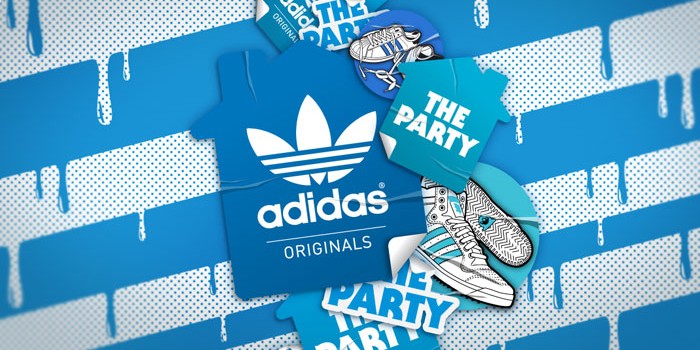
I went with the blue and white theme, making the logo turn blue, drip paint, have the entire frame become blue and have the logo reappear in white.
The animation principle applied to this animation is Timing and Anticipation.
Animate was tricky to figure out at first, and as we didn’t have a lot of time left to finish it, I kept it simple and wasn’t as ambitious as in my other 2 animations. I eventually got the hang of it though and this is the end result….
The song I used is Pump by Valentino Khan. It was hard to find a song after scrolling through many techno songs and to be honest i’m not even sure if it fits I was just tired of looking tbh lol

 Kristi Multimedia
WOW, we want to hire you to be our next Animation Artist to reveal our LOGOS! Slide into my DM’s
LikeLike