I could finally get going after wifi frustrations.
First up just reading about what goes UI design is and watching the aero and other tutorials on how to use XD…
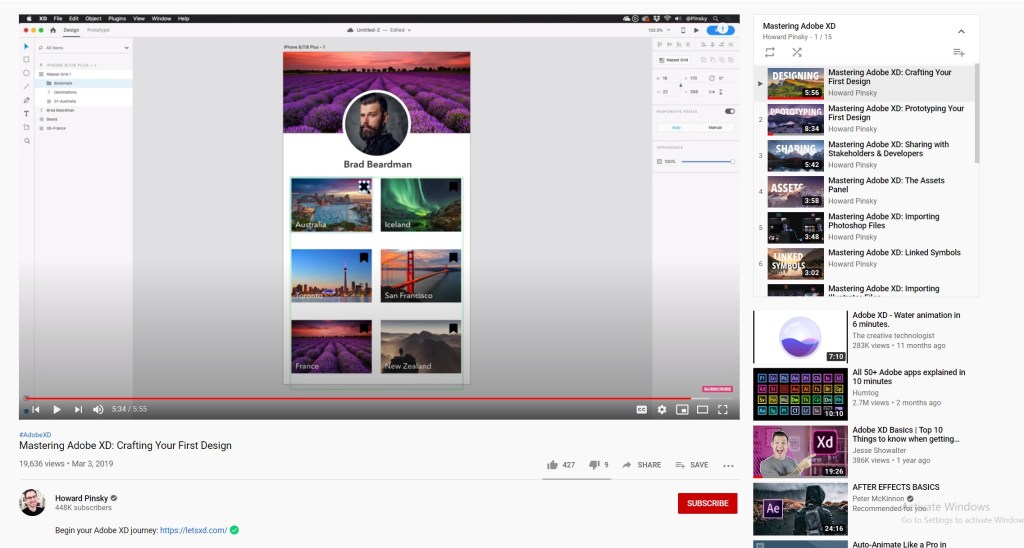
It lowkey took me a while to get used to it and i Just figured out that you need to drag the artboard name to move it and i feel dumb for struggling haha
Firstly I’ve taken a look at a lot of Behance projects to see what they included in their app, and of course the latest tut on aero really helped me understand what screens I need to do and how to go about it. I honestly felt really overwhelmed getting into this and didnt really know what to do to start and its taken me so much reading I havent even decided on the look and feel of my design.
I have however looked at things I liked and now know what I want to incorporate in my design
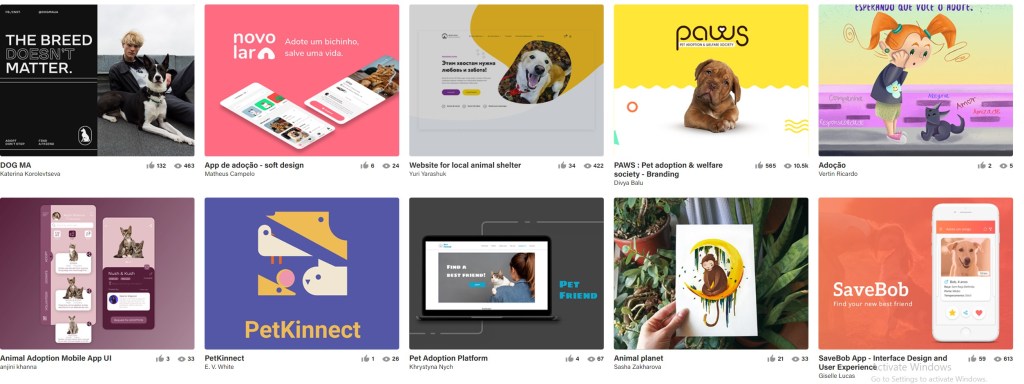
I definitely want to include a lot of soft colors into my design, and make cute vector illustrations. It’ll help draw users in and though animal adoption apps may attract all ages, I suspect it tends to attract young kids/people begging their parents for a dog.
Splash and Onboarding screens
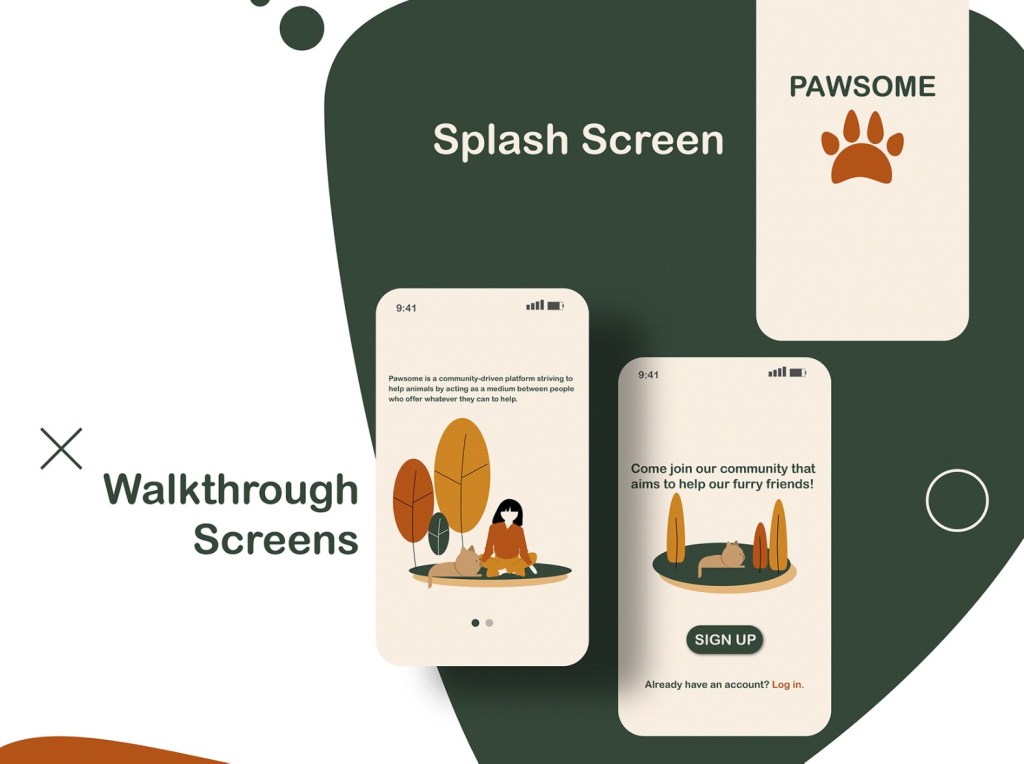
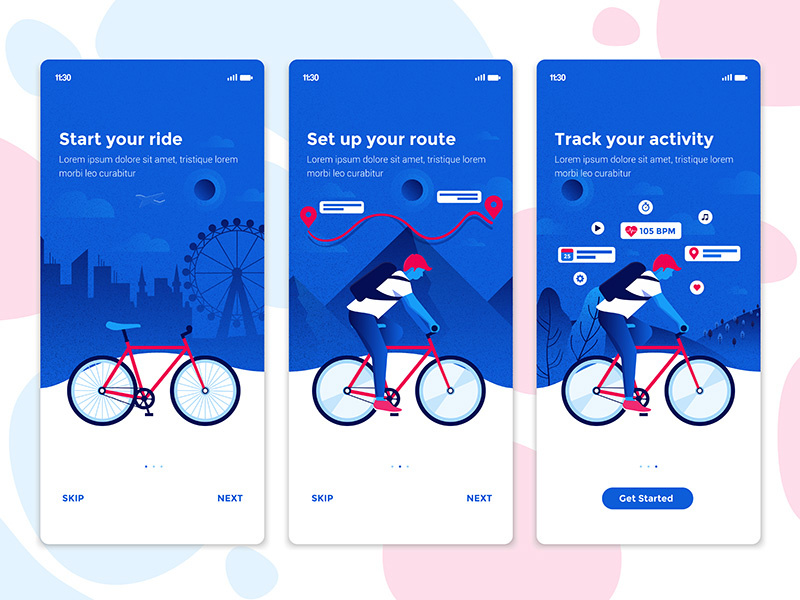
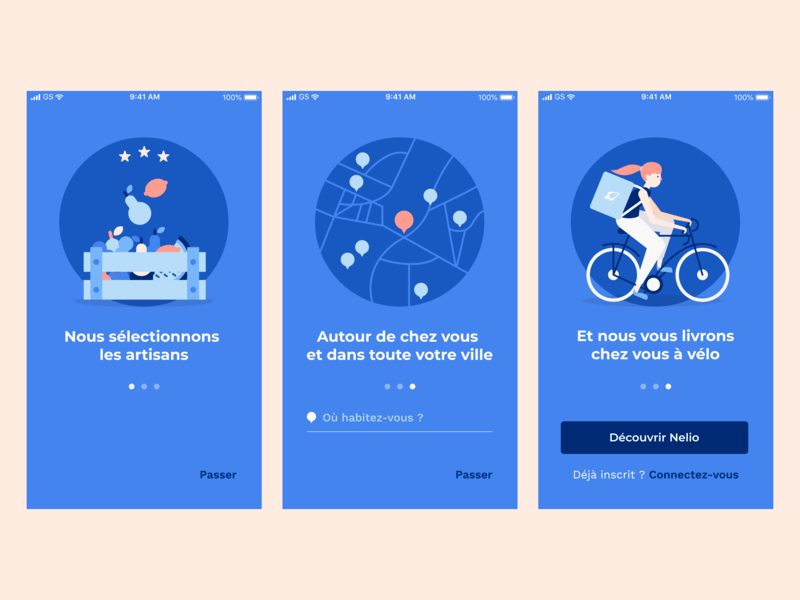
I really like the dot/swipe what do u call it thingy idea to introduce your app to the user.
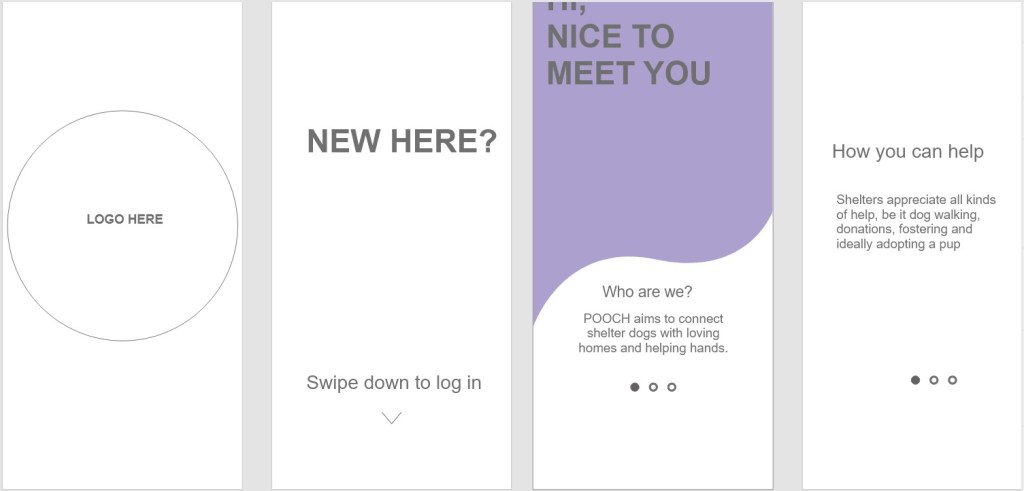
So far I’ve been outlining/mapping out my layouts, what each screen will say, so I know what assets, illustrations etc to design.
 Kristi Multimedia