Today we launched our new brief, which is making a tutorial on how we coded something for our brief website, such as how we did our scroll magic, parallax effect etc.
For Friday, we need to research what the parallax effect is and how it works so we are prepared for the tutorial.
For next week, we need to have found what j query plug in we would like to use on our website, and have a basic overview on how it works.
- Go watch the YouTube links on the brief
We started by making a basic html document, with an added JS file this time.
My first j query
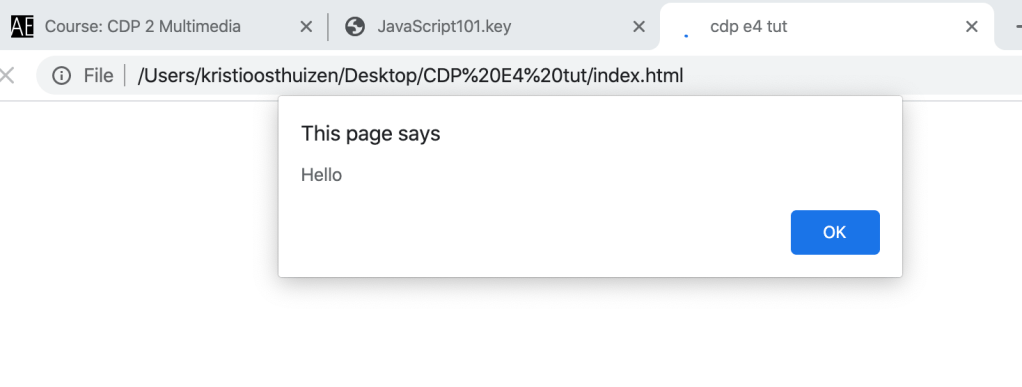
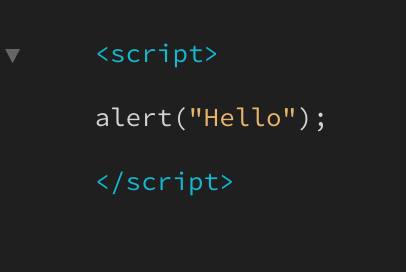
- In Java you can use spaces, capital and lowercase letters
- var, to call upon something its =
- you can’t put a number in front, just at the end
- camel case, first word lowercase, next words start capital
Setting up a variable in Inspect Console
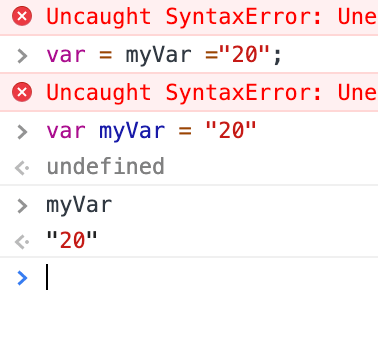
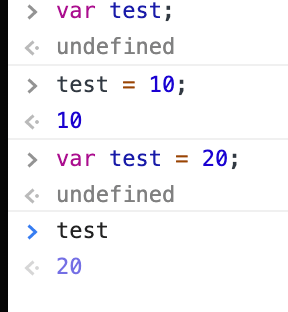
- name your variable
- give it a value
- Whole step in one sentence, and give it a value of 20
- Now it knows that test has a value of 20
- To change value, if you for example want to make it 30, you add 10:
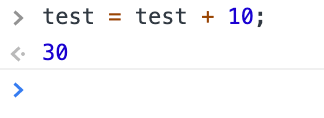
6. Now, if you want to combine that effect with another:
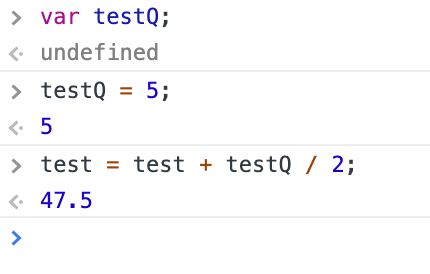
Again, give new effect a value, and then you can combine it by adding + and then halve the value by 2 if you want etc
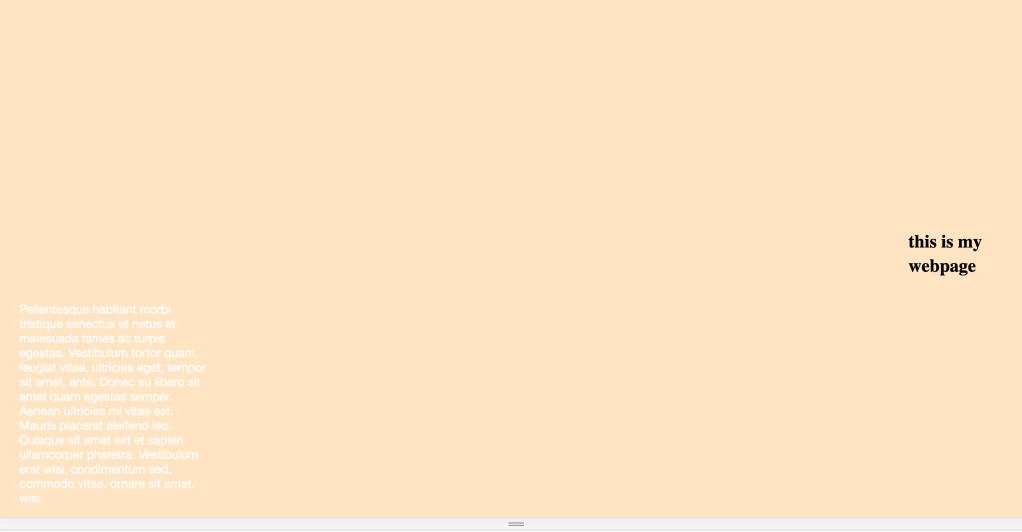
We started a website tutorial, this is how far I am…

 Kristi Multimedia